Telegram has just rolled out revamped calling features with striking visuals, a new animation named the “Thanos Snap Effect” for message deletion, and an extensive overhaul for its Bot Platform.

Below are the new features and enhancements introduced in the messaging app’s 10th update of 2023:
Enhanced Calling Experience
The latest update boasts a redesigned call interface, featuring captivating animations and dynamic backgrounds that change according to the call’s status – ringing, active, or ended.
This revamped interface consumes fewer device resources, enhancing battery efficiency and ensuring smoother operation, especially on older devices.
Moreover, Telegram has addressed numerous bugs and interface glitches while enhancing call quality. Plans for further improvements in connection and audio quality are scheduled for release in 2024.
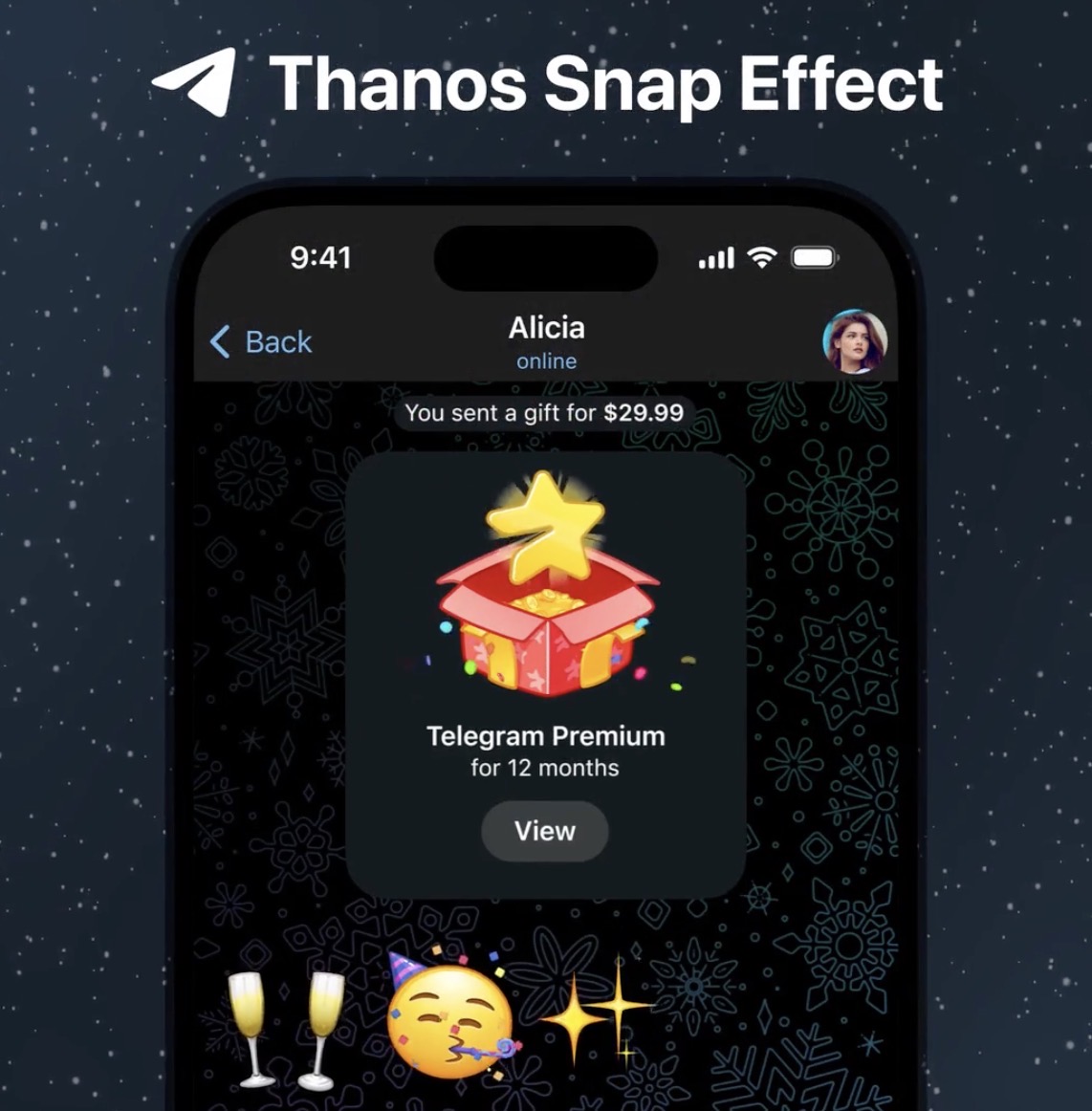
Thanos Snap Effect for Message Deletion
Following the experimental introduction of the vaporize animation for auto-deleted messages on iOS last month, this energy-efficient animation now extends to both iOS and Android platforms. This effect triggers each time a user deletes any message, enhancing the overall user experience.

Epic Bot Update
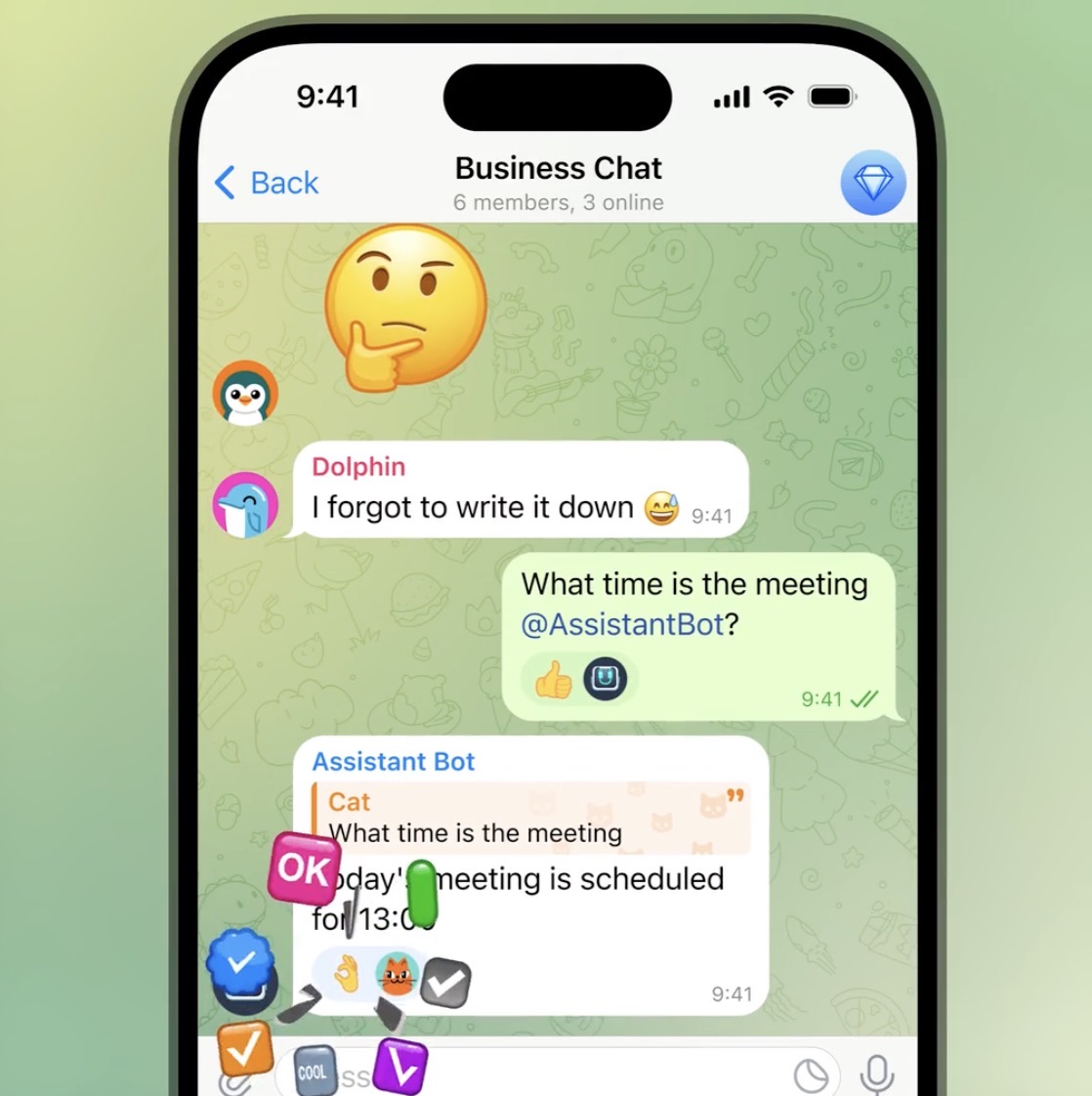
Telegram’s Bot Platform, allowing developers to integrate diverse services into the Telegram ecosystem, undergoes its most significant update yet
Among the multitude of enhancements, bots can now react to messages, manage reactions, quotes, and links, as well as send replies to other chats or topics.
Furthermore, bots gain the capability to access information concerning giveaways and channel boosts where they hold administrative privileges.

While this update brings a plethora of new features, Telegram promises more revelations slated for January, ensuring users remain engaged and updated with the platform’s evolving functionalities.
For those intrigued by bot creation and mini apps, Telegram provides an extensive Bot Guide offering additional information and a step-by-step tutorial for beginners.