How to Reset Your Mac Login Password [VIDEO]

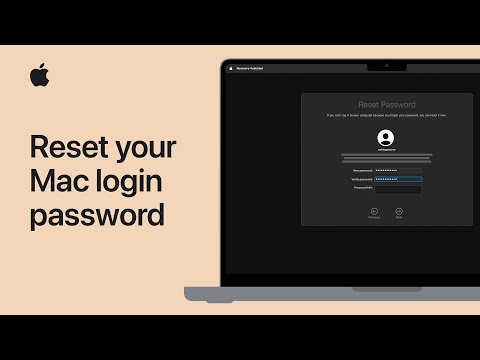
Apple has shared a new video tutorial on its YouTube channel, detailing the process of resetting your Mac login password in case you forget it.

Reset Mac login password.

The process involves entering macOS Recovery and reseting your password using the Recovery Assistant. Simply follow these steps:

  1. Start up from macOS Recovery (if you don’t know how, click here).
  2. While starting up from Recovery, you’re asked to select a user you know the password for. Click “Forgot all passwords?”.
  3. Follow the onscreen instructions, which vary based on your Mac setup. These instructions might include steps to reset your password.
  4. When done, click Exit to Recovery. You’re in Recovery when you see options to restore from Time Machine, reinstall macOS, and more:
  5. Before exiting to Recovery, if you were asked to reset your password, you can now choose Apple menu  > Restart, then log in with your new password. If you were not asked to reset your password, continue to the next step while still in Recovery.
  6. From the Utilities menu in the menu bar at the top of the screen, choose Terminal. Or press Shift-Command-T to open Terminal.
  7. In the Terminal window that opens, type resetpassword, then press Return.
  8. In the window that opens, choose a reset option, such as “I forgot my password” or “My password doesn’t work when logging in.” Then click Next and follow the onscreen instructions.
  9. After you provide the information requested, you’re asked to create a new password for your account and any other user accounts. You can then restart your Mac and log in with the new password.

Watch the video below to learn more.

YouTube video

Want to see more of our stories on Google?

Add iPhone in Canada as a Preferred Source on Google

P.S. Want to keep this site truly independent? Support us by buying us a beer, treating us to a coffee, or shopping through Amazon here. Links in this post are affiliate links, so we earn a tiny commission at no charge to you. Thanks for supporting independent Canadian media!

Subscribe
Notify of
guest
0 Comments
Oldest
Newest Most Voted
Inline Feedbacks
View all comments
0
Would love your thoughts, please comment.x
()
x