Apple’s Smart Home Hub With Siri AI and Face Recognition Could Launch Next Month
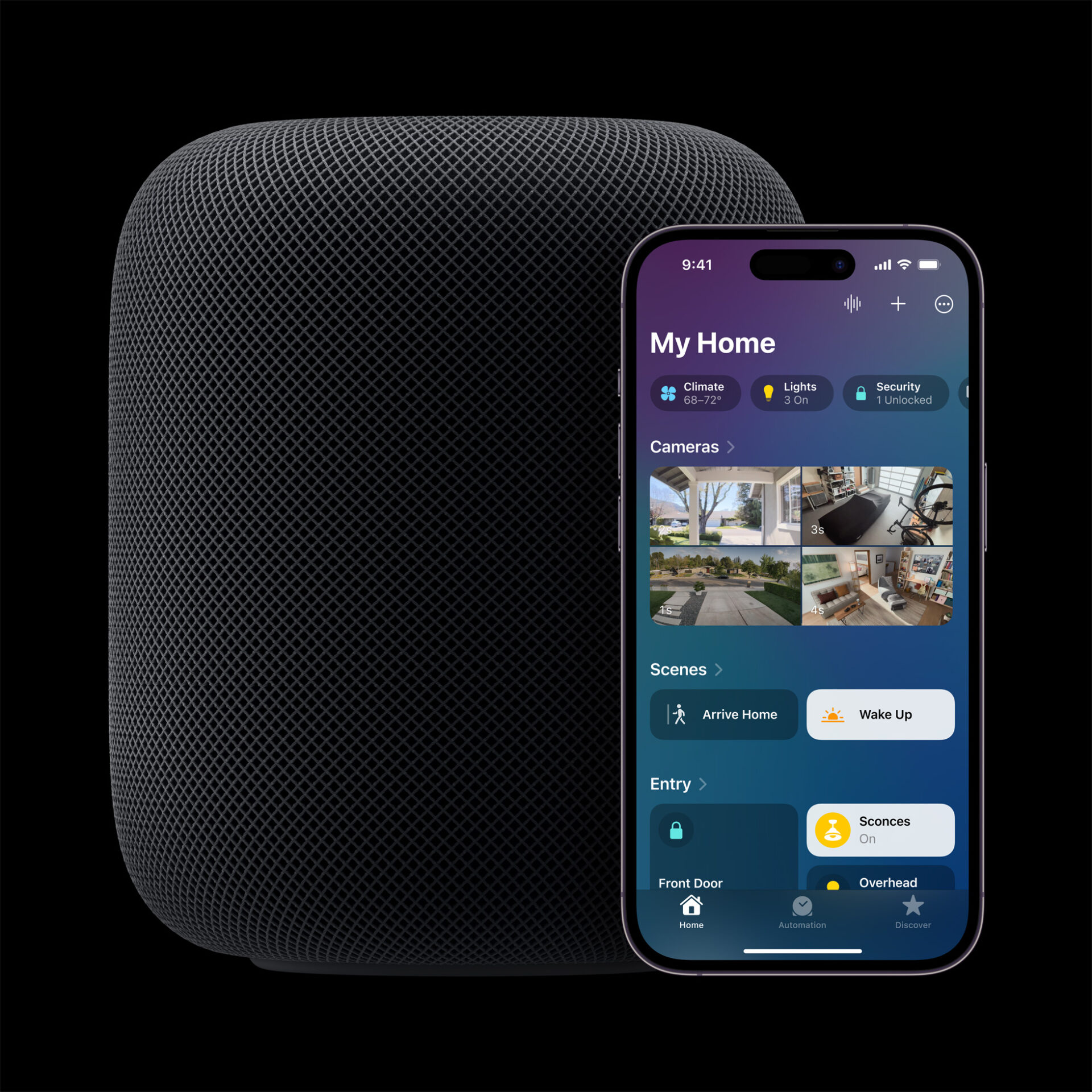
Apple's long-awaited smart home hub could launch as early as next month with facial recognition and Siri AI, according to Mark Gurman.

OpenAI has launched a new “study mode” in ChatGPT, designed to help students work through homework and tough topics step by step, instead of just giving them the answers.
The feature is available starting today for all logged-in users on the Free, Plus, Pro, and Team plans, with access for ChatGPT Edu accounts coming in the next few weeks.
This new mode is meant to shift ChatGPT from being a shortcut to being a learning companion. Instead of dumping out a solution, it now guides users with questions, hints, and clear explanations to help them understand what they’re doing. In OpenAI’s words, “Study mode is designed to be engaging and interactive, and to help students learn something—not just finish something.”
It also tries to match the student’s level by adjusting its responses based on previous chats and questions. Explanations are broken into easy-to-follow sections, and along the way, the AI checks for understanding through small quizzes or open-ended questions.
“Instead of doing the work for them, study mode encourages students to think critically about their learning. Even in the AI era, the best learning still happens when students are excited about and actively engaging with the lesson material,” said Robbie Torney, Senior Director of AI Programs at Common Sense Media.
College students who tested the feature compared it to a never-tired tutor. “The best way I’d describe it is a live, 24/7, all-knowing ‘office hours,’” said Noah Campbell, one of the early testers. Another student, Maggie Wang, said she finally understood a topic she’d struggled with for years after spending three hours using study mode: “It was like a tutor who doesn’t get tired of my questions.”
OpenAI says this is just the beginning. Right now, study mode is powered by behind-the-scenes system instructions built with help from teachers and learning scientists. The goal is to eventually bake this behavior directly into ChatGPT’s models, based on real-world feedback from students. They’re also working on features like goal setting, progress tracking, and better visuals to help with more complex topics.
To try study mode, just log into ChatGPT, click “Study and learn” from the tools menu, and start asking questions. It won’t just give you the answer—but it might actually help you understand it.
Being a student nowadays has never been easier with AI tools like ChatGPT. Study Mode in ChatGPT basically will put tutors out of business. At some point, we won’t need brains anymore…
Want to see more of our stories on Google?

P.S. Want to keep this site truly independent? Support us by buying us a beer, treating us to a coffee, or shopping through Amazon here. Links in this post are affiliate links, so we earn a tiny commission at no charge to you. Thanks for supporting independent Canadian media!

