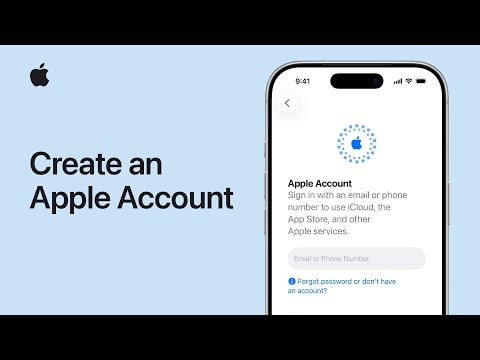
Your Apple Account is the account you use to access Apple services, make purchases in the iTunes Store and App Store, and more. You can create an Apple Account on your iPhone, iPad, Mac, Apple Vision Pro, or at account.apple.com.

To create a new Apple Account using your iPhone or iPad, follow these steps:
- Tap “Forgot password or don’t have an Apple Account?” when you see the prompt while setting up your device.
- Tap Create a Free Apple Account.
- Select your birthday and enter your name. Tap Continue.
- Provide your email address. This primary email address will be what you use to sign in to your Apple Account. If you don’t have an email address, tap “Don’t have an email address?” to get a free iCloud email address.
- Follow the onscreen steps to verify your email address, create a strong password, set your country or region, and set up two-factor authentication. If you choose to skip this step, you’ll be prompted to do this later in Settings.
After you verify your email address, you can sign in to your new Apple Account to use the App Store and other Apple services such as iCloud.
As you use your new device, you might be asked to enter your phone number, or a payment method and billing information. Your phone number can help to verify your identity and recover your account if needed.
Watch the Apple support video below to learn more.