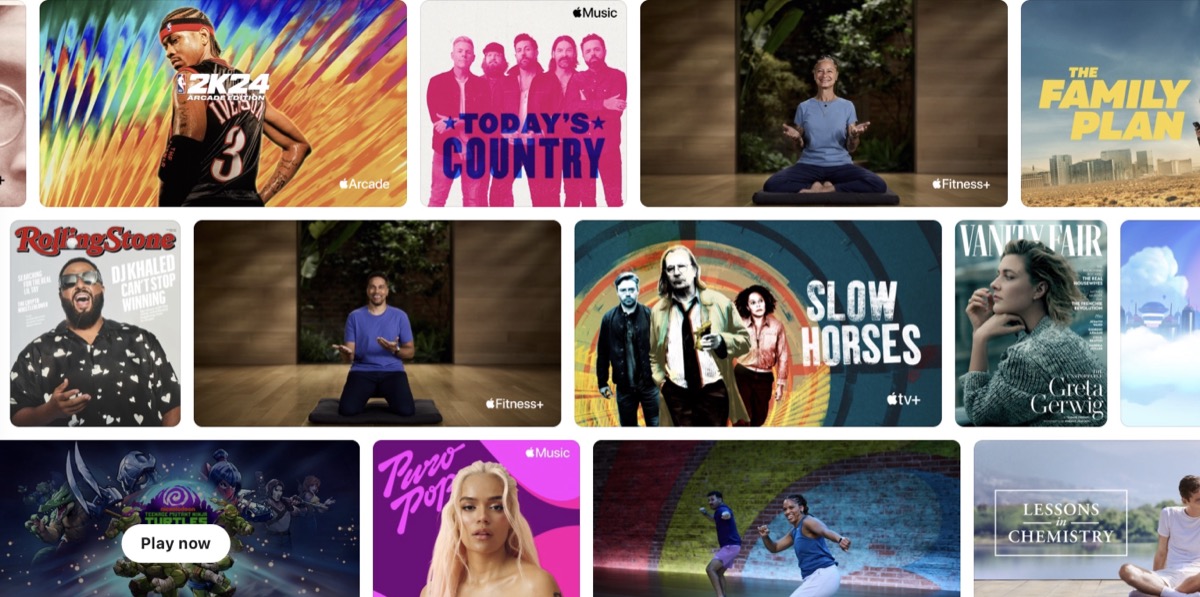
Apple Offers 3 Months of Apple One Free to New Device Buyers
Apple is offering three free months of Apple One with the purchase of a new iPhone, iPad or Mac in Canada, for new and qualified returning subscribers.
Starting in visionOS 26, you can automatically scroll through web pages, documents, lists, and views in Safari and other supported apps just by using your eyes.

You can easily interact with Apple Vision Pro using your hands, eyes, and voice, along with the Digital Crown and top button. To scroll up, down, or side-to-side using just your eyes, follow these steps:
You can also easily adjust the scrolling speed in Vision Pro Settings. The following Apple tutorial video explains how to do so. Check it out.

Want to see more of our stories on Google?

P.S. Want to keep this site truly independent? Support us by buying us a beer, treating us to a coffee, or shopping through Amazon here. Links in this post are affiliate links, so we earn a tiny commission at no charge to you. Thanks for supporting independent Canadian media!

