
Twelve South’s AirFly Drive Makes Apple CarPlay Wireless
Twelve South has launched AirFly Drive, a $39.99 USD adapter that turns a car's wired Apple CarPlay or Android Auto connection wireless.
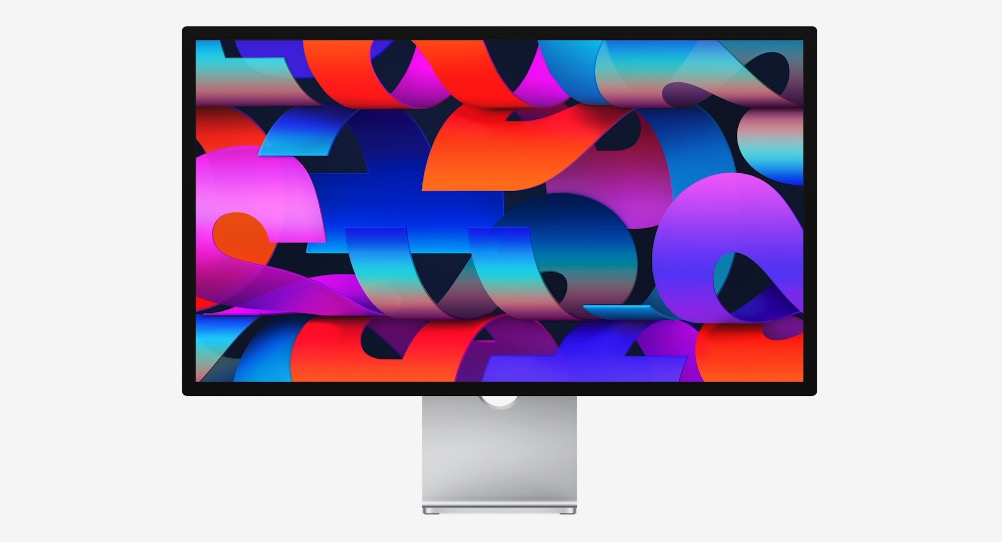
Mac users running Apple’s latest desktop operating system are increasingly reporting an annoying display bug, with macOS Tahoe causing intermittent screen flickering — particularly on Apple’s own Studio Display.
According to a report from MacRumors, the issue has been present since macOS Tahoe first launched back in September, and subsequent updates appear to have only made matters worse. Users say the flickering manifests as brief flashes on screen, sometimes occurring several times in rapid succession, making everyday tasks distracting and frustrating.
The problem seems most noticeable when switching between apps with stark white backgrounds or scrolling through light-coloured webpages. In many cases, simply moving from dark content to light content is enough to trigger the flicker. While the Studio Display appears to be the most commonly affected monitor, some users report similar behaviour on other external displays as well, suggesting this may be a broader macOS-level issue rather than a hardware defect.
MacRumors said it has personally experienced the bug on a MacBook Pro connected to a Studio Display, noting that neither macOS Tahoe 26.1 nor the more recent macOS Tahoe 26.2 updates have improved things. In fact, reports suggest the flickering has become more frequent in recent days.
Six Colors contributor Dan Moren echoed those findings, saying he has seen the same flickering behaviour on both a Mac mini and MacBook Air when paired with a Studio Display. Moren said he attempted to mitigate the issue by disabling features such as True Tone, Night Shift, and automatic brightness. While turning off Night Shift may have helped slightly, he described the bug as frustratingly intermittent and difficult to pin down.
Compounding the issue, Apple has yet to acknowledge the bug publicly, leaving users unsure if or when a fix might arrive. Given the number of affected Studio Display owners, many suspect the root cause is software-related and could potentially be addressed through updated Studio Display firmware or a future macOS patch.
The flickering issue adds to a growing list of quirks introduced with macOS Tahoe, including another bug that impacted users installing the update on the M3 Ultra Mac Studio. That said, Apple has also continued to roll out quality-of-life improvements, such as a new Edge Light feature that significantly improves video calls, introduced in macOS 26.2.
For now, affected users may have little choice but to wait for Apple to respond, as neither the original macOS Tahoe release nor subsequent updates have resolved the screen flickering problem.
Want to see more of our stories on Google?

P.S. Want to keep this site truly independent? Support us by buying us a beer, treating us to a coffee, or shopping through Amazon here. Links in this post are affiliate links, so we earn a tiny commission at no charge to you. Thanks for supporting independent Canadian media!

