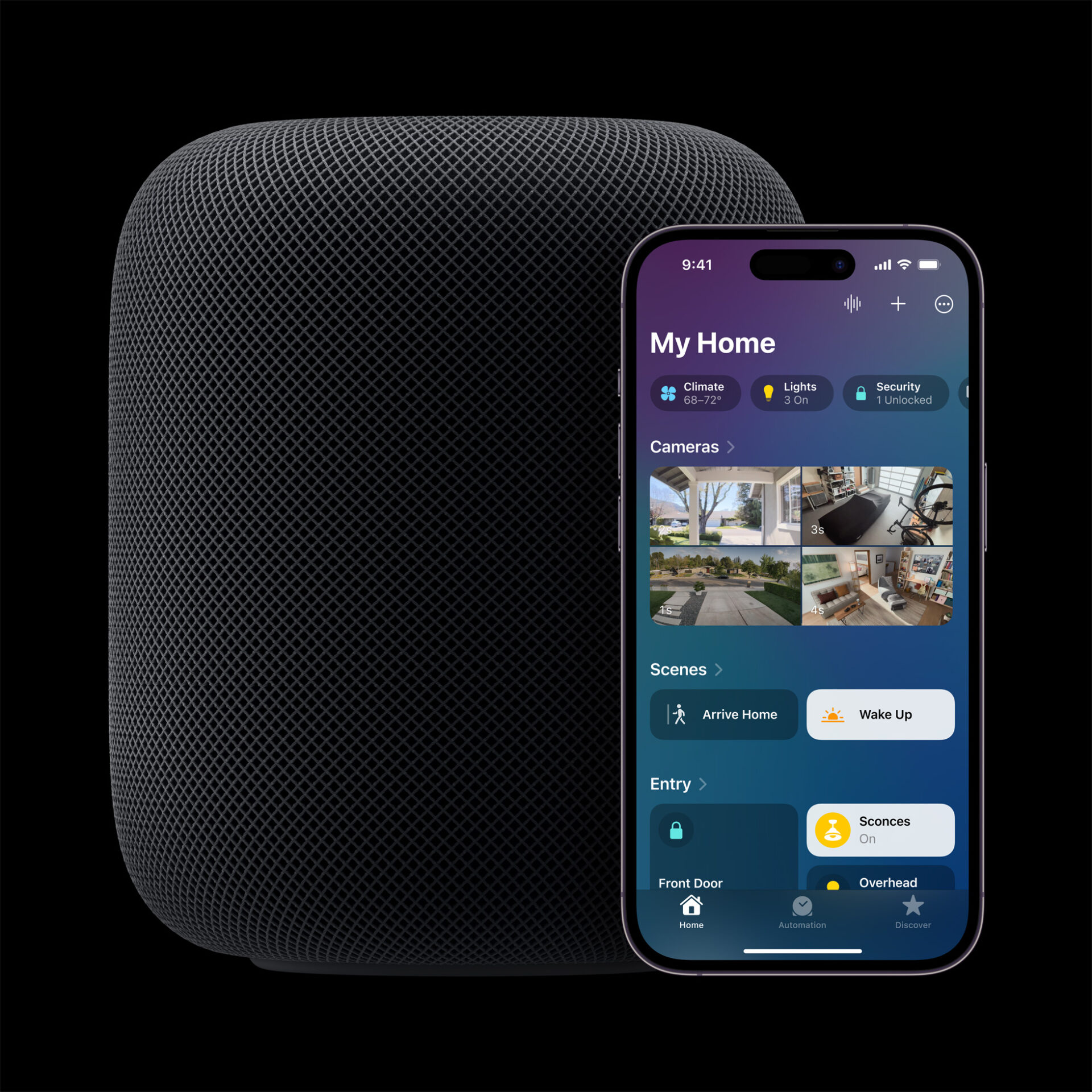
Apple’s Smart Home Hub With Siri AI and Face Recognition Could Launch Next Month
Apple's long-awaited smart home hub could launch as early as next month with facial recognition and Siri AI, according to Mark Gurman.
You can use AirTag and Find My to keep track of your personal items, like keys, backpacks, and more. If your item is nearby, you can use Precision Finding to help you find it, even if it’s stuck between couch cushions or hiding in a stack of mail.

You can use Find Nearby on your iPhone to pinpoint the location of your item with Precision Finding. Find Nearby works on iPhone 15 and later. Environmental factors, including wall materials or objects between your iPhone and your AirTag, might impact performa
If your iPhone says that it requires more light, uncover the camera or tap the Turn Flashlight On button.
To learn more, watch the following Apple support video.

Want to see more of our stories on Google?

P.S. Want to keep this site truly independent? Support us by buying us a beer, treating us to a coffee, or shopping through Amazon here. Links in this post are affiliate links, so we earn a tiny commission at no charge to you. Thanks for supporting independent Canadian media!

