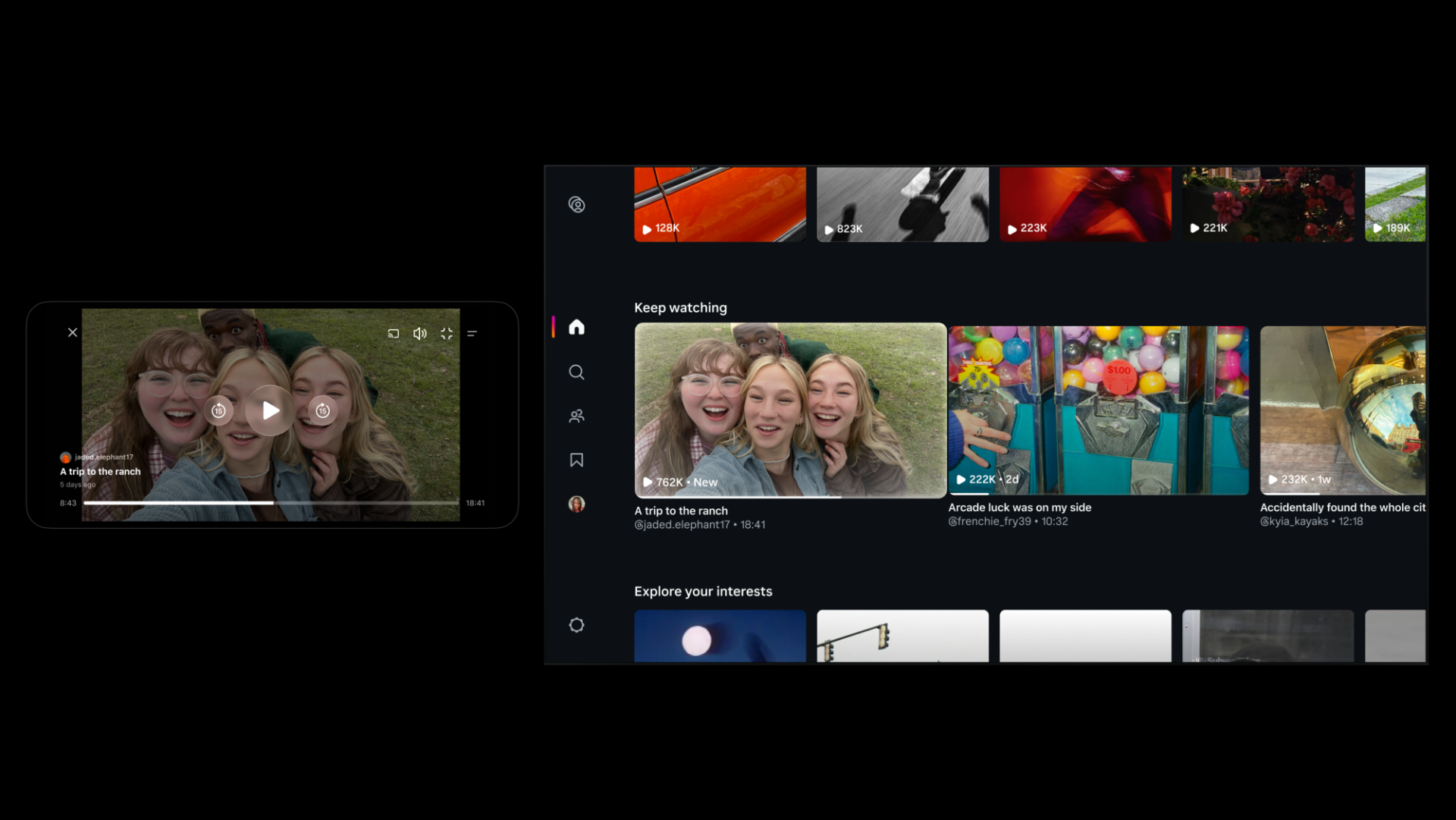
Instagram Tests 90-Minute Horizontal Videos in Push Against YouTube
Instagram is testing 90-minute horizontal videos and a new 'Features' option to help creators share long-form content on the platform.

Google has made Gemini a lot more useful today. The AI assistant can now generate and download actual files directly from the chat window, no more copying text into Word or Docs and cleaning up the formatting yourself.
The feature supports a solid range of formats: PDFs, Word docs, Excel spreadsheets, CSVs, LaTeX, and Markdown. If you’re already in Google’s ecosystem, you can push content straight to Docs, Sheets, or Slides with no extra steps. This update is essentially a student’s dream.
In practice, it’s pretty straightforward. Ask Gemini to turn your brainstorm into a report, wrap up a budget in a spreadsheet, or package some data into a CSV, and it’ll spit out a ready-to-download file. You can save it locally or send it straight to Google Drive.
The update is rolling out now to all Gemini users on desktop and mobile. It’s a small change on the surface, but it meaningfully shifts what the chatbot is actually for: less of a text generator, more of a tool you can actually get work done in.
Want to see more of our stories on Google?

P.S. Want to keep this site truly independent? Support us by buying us a beer, treating us to a coffee, or shopping through Amazon here. Links in this post are affiliate links, so we earn a tiny commission at no charge to you. Thanks for supporting independent Canadian media!