iPhone Duo Review: Apple’s Imperfect Foldable is Also its Most Exciting Device in Ages
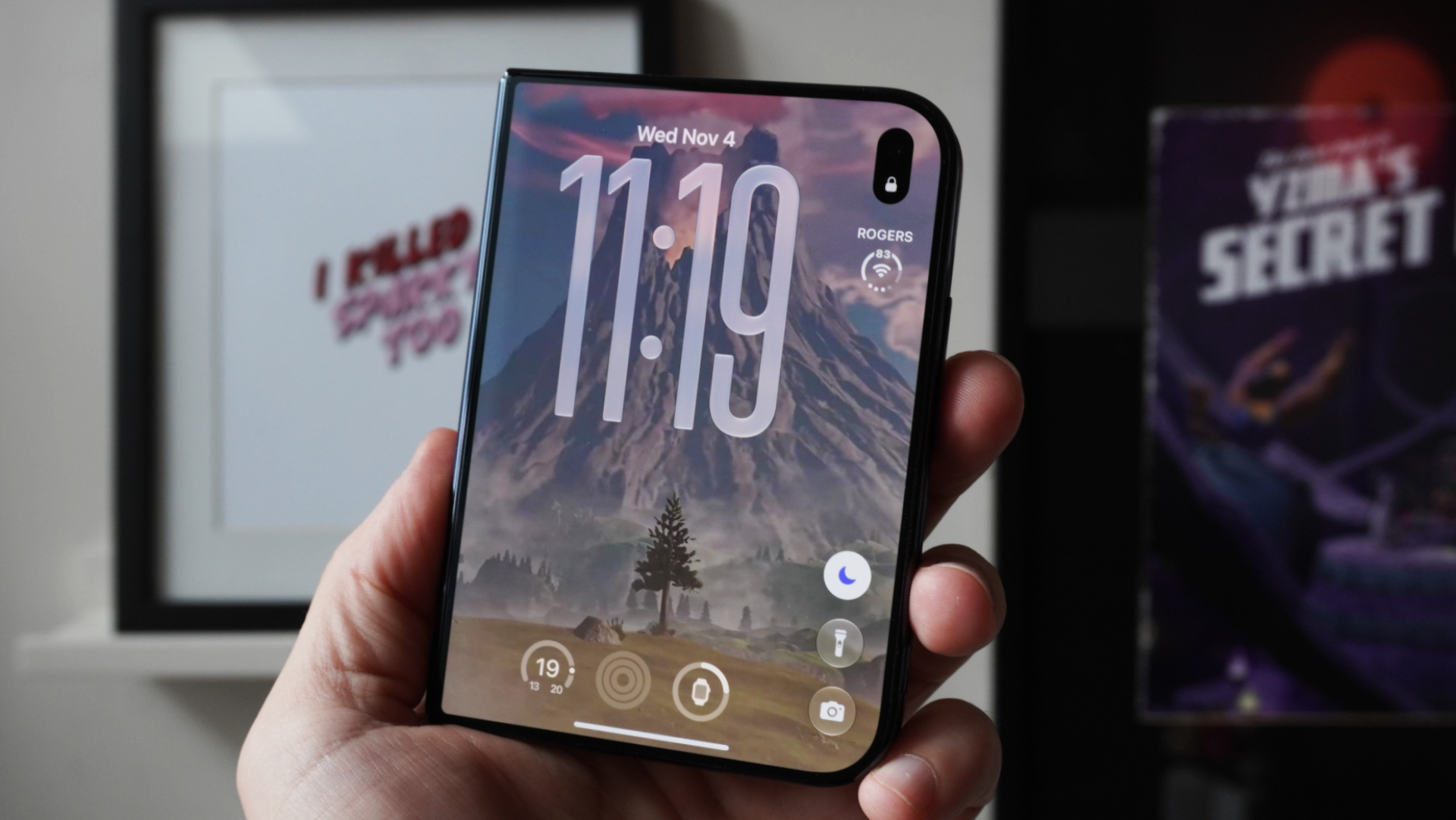
Two weeks in, I'm still enamoured every time I open the iPhone Duo.

Amazon’s latest Kindle Scribe feels pretty different from a regular Kindle the second you pick it up.
Amazon Canada recently sent me the Kindle Scribe to try out, and after using it for the past few weeks, the 11-inch display is easily what I like most about it. At 5.4mm thick and 400 grams, it almost feels like an ultra-thin iPad in your hands, just without the heavier glass tablet feel.
These newer Kindle Scribe models arrived in Canada in June 2026 after first debuting in the U.S. in fall 2025 (September to be precise). The original Kindle Scribe debuted back in 2022 here.
If you’re coming from a regular Kindle Paperwhite, the difference in size is immediately noticeable. You get more text on the screen, there’s less page turning and books feel less cramped. Going back to a smaller Kindle after using the Scribe almost makes the Paperwhite feel tiny.
The bigger display also makes the Scribe feel more like a full-sized reading device. For longer reading sessions, documents or textbooks, having that extra space makes a bigger difference than I expected.

I also really like one of the basic advantages of a Kindle: you’re not staring into a traditional backlit screen. The Scribe uses a front-lit Paperwhite display, so the light shines across the display rather than directly out at you like an iPad or iPhone.
After spending all day looking at monitors, phones and tablets, that is much nicer on the eyes. If you like reading at night, it’s also a nice way to end the day without staring at another bright backlit display.

The hardware itself is also really nice. Despite the size of the screen, the Scribe is easy to hold and doesn’t feel like you’re carrying around another full-sized tablet. I like how there are little rubber feet in all four corners so you can lay this down flat and not worry about scuffing up the back.

I think the Scribe makes a lot of sense for students, especially anyone who spends hours reading textbooks, reviewing PDFs or taking notes.
Personally, I’d rather look at this display for a long study session than an iPad screen. There’s also the fact that you don’t have notifications, social media, YouTube and a bunch of other apps sitting there waiting to distract you (especially group chats in iMessage).
For studying, doing less can actually be useful.

The Premium Pen is a big part of what separates the Scribe from a regular Kindle. Writing feels responsive, and after a few minutes it starts to feel more like a digital notebook than simply an oversized e-reader.
You can quickly write notes, edit them, convert handwriting to text and mark up documents. There are a bunch of different notebook templates too, including lined paper, graph paper, dotted layouts and legal pad-style pages.
You can also import documents from Google Drive and Microsoft OneDrive, which makes the Scribe much more useful if you’re using it for school or work.

The pen has different writing tools and thicknesses, so you can switch between a pen, marker or pencil depending on what you’re doing. For basic note-taking, I found it really easy to pick up and start using without much of a learning curve.

Amazon also includes five extra replacement tips for the pen, which is a nice little touch. Apple (in typical Apple fashion) doesn’t give you any extra tips with Apple Pencil, so it’s good to see Amazon include some replacements in the box, especially if you’re going to be writing on the Scribe every day.

Battery life is another area where the Kindle Scribe has a clear advantage over something like an iPad.
Amazon rates it for up to 10 weeks of reading or up to two weeks of writing, depending on how you use it. In normal use, this is the kind of device you can throw in a bag and not constantly think about charging. We haven’t had to charge this thing yet as the battery life seems endless in our light to medium usage.
That also makes sense for students. You can take it to class, use it for notes, read on it later and not worry about finding a charger every night.
The 32GB Kindle Scribe costs $679.99 CAD, and that’s where the decision gets a bit harder.
At nearly $700, you’re firmly into iPad territory, and an iPad can obviously do much more (an education M4 iPad Air 11-inch is $729). You can browse the web, watch videos, run full apps, play games and use it for most computing needs thanks to the App Store.
But that’s also part of the appeal of the Scribe. It does less, and when you’re trying to read, study or take notes, that can actually be a good thing.
If all you want is a Kindle for reading novels, a regular Paperwhite is still much easier to justify. The Scribe starts to make more sense if you really want the larger display and plan on using the writing features too.
If you’re an avid reader, the Kindle Scribe is a real treat.
The 11-inch display is really nice to read on, especially if you’re used to a regular Kindle. After spending hours looking at monitors, phones and tablets during the day, switching to the Scribe at night feels much more relaxing.
There are no notifications popping up, no social media and no temptation to jump into another app. You can just sit down and read.

If colour matters to you, Amazon also sells the Kindle Scribe Colorsoft. That gives you colour reading and colour note-taking, but it’s an even more expensive option at $829.99 CAD.
For me, the regular Kindle Scribe already makes a lot of sense if reading is the priority. It’s super thin and light, has very good battery life, and the combination of that 11-inch display and Premium Pen gives it a lot more flexibility than a regular Kindle.
The price is hard to ignore, but if you read a lot, take notes and can afford it, the Kindle Scribe is a very nice way to do both.
Want to see more of our stories on Google?

P.S. Want to keep this site truly independent? Support us by buying us a beer, treating us to a coffee, or shopping through Amazon here. Links in this post are affiliate links, so we earn a tiny commission at no charge to you. Thanks for supporting independent Canadian media!