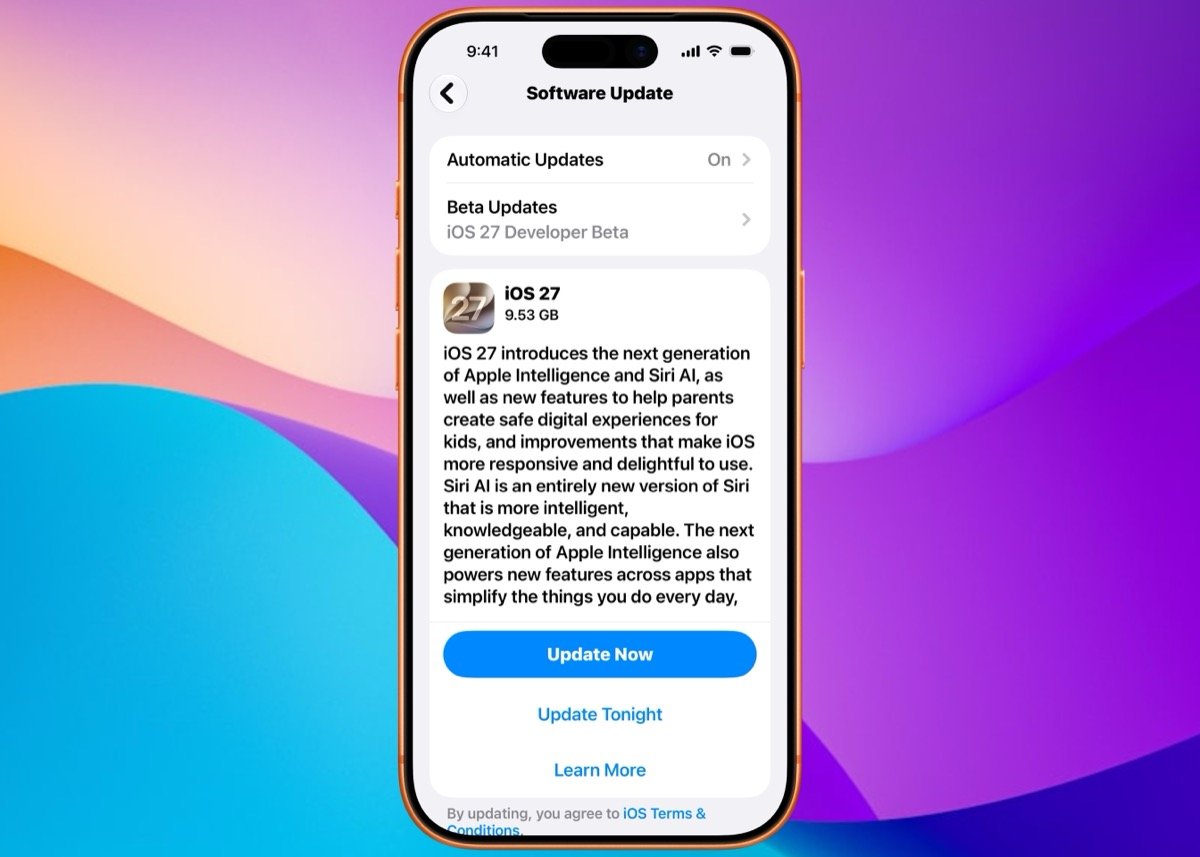
Apple Intelligence Is Finally Coming to China in iOS 27.3: Report
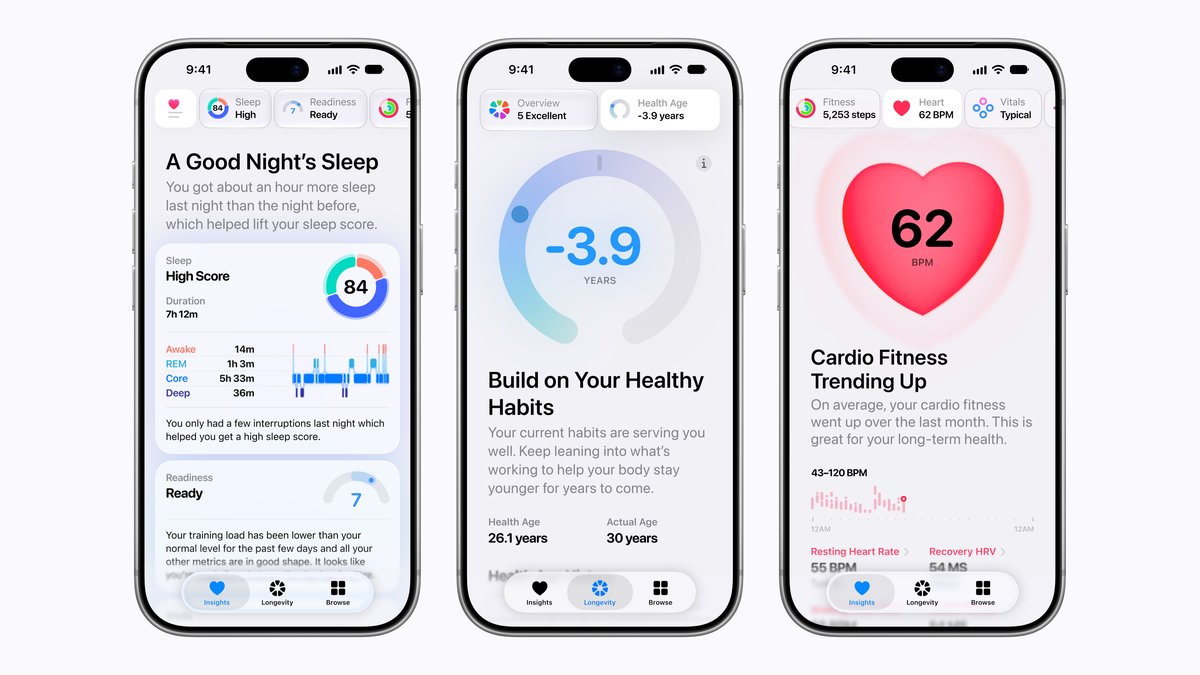
Apple has released the iOS 27.3 beta, introducing Apple Watch audio intelligence features, a redesigned Health app, and localized AI tools for China.
Apple has published a new support document explaining how parents can control who their kids talk to in Messages, FaceTime and Phone. Most of these controls have been around for years, but the guide reflects the redesigned parental controls in iOS 27.
Titled “Manage who your child can communicate with on an iPhone and iPad,” the document went live on November 3, 2026. It walks parents through limiting a child’s contacts, approving new people before a child can reply, and turning on Communication Safety.
Communication Limits, which let parents restrict who a child can call or message during Screen Time, first arrived back in iOS 13.3. Last year’s iOS 26 added the ability for kids to send parents a request before talking to a new number, and Communication Safety also expanded to live FaceTime calls at that time.
What changes now is where these settings live. With iOS 27, parents manage everything from their own iPhone or iPad by going to Settings, then Family, then tapping a child’s name and choosing Allowed Contacts. From there, communication during Screen Time can be set to Contacts Only, Contacts & Groups with at Least One Contact, or Everyone.
To require approval for anyone new, Apple says parents should pick Contacts Only, turn on Manage Contacts and leave Allow Contact Editing off. If a stranger sends a message, the child can’t see it until a parent or guardian in the Family Sharing group signs off on the request.
Apple notes a few requirements before any of this works. Each child needs their own Apple Account in a Family Sharing group, and a parent or guardian has to be saved in the child’s contacts so approval requests have somewhere to go.
Families also need to upgrade to the new parental controls. According to Apple, every device used by a parent, guardian or managed child in the last 90 days must be running version 27 of iOS, iPadOS, macOS, watchOS or visionOS. Older devices that can’t update can still use the previous Screen Time settings from iOS 26 and earlier.
Communication Safety gets its own section in the guide. The feature blurs photos and videos detected to contain nudity, and as of iOS 27 it also intervenes on gore and violent content, including on live FaceTime calls. Apple says it is on by default for users under 18 on iPhone, iPad, Mac and Apple Watch, and the company doesn’t get access to the images.
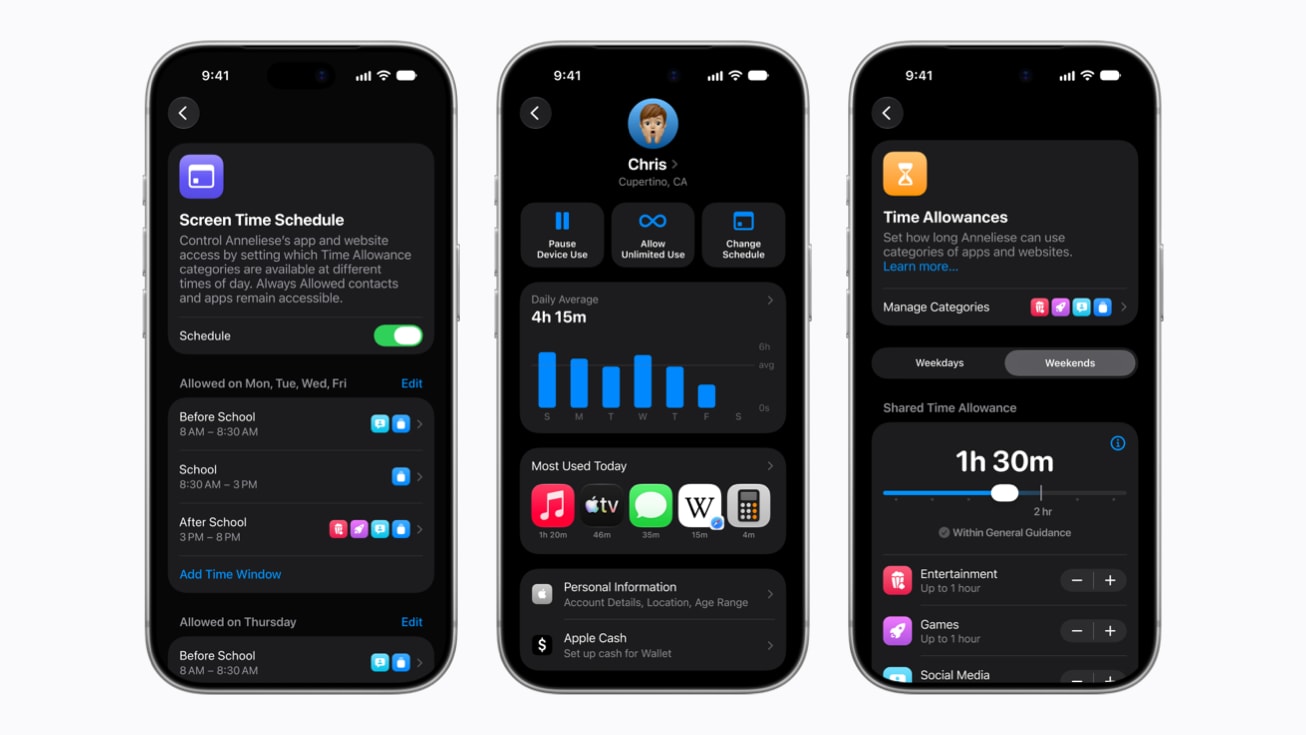
Other kid-focused changes in iOS 27 include Ask to Browse for Safari, Time Allowances for Games, Social Media and Entertainment apps, and Schedules that control which apps are available at different times of day.
Do you use Allowed Contacts on your child’s iPhone, or do you rely on other tools to manage who they talk to?
Want to see more of our stories on Google?

P.S. Want to keep this site truly independent? Support us by buying us a beer, treating us to a coffee, or shopping through Amazon here. Links in this post are affiliate links, so we earn a tiny commission at no charge to you. Thanks for supporting independent Canadian media!