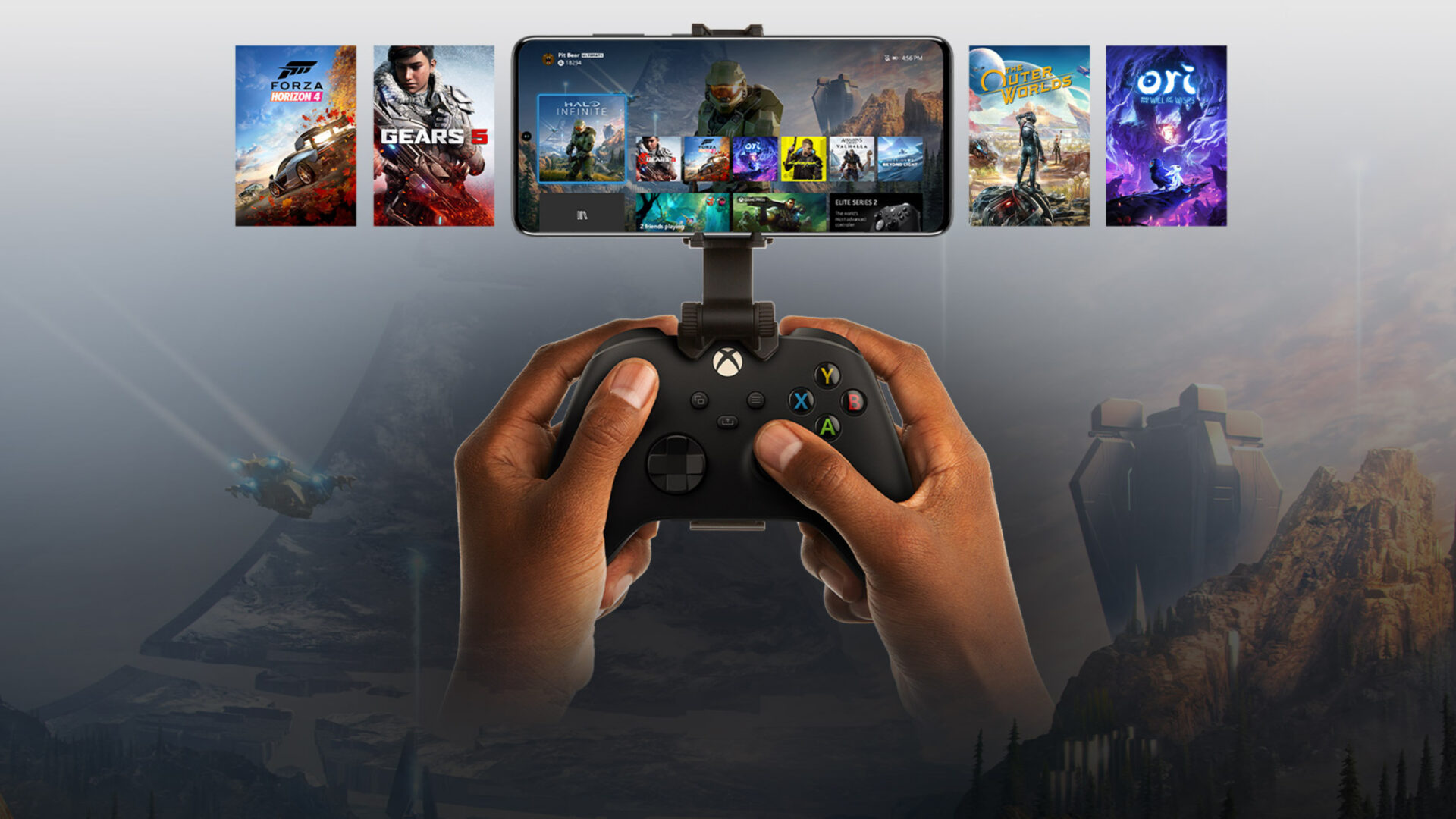
Four New Owned Games Available to Stream Via Xbox Cloud Gaming
Microsoft has added four new titles to Xbox's ever-expanding "Stream your own games library" for Xbox Cloud Gaming including Bloodstained: Ritual of the Night.
**Want a FREE InvisibleShield Full Body iPhone Case? Enter to Win HERE!**
**Using an iPhone in Canada? Vote here to tell me where you are located!**
Are you considering driving down to the USA to buy an iPhone? Well, my sister recently completed this feat on the weekend! When she told me that she got her hands on an iPhone, the first thing that came to my mind was “YES! I can try out ZiPhone 2.5 on an OTB 1.1.3 iPhone!”. (Read my iPhone FAQ!)
So last night I downloaded ZiPhone 2.5 and extracted the contents to my desktop (get ZiPhone 2.5 instructions here). I then launched iTunes, plugged in her iPhone and waited for it to be detected. After that, I clicked the “Do It All!” button and within 5 minutes the iPhone was activated, jailbreaked, and unlocked! When my sister asked me how to setup a Gmail IMAP account (have you set yours up yet, Dusty?), I told her to read my Top Posts–haha!
It was easier than I expected. We immediately popped in her Rogers SIM card and BAM–the iPhone was ready to go. Every feature worked–YouTube, Locate Me in Google Maps, Safari, etc. Zero problems. On my iPhone I have that permanent “red dot” over my phone icon (I’m on 1.1.1 still), whereas my sister’s iPhone on 1.1.3 did not have this dot (she doesn’t have voicemail either). Just something to take note of.
I also tried to install the BSD Subsystem right after, but ran into the “Package Download Failed!” error. I then visited my own post regarding this problem (it was quite humorous, using my own site) to get the updated Ste Packaging source URL. Thanks to myself, problem solved, lol!
I am assuming that if you decide to restore your current iPhone to 1.1.3 or 1.1.4, you should be able to jailbreak and activate it via ZiPhone 2.5. I am eager to try this after playing around with some of the neat features from 1.1.3! Maybe I’ll get “bored” on the weekend and get busy…
Anyways folks, here’s the video in all its glory. It runs just over 5 minutes–with music and a some iPhone commentary about what to expect on the blog. Don’t mind my quiet voice…it was late and people were sleeping–enjoy! =)
If you enjoyed this post, please subscribe to my RSS feed, so you won’t miss any updates!
Want to see more of our stories on Google?

P.S. Want to keep this site truly independent? Support us by buying us a beer, treating us to a coffee, or shopping through Amazon here. Links in this post are affiliate links, so we earn a tiny commission at no charge to you. Thanks for supporting independent Canadian media!

come on update yours already!
I will soon…you just wait 🙂
i did the same thing yesterday and everything work. However, the bluetooth does not seem to work. It just keep spinning when it trys to find near my bluetooth hardware, like my PC. Please help! Thank you so much.
Any fixes for the bluetooth problem? Tried turn on the airplane mode on/off but nothing.
Hey iPhone Fan.
Great video, I love the Jeopardy music LOL 😛 How many GB’s is urs sister’s new iPhone?
Guess what, I actually did get an Gmail account! LMAO but what really sux! is in Hotmail I cannot forward my received emails or sent to my Gmail account…. So it’s really useless since I never get any mails to my gmail 🙁 LOL Anyone know if its possible? I’ve been a member to Hotmail since 95 or so…LOL
One other question, are u gonna edit/post some of the late springboard snapshots? Since I got my new email I did send u a couple shots, well I think it was the right email…lol My new Gmail is lilskaterpunk@gmail.com 😉
@Tyler
Remember iPhone Fans quote “if it ain’t broke, don’t fix it!” =) LOL Well I think he should upgrade his 1.1.1 too 😛 I’m still on 1.1.2 but watching this video, shows how easy it is to unlock the 1.1.3. Hmmmmmmmmmmmmmmmm
Cheers all!
She got the 8GB model…
I will have another springboard post coming up soon. I did receive yours, thanks!
Ok, Coooool! 🙂
I was holdin out to see if they drop the price on the 16gb,,,,,
Ya, Im in the same position as u… I might even just wait for a 3G iPhone release… http://www.macrumors.com/2008/03/04/3g-iphone-arriving-in-2nd-quarter-2008/ But I don’t think so. Once the new Gen iPhone’s get released, there gonna be damn expensive too lol So i’ll wait for a 16GB price drop first before I purchase a new iPhone 😛
I am still on 1.1.2 as well, and I think that if it isn’t broke don’t fix it!! I have everything working great. Although when the SDK comes out I am sure we are all going to have to update to take advantage of it!
Im thinking the same. Once that SDK is out and we wanna use the apps and etc. Im sure were gonna have to upgrade sooner or later….
Live Coverage of iPhone SDK Roadmap Event
http://www.macrumors.com/2008/03/05/live-coverage-of-iphone-sdk-roadmap-event/
Late Breaking iPhone SDK Rumors: EDGE OK, Apple’s Cut, Mac-Only SDK
http://www.macrumors.com/2008/03/05/late-breaking-iphone-sdk-rumors-edge-ok-apples-cut-mac-only-sdk/
As of this morning, the Ziphone blog is gone.
Anyone have a link to the OS X version of Ziphone 2.5?
Hey, what do we need the BDS sub system for if the phone all works after updating?
I also have a 1.1.2 otb and have been having a hard time not updating to 1.1.3, I’m one
of those guys that needs the latest and greatest you know?…… Sticking a 1.1.2 is killing me.
Just afraid of messing up the phone.
Cam
I have to tell you that once I used Ziphone on my 1.1.2, I never looked back. Everything works and all the features of 1.1.3 are really nice to have.
I have heard of very few people who have had problems with this method of unlocking and activating.
iPhone Fan, you should definitely do it so you will know when apps you recommend don’t work on the new platform! 😉
with the newest version of iTunes 7.5 will your phone get updated to 1.1.4 or would it still be at 1.1.3? Is there a choice to update it when you plug it in or does it do it automatically?
Hey guys,
just re-iterating here. I performed the same process described in the video with a 1.1.2 OTB phone. Everything works great. Once Zibri upgraded ZiPhone to 2.5c, I restored my phone to 1.1.4 and repeated the process.. Everything works great again. including bluetooth (noting that it works great with my BT headset but doesn’t detect my PC)
I am also using iTunes 7.5, the phone is much more important to me than iTunes, so applying iPhoneFan’s rule “if it ain’t broken, don’t fix it” I stayed with 7.5.
good to see you succeeding with ZiPhone, though.
I have a question for everybody: has anyone installed the “OS X Wallpaper pack” from installer. it is a package released by Nullriver. I installed it successfully but no wallpapers showed up in my settings!!. all other apps work great though.
so it works only with Bluetooth headphone, not PC. I will have to try that then. Thanks.
iPhone Fan, if you update your iphone could you please make a video as you did here?
It would do wonders to see it happen or not.
Thanks
Cam
I will definitely keep you guys updated. 🙂
Thanks. I am waiting to see if you will be updating your 1.1.1 before I update mine. I ma not that technically inclined so do not want to make mistakes. Good luck!
Nice! Thanks for the video and for the site in general — great resource — as you found out, I guess!!
One question: I read somewhere that ZiPhone only works on Leopard…?
I’m still in the dark ages with my iMac running 10.4.11 — will ZiPhone work for me, or should I buy 10.5 when I get my iPhone at the San Francisco store next week?
Second question to all: Are there any advantages/disadvantages to ZiPhone vs. iNdependence for unlock + jailbreak of a new 1.1.3 or 1.1.4 OTB phone?
hi,
i was wondering what would be the difference between the iphone now and a 3G iphone? Is the only advantage a faster edge connection? because if it is then i will just go ahead and get one next week, that is if i can, but what are the advantages of 3G over what we have now? is it worth waiting for?
Peace
@ Brad
That’s always the question with technology, isn’t it? For me, I don’t see myself surfing a lot on the Rogers plans that are available, so I don’t forsee a big “real life” difference between the current iPhone and a 3G model for my needs. (I’m sure that the 3G model will be faster/better/neater as well, but I’m tired of waiting).
Also, you have to consider the “if it ain’t broke” factor of your current phone. And would you kick yourself if you bought the current phone next week and the newer/faster/better/neater one was released a week after that? What about a month later? At some point, the joy of having had the use of the iPhone for the extra period of time will balance the pain of the desire to upgrade to the newest/best/fastest…. On the other hand:
“After a time, you may find that having is not so pleasing a thing, after all, as wanting. It is not logical, but it is often true.”
So, jump in! Or don’t, but don’t look back either way! 🙂
well im hoping to jump in, because i would only use the internet on wifi, so it doesnt matter to me with the EDGE surfing. Thanks for the quick response.
Peace
Question: the very FIRST time you plug the iphone, what does iTunes do? Is it prompting any “setup” screen such as naming your iphone or activate it? If it does happen, do you leave them open and simply go to Ziphone to do the unlock process?
I’ve been reading a lot about unlocking iphone and it’s the only question I don’t find answers!
@Dustin
So, I just got back to Canada after procuring an iPhone in the USA. (I declared the full value, btw — it’s more than the $400 that I was allowed, but the Customs person didn’t mind, she just asked me what I bought.)
Anyways, I’m going to be unlocking etc soon. When you first plug in the phone, iTunes opens, recognizes it and asks you to Activate with AT&T, Register for an iTunes acct (I presume for the US store) and then sync. Just leave that window open and run your unlock/jailbreak program of choice. (So far, I’ve found ZiPhone seems the easiest, iPlus seems okay as well, and iNdependence seems to have some issues with the Current Location feature in Google Maps. I’ll try to report back later once I have more info….)
Hope that helps. Wish me luck!
RS
Okay, all unlocked and working great!
Took about 5 minutes to unlock and jailbreak on a friend’s laptop (note that you need to be running 10.5 for ZiPhone, not Tiger) then sync’ed to my iMac running Tiger.
I’ve spent the past 4 hours playing with it and tweaking settings. Still more exploring to do….
LOVE it, obviously. 😀
RS
If i update my iphone to 1.1.4 from 1.1.3 and then continue to jail break it and make it work, will all my ical and to do lists be gone?
If so, is there a way that I can back up my ical and to do lists in my iphone to my macbook?
Thanks and keep up the work
No idea if the info will be gone. I suspect so, but you should be able to do a sync after that and the phone should act as if it’s new, and suck all the info off your iCal and AddressBook, just like a fresh sync.
If you’re worried, there are two precautions to take:
Back-up the AddressBook and iCal databases before you update the iPhone. (Go to File –> Backup Database in iCal and File –> Backup Addresses in AB.)
And the first time you sync, you could also ask to over-write the iPhone data with the Computer’s data.
Good luck,
RS
Just checking as I noticed above that I need Leopard for my Mac to run ZiPhone to ensure it works, but I have also heard it actually does work fine with Tiger.
Just wanted to make sure for when I unlock on Friday as I run 10.4 Tiger and my wife runs 10.5 Leopard.
Thx.
I had read that ZiPhone ran only on Leopard. I unlocked and did the jailbreak on my friend’s laptop running 10.5 but didn’t sync with his MacBook Pro. I then popped the iPhone into its dock, connect to my (10.4.11) iMac and it synced with no problems.
So if you have access to both, I’d love to hear if ZiPhone works with Tiger.
Thanks,
RS
Update, that Ziphone works fine with Tiger on a Mac, I am up and running in 4 minutes. Love the phone!
Great news about Tiger – now I know that if I need to restore & re-jailbreak, I won’t need to bother my friend for his laptop. Thanks for the info. Enjoy the phone!!
RS (via iPhone)
do we need simcard
just bought and unlocked my iphone with Ziphone 3.0
it seems to be working but will check other functions.
come on update yours already!
come on update yours already!
come on update yours already!
i did the same thing yesterday and everything work. However, the bluetooth does not seem to work. It just keep spinning when it trys to find near my bluetooth hardware, like my PC. Please help! Thank you so much.
i did the same thing yesterday and everything work. However, the bluetooth does not seem to work. It just keep spinning when it trys to find near my bluetooth hardware, like my PC. Please help! Thank you so much.
i did the same thing yesterday and everything work. However, the bluetooth does not seem to work. It just keep spinning when it trys to find near my bluetooth hardware, like my PC. Please help! Thank you so much.
I was holdin out to see if they drop the price on the 16gb,,,,,
I was holdin out to see if they drop the price on the 16gb,,,,,
I am still on 1.1.2 as well, and I think that if it isn’t broke don’t fix it!! I have everything working great. Although when the SDK comes out I am sure we are all going to have to update to take advantage of it!
I am still on 1.1.2 as well, and I think that if it isn’t broke don’t fix it!! I have everything working great. Although when the SDK comes out I am sure we are all going to have to update to take advantage of it!
As of this morning, the Ziphone blog is gone.
Anyone have a link to the OS X version of Ziphone 2.5?
As of this morning, the Ziphone blog is gone.
Anyone have a link to the OS X version of Ziphone 2.5?
Ya, Im in the same position as u… I might even just wait for a 3G iPhone release… http://www.macrumors.com/2008/03/04/3g-iphone-arriving-in-2nd-quarter-2008/ But I don’t think so. Once the new Gen iPhone’s get released, there gonna be damn expensive too lol So i’ll wait for a 16GB price drop first before I purchase a new iPhone 😛
Ya, Im in the same position as u… I might even just wait for a 3G iPhone release… http://www.macrumors.com/2008/03/04/3g-iphone-arriving-in-2nd-quarter-2008/ But I don’t think so. Once the new Gen iPhone’s get released, there gonna be damn expensive too lol So i’ll wait for a 16GB price drop first before I purchase a new iPhone 😛
Ya, Im in the same position as u… I might even just wait for a 3G iPhone release… http://www.macrumors.com/2008/03/04/3g-iphone-arriving-in-2nd-quarter-2008/ But I don’t think so. Once the new Gen iPhone’s get released, there gonna be damn expensive too lol So i’ll wait for a 16GB price drop first before I purchase a new iPhone 😛
Im thinking the same. Once that SDK is out and we wanna use the apps and etc. Im sure were gonna have to upgrade sooner or later….
Live Coverage of iPhone SDK Roadmap Event
http://www.macrumors.com/2008/03/05/live-coverage-of-iphone-sdk-roadmap-event/
Late Breaking iPhone SDK Rumors: EDGE OK, Apple’s Cut, Mac-Only SDK
http://www.macrumors.com/2008/03/05/late-breaking-iphone-sdk-rumors-edge-ok-apples-cut-mac-only-sdk/
Hey, what do we need the BDS sub system for if the phone all works after updating?
I also have a 1.1.2 otb and have been having a hard time not updating to 1.1.3, I’m one
of those guys that needs the latest and greatest you know?…… Sticking a 1.1.2 is killing me.
Just afraid of messing up the phone.
Cam
I have to tell you that once I used Ziphone on my 1.1.2, I never looked back. Everything works and all the features of 1.1.3 are really nice to have.
I have heard of very few people who have had problems with this method of unlocking and activating.
iPhone Fan, you should definitely do it so you will know when apps you recommend don’t work on the new platform! 😉
Any fixes for the bluetooth problem? Tried turn on the airplane mode on/off but nothing.
with the newest version of iTunes 7.5 will your phone get updated to 1.1.4 or would it still be at 1.1.3? Is there a choice to update it when you plug it in or does it do it automatically?
Hey guys,
just re-iterating here. I performed the same process described in the video with a 1.1.2 OTB phone. Everything works great. Once Zibri upgraded ZiPhone to 2.5c, I restored my phone to 1.1.4 and repeated the process.. Everything works great again. including bluetooth (noting that it works great with my BT headset but doesn’t detect my PC)
I am also using iTunes 7.5, the phone is much more important to me than iTunes, so applying iPhoneFan’s rule “if it ain’t broken, don’t fix it” I stayed with 7.5.
good to see you succeeding with ZiPhone, though.
I have a question for everybody: has anyone installed the “OS X Wallpaper pack” from installer. it is a package released by Nullriver. I installed it successfully but no wallpapers showed up in my settings!!. all other apps work great though.
iPhone Fan, if you update your iphone could you please make a video as you did here?
It would do wonders to see it happen or not.
Thanks
Cam
so it works only with Bluetooth headphone, not PC. I will have to try that then. Thanks.