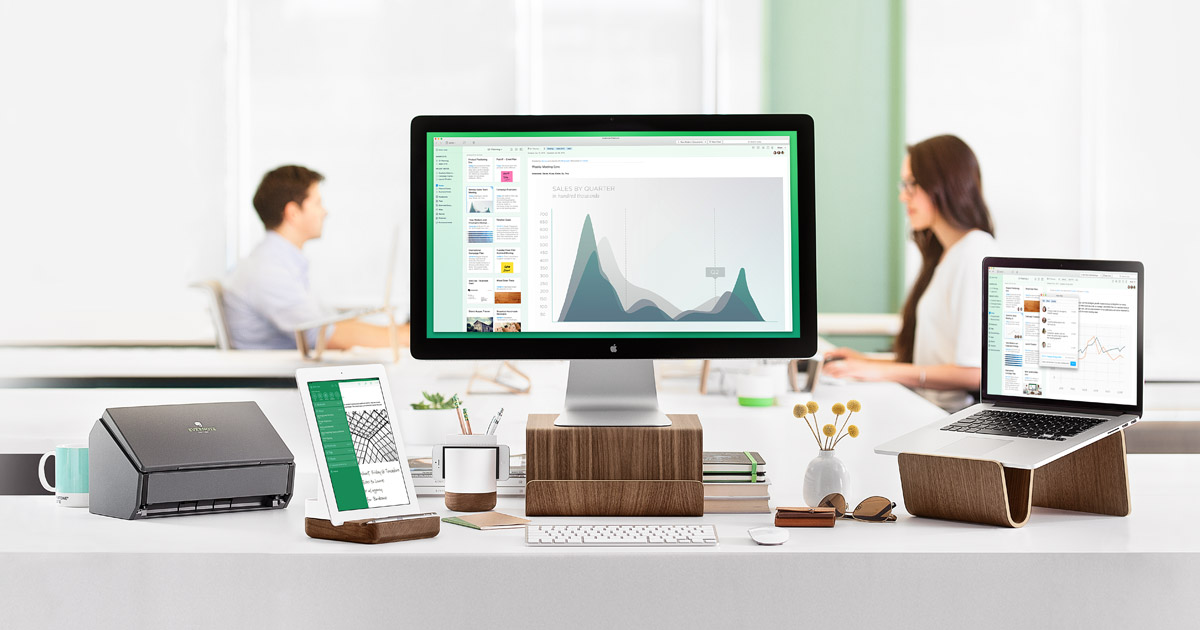
In a blog post released today, Evernote announced that it will raise prices for its premium service tiers and it will limit users of its free Basic account to two devices per year.
Starting today, Evernote Plus monthly subscription costs will rise $1 to $3.99 ($34.99 per year). A paid Plus or Premium account will be required for users who want to sync their notes across more than two devices.
On the other hand, Evernote Premium will now cost $7.99 per month, up from $5.99. The Premium tier adds 10GB of new uploads per month, the ability to annotate and search within PDF files, and a business card scanning tool among other features.
Along with today’s changes, Evernote Basic remains free but loses one of its most attractive features. In addition to the new limit of two synced devices, Basic’s upload cap is just 60 MB of new uploads per month. The new limit will not affect users who upload text documents, however 60MB will only cover a handful of photos or voice recordings.
Basic users will now be able to use the passcode lock in the mobile app, a feature that was previously restricted to paid users.
In the blog post, Evernote said it remained committed to keeping its products free of advertisements, and raising subscription prices would allow it to invest in new features.



I’ve already switched to Apple Notes. it means I don’t get access to my notes on my Windows PC, but it’s still much more convenient using a native app than opening Evernote on all my iOS/MacOS devices.
Yeah, agreed.
I know some in the industry love this product – but I’ve never really caught on. Even with numerous 3-6 month free premium subscriptions (which you can get through purchasing a moleskine product).
If I need a todo app, I go to Omnifocus
IF I need a notes taking app, I go to Notes or Workflowy.
My free form text app for my Pro is Paper.
So what exactly does paying any sort of s subscription fee get me
You can access them on iCloud in your browser
Just deleted my Evernote app.
I still have the app on my phone… but I don’t remember the last time I even opened it. Apple’s Note app is becoming more and more compelling.
I use Evernote almost exclusively as filing app. I scan every scrap of paper I get and put them all in there. The fact that all text they contain becomes searchable is fantastic. And of course, it’s all in the cloud, if something goes wrong with my computer. Sure, it’s not cheap, but for me it’s worth it. No more papers.
I use Scanner Pro (it recently got OCR) and Dropbox. Works great too.
Yeah, I tried the whole Dropbox thing before. It’s just not quite the same. I also used various filing applications on the Mac, like iDocument and such… but as file management software, Evernote beats them all.
I use One Note + One Drive. It has OCR, has integrated hand written note taking capabilities (with my Surface 4), which seamlessly transfers over to my iPad. Most importantly, it’s FREE.
I think Evernote is in trouble, laying off workers, several price increases, shutting down Evernote Food, ending support for Skitch and Clearly and “forcing” free users to upgrade (60mb per month is useless, no more email to evernote and the 2 device limit sucks). I’m going to the Onenote/OneDrive combination. Microsoft has made all its premium features available for free(except ability to save to other cloud services like dropbox) and continues to upgrade and invest in the apps and cross platform services. Because stuff to Evernote can’t easily be transferred out, I am not risking anymore transfers into the Evernote ecosystem.
Smart move. I’ve converted to a paperless office and use One Note + One Drive, and it has greatly improved my workflow. Evernote used to be good a few years ago, it’s now just dying bloated app.