Tweetdeck for iPhone was a nice release, but it quickly faded due to the rise of superior twitter clients such as SimplyTweet, Twitter (formerly Tweetie), and more recently Tweetbot. However, Tweetdeck fans will be happy to know the latest version has been completely rebuilt from the ground up, and is now in the App Store.
Features:
• All major Twitter features are supported: Sending updates, retweeting (native and old-style), favourites, mentions, direct messages and searching
• Posting to multiple Twitter accounts is a breeze
• Facebook status updates, notifications, wall posts, Likes and comments are all at your fingertips
• Configurable, combined Home, Me and Inbox columns are standard, bringing all your feeds and notifications together
• Fully flexible custom columns allow the combination of any number of different feeds, from all services and all accounts. You decide what you want to see, just pinch a column and start configuring.
• Innovative navigation of Twitter profiles helps you discover new feeds that can all be added as columns at the touch of a button
• See the conversation in context with tweets above and below in detail view.
• Easily send long posts thanks to full Deck.ly support
• Clean & clear compose window features image uploading, geo-tagging and username autocomplete for @mentions. Press and hold a link to auto-shorten using j.mp
• Login with your TweetDeck account to speed through the setup process, or just provide a Twitter or Facebook account and get started.
• Jump to the top of a column with a quick tap of the iPhone status bar.
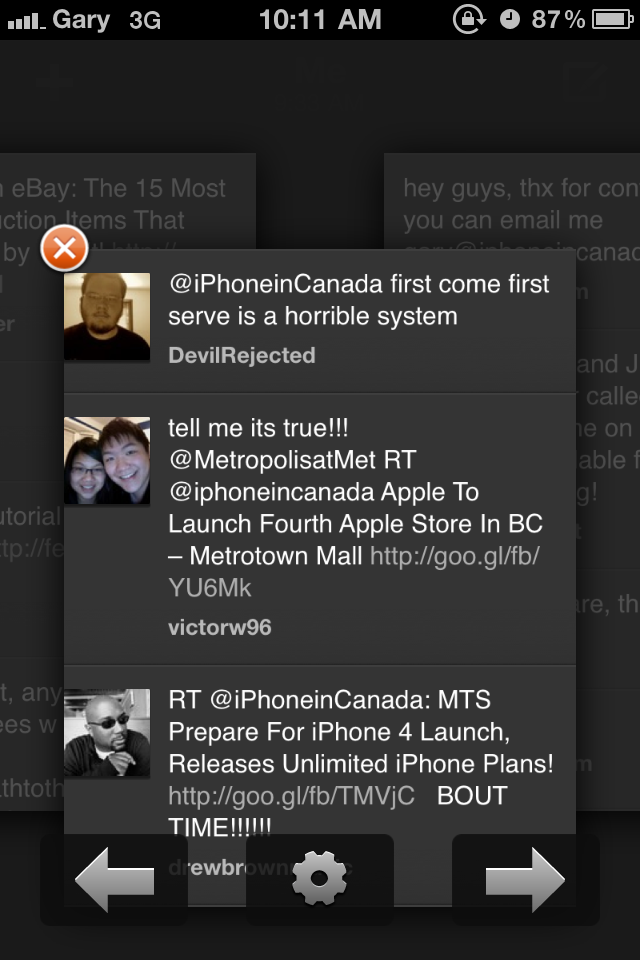
I downloaded Tweetdeck and gave it a quick test spin. It’s definitely cleaner, less cluttered and works exactly as described. You can ‘pinch out’ to see your columns (which are customizable) and composing a tweet is very straight forward. Swipe left and right to move between columns. I did like how you could press and hold to auto shorten URLs. You are notified of new tweets when the top of columns light up yellow.
In the giant pool of iPhone twitter clients, this new build of Tweetdeck is not bad. However, I’m still having fun switching back and forth between SimplyTweet and Tweetbot.
Click here to download Tweetdeck–it’s free. Let me know what you think!

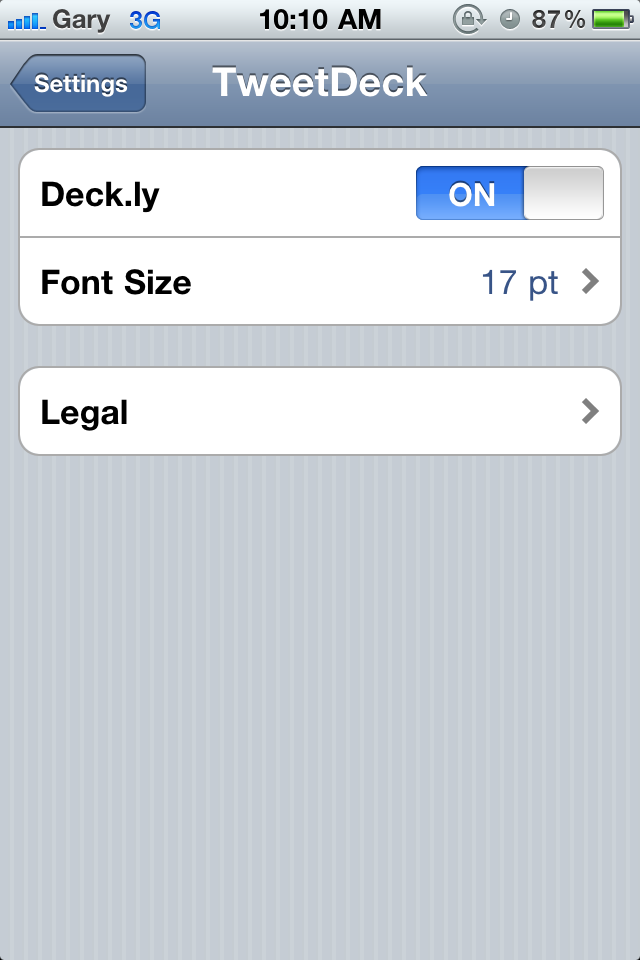




Is it just me or are there no customization options except for the deck.ly & font size under iPhone settings?
Not just you… But thanks for the reminder of where to find the font settings. 17pt default is just plain whacky. 3 tweets a page!!!
Trying to figure out if you can post to twitter and FB at the same time. Can’t seem to on a RT at least. Hmmm
It did take some ‘exploring’ to find the options. Definitely not easy find.
I could always do this on the old tweetdeck… Used to be my client of choice until the official client got so damn good…
After a quick look I see how : On your retweet just push on your account icon and you can select multiple accounts to post to (provided you already have them configured in tweetdeck)…
One of the biggest drawbacks on the iPhone version still exists – no landscape viewing?!?! Would it really have been that hard to add?!?!
I’ll definitely take a look at the ipad version again (assuming it’s been updated).