
ChatGPT for Teens Launches with Study Mode, Strict Parental Controls
OpenAI has launched ChatGPT for Teens alongside a new parental resource hub with custom controls, study tools, and urgent safety alerts.
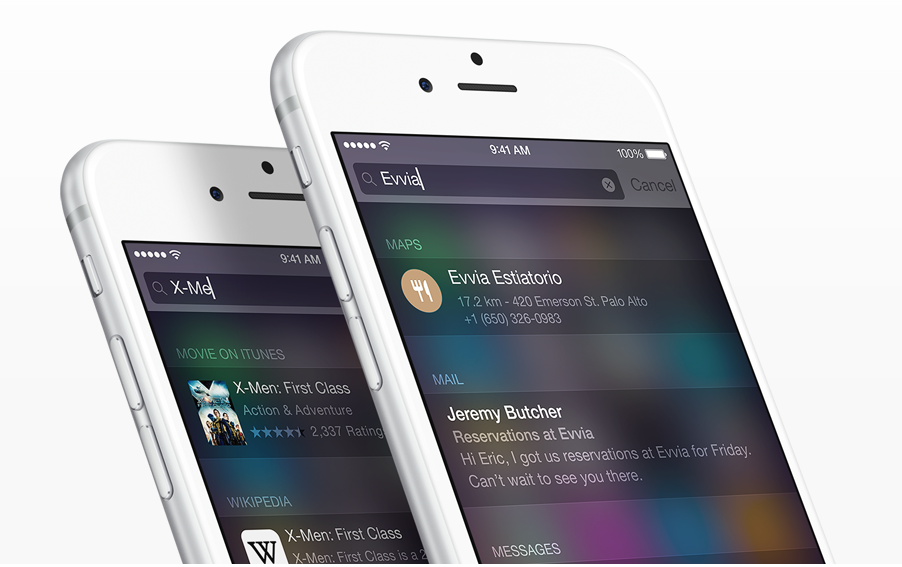
iPhone and iPad users can now use emoji to search Spotlight. The iOS Spotlight feature is available from any home screen by simply swiping down.
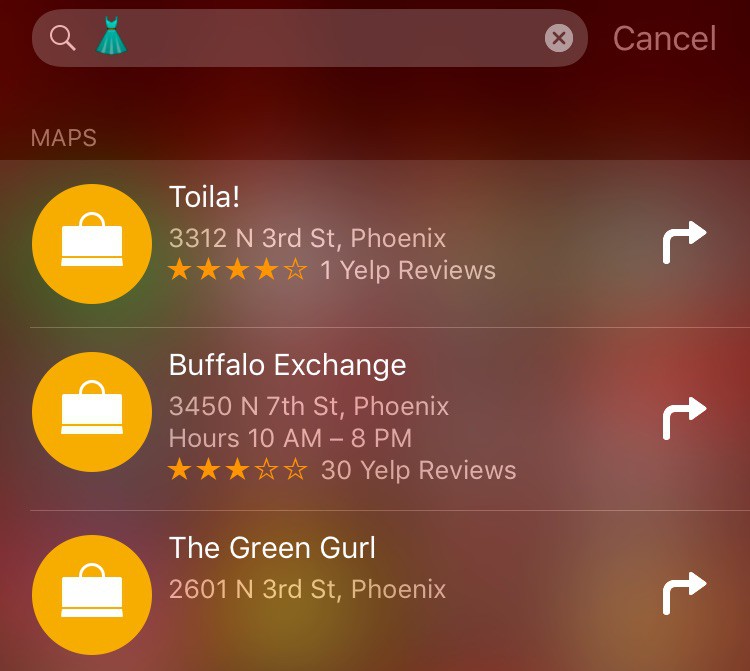
The feature seems to be something that may be useful, however it will not work with every emoji. If you are looking to buy a dress, you can simply type the dress emoji in Spotlight and a list of clothing stores will come out.
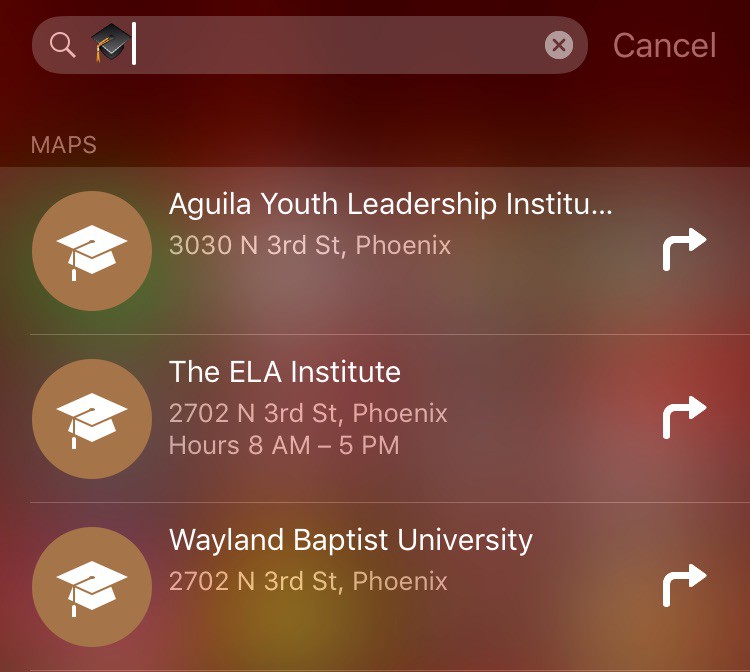
Searching a graduation cap will bring up schools around your area.
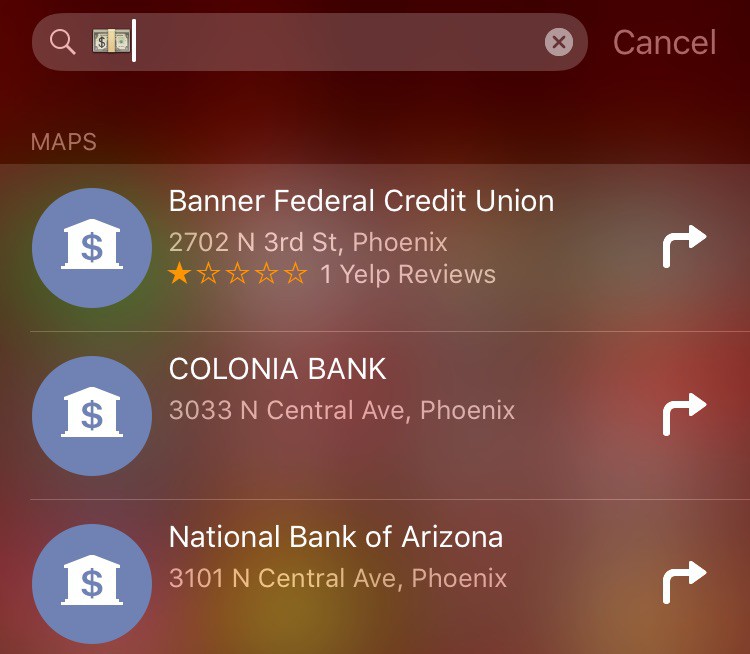
Searching with the money emoji will bring up a list of banks that are nearby.
Searching for a train will give you a list of transit stops nearby.
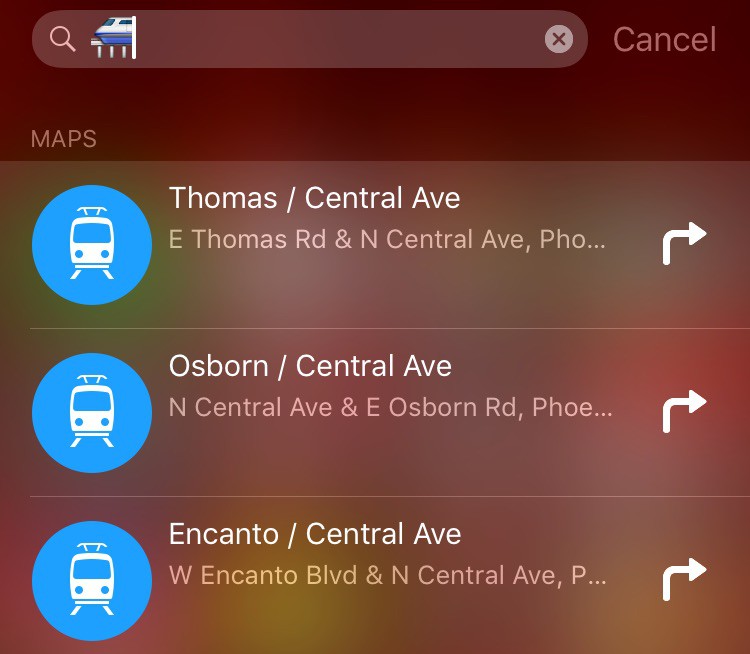
If you find any other emoji that bring up interesting search results, let us know in the comments below.
[via Cult of Mac]
Want to see more of our stories on Google?

P.S. Want to keep this site truly independent? Support us by buying us a beer, treating us to a coffee, or shopping through Amazon here. Links in this post are affiliate links, so we earn a tiny commission at no charge to you. Thanks for supporting independent Canadian media!


???? ???? ????
Probably good enough for foreign tourists to look it up nearby.
If the emoji keyboard or picker was decent this would be very handy
Now, if only there was a simple way to search for the right emoji to use in said Spotlight search… 😛
What is the right emoji to use in Spotlight to search for a hooker ?