One of the main complaints I hear when I try to convert my Crackberry friends to iPhone is that they can type faster on the berry and that they would not be able to be as fast on a touchscreen.
While I disagree and say that touchscreen typing is superior, some of them can type pretty quick with those plastic keyboards.
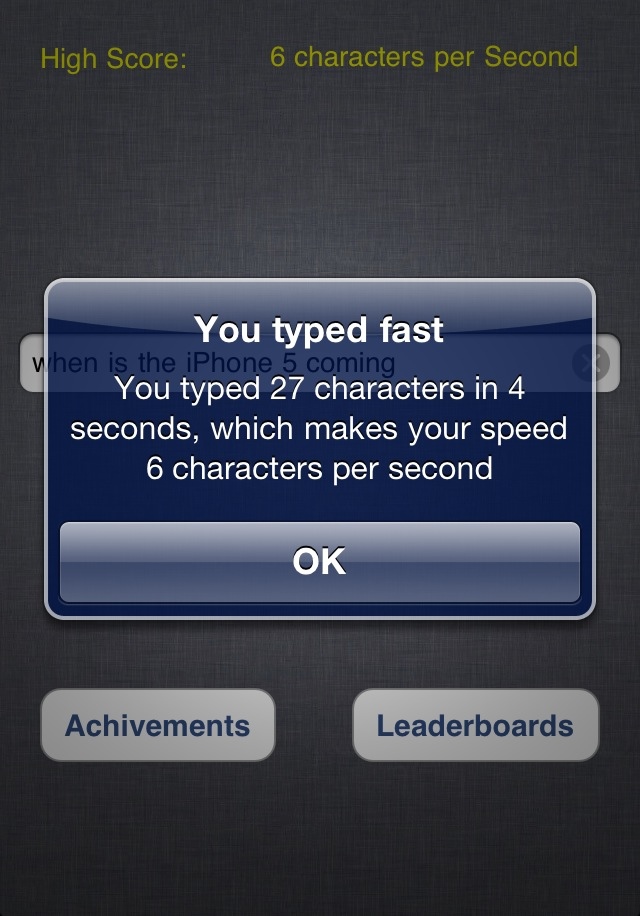
Recently I was introduced to a universal (iPhone, iPad, iPod touch) iOS app called “TypeTimer” that measures how fast you type on a touchscreen.
The app is very simple and gives you a space to type whatever you want. After you type a few words, the app stops you and shows you the characters typed per second.
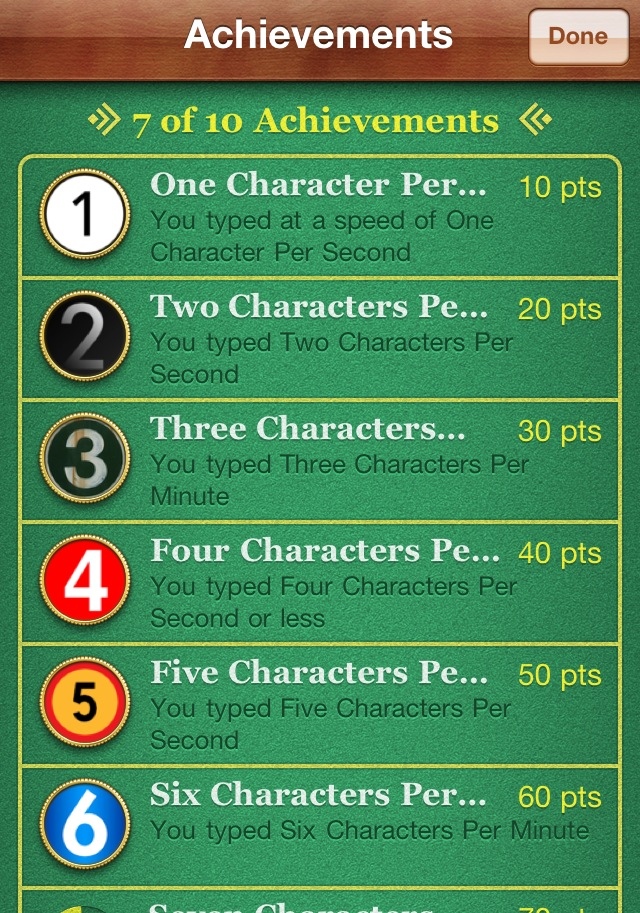
An unexpected, but neat, set of features in the app are Leaderboards and Achievements. This is great to track your scores against other iOS users and be the fastest touchscreen typer!

If you are curious about how fast you can type on your iOS device, or need to prove to friends that they can type fast, check out TypeTimer in the App Store for $0.99.



I bought myself a Nuu MiniKey. It is the best purchase I’ve ever made, makes typing incredibly easy. I spend all day writing emails, editing excel spreadsheets and creating blog posts. The only time I use the touchscreen keyboard is to do one hand typing.
I bought myself a Nuu MiniKey. It is the best purchase I’ve ever made, makes typing incredibly easy. I spend all day writing emails, editing excel spreadsheets and creating blog posts. The only time I use the touchscreen keyboard is to do one hand typing.
I’ve got a 3G, which of course means it was rendered rather useless by the iOS 4 update. Which in turn means that I can’t type worth a damn on it anymore, because it can’t even keep up with the keystrokes. Thanks, Steve!