
You Can Now Jailbreak iOS 16.4.1 with Palera1n 2.0.0 Beta 6
Codenamed Bakepale, the latest v2.0.0 beta 6 update to jailbreak tool Palera1n has just been released, which fully supports iOS 16.4 - iOS 16.4.1 jailbreak.
Just moments ago, team @evad3rs unveiled the Evasi0n7 untethered iOS 7 jailbreak for all compatible iPhone, iPod touch, iPad and iPad mini devices running iOS 7.0 through 7.0.4. While the tool itself is very easy to use, we’re going to assist you with our step-by-step tutorial on how to jailbreak iOS 7.0, 7.0.1, 7.0.2 or 7.0.4 (7.1 beta1, 7.1 beta2 also supported) untethered on your iOS device using the latest Evasi0n7 tool.
Disclaimer: This jailbreak tutorial is for educational purposes only. We will not be responsible for any damage caused to your iOS device while following this guide. Those who follow our steps do so at their own risk.
Before you proceed any further, please make sure that you have :
*Please note that the screenshots shown below are taken using a Mac computer. However, the steps should be pretty much identical on a Windows computer as well.
Step 1:
Once you have downloaded the Evasi0n7 jailbreak tool on your computer, exit iTunes on your computer (if running) and connect your device using the USB cable.
Step 2:
Now double click the Evasi0n7 icon to run it. You’ll be presented with the following screen:
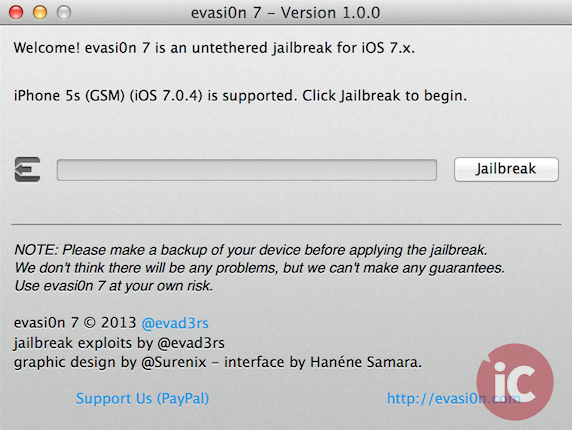
Step 2:
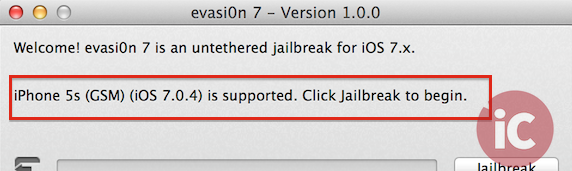
Your connected iOS device will be automatically recognized by the jailbreak tool, with its name displayed along with the iOS 7 version installed (see below).
Step 3:
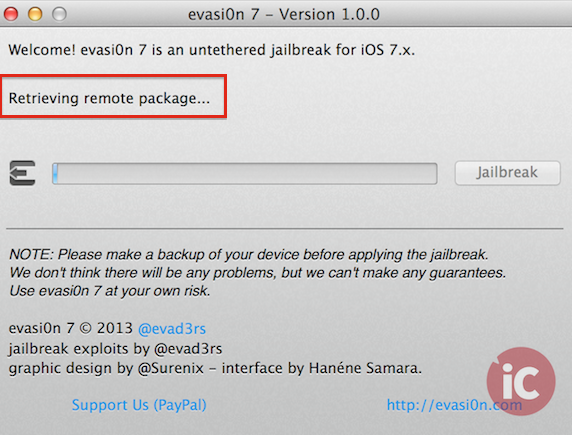
Now simply click the jailbreak button to begin the magic. You will see the following processes on your computer happening automatically:
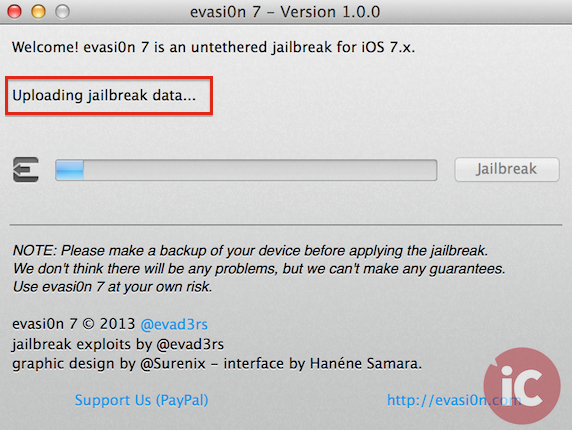
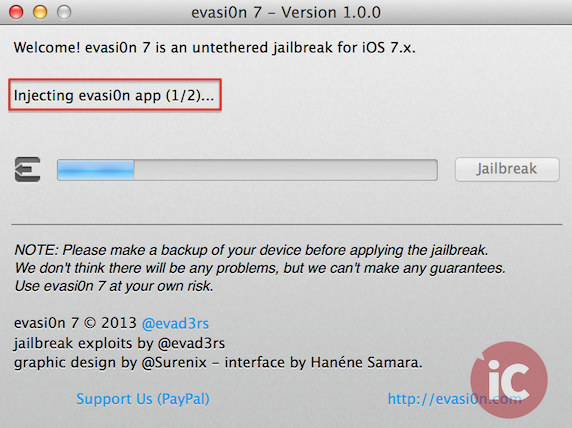
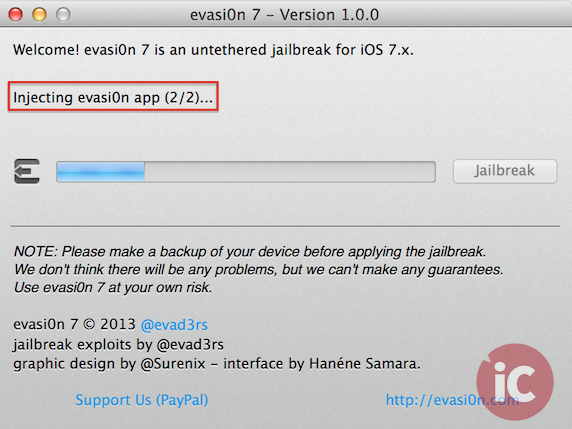
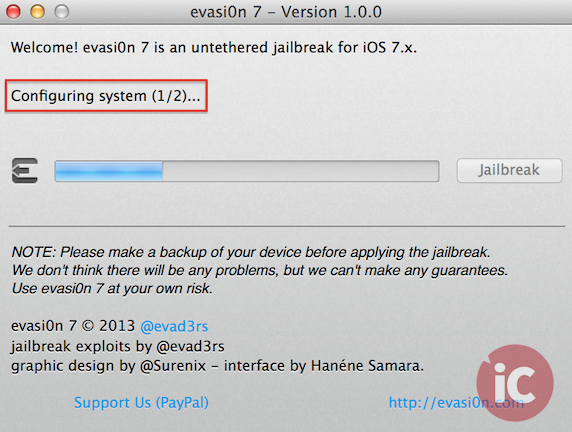
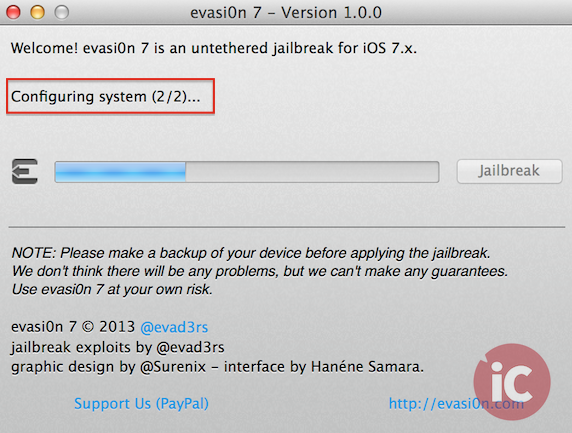
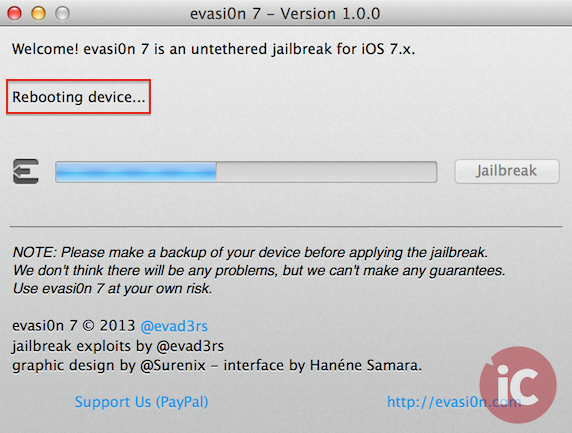
Step 4:
Your iOS device will now reboot and the following message will be displayed on your computer:
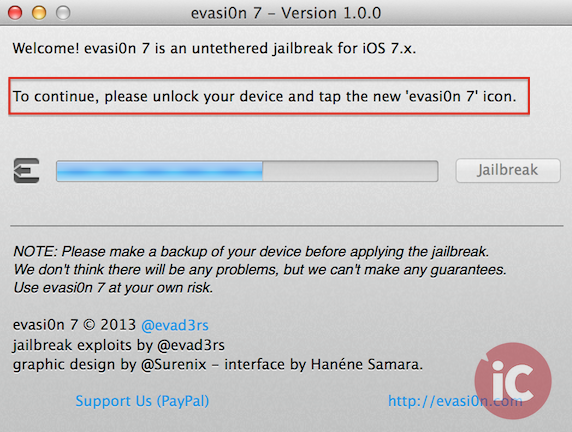
Step 5:
Now slide to unlock your device and tap on the new ‘evasi0n 7’ icon on your homescreen to continue the jailbreak process:
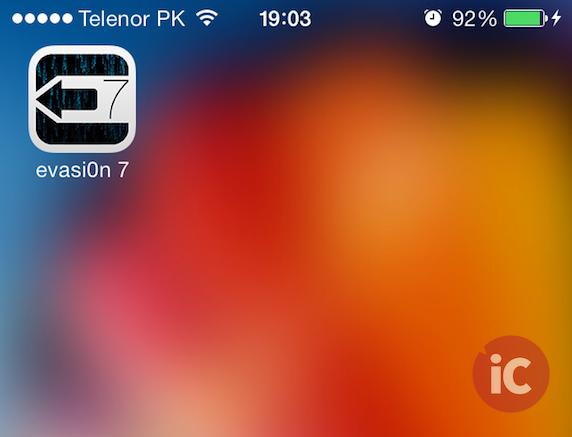
Step 6:
The jailbreak will then continue on your iOS device, after which it will reboot once again.
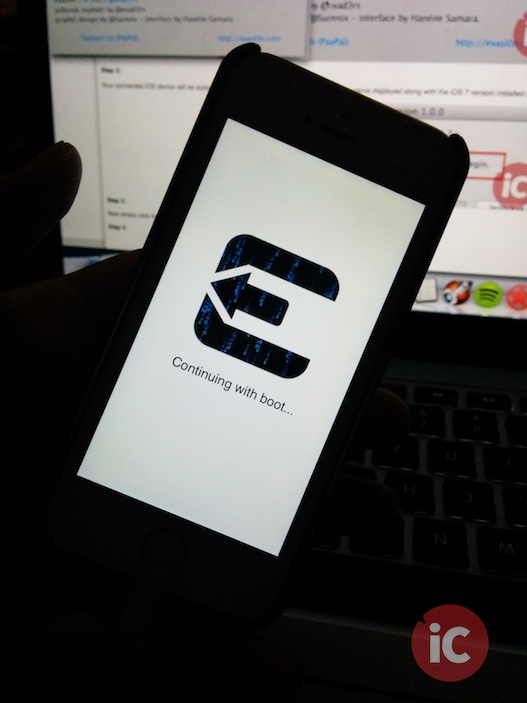
Step 7:
Once again, the following automated processes will be visible on your computer:
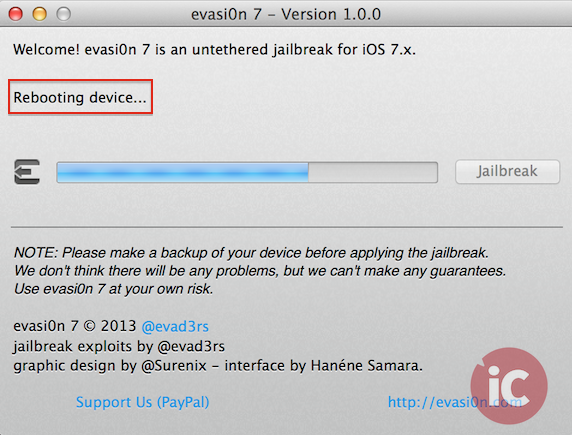
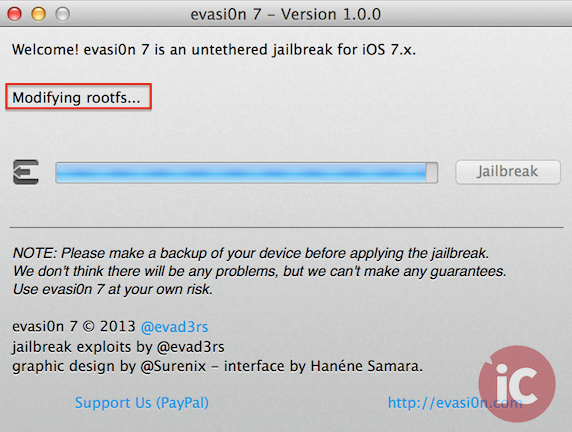
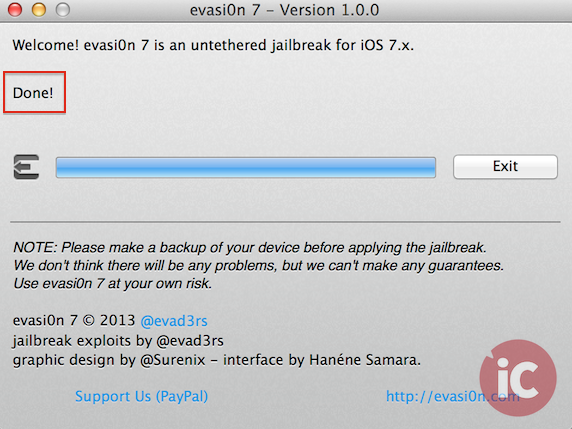
Step 8:
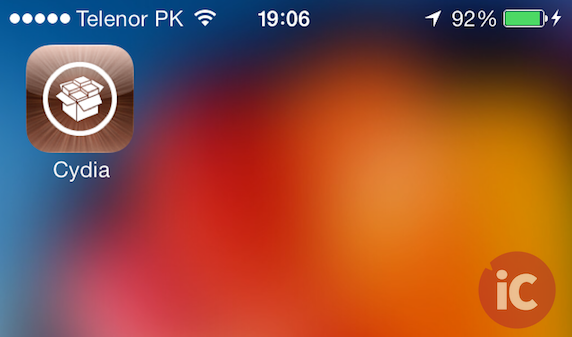
Once done, your device will reboot. You should now have a Cydia icon on your homescreen, confirming a successful iOS 7 untethered jailbreak.
That’s it, enjoy!
Update [WARNING]:
Please read this post for information regarding a bundled ‘pirated’ App Store with Evasi0n7.
Update 2: here’s a full video tutorial via our own @meadorsmusings:

Want to see more of our stories on Google?

P.S. Want to keep this site truly independent? Support us by buying us a beer, treating us to a coffee, or shopping through Amazon here. Links in this post are affiliate links, so we earn a tiny commission at no charge to you. Thanks for supporting independent Canadian media!


I won’t be jailbreaking this time. I used to jailbreak for SBSettings. I never did the winter board thing. Anybody going to jailbreak – & why?
Bitesms.
Good point!
I am definitely going to. Stock iOS 7 still lacks the some important features. (Important to me, that is). Ability to change default browser and maps, Lock Info, Nitrous, Rotatable Icons, Blutooth File Sharing, 3G Unrestrictor, BiteSMS, ProTube, and iFile.
so jailbreaking will allow me to use google maps as the default map within apps? what’s the bitesms and 3g unrestrictor? lock info, etc advantages? sorry…i am a noob, i havent jailbroken for a long time now.
sweet. the only real reason to jailbreak for me now is to get XBMC
Does XBMC still work with jailbreak iOS 7?
I just finished installing it. Seems to be perfectly fine.
Also, five icon dock is another great reason for jailbreak.
To make Chrome the default browser and Google Maps the default map program.
Does Cydia actually work? Saurik says it was never tested or updated for iOS 7, in fact he didn’t even know about this jailbreak.
yep it does, and loads up really fast on 5S !
Works great for 4S. I use it to have the date+time in the statusbar.
Downloading songs straight from groove shark again. Ahh
how do you do it ??? Keeps on crashing here
http://www.reddit.com/r/jailbreak/comments/1tgoce/official_chinese_version_of_evasi0n_comes_bundled/
I restored because it kept crashing but I think I will wait to do it again…
Is there a post here where I can learn why I would want to do this? I know there are some nefarious reasons, but if I was trying to keep everything above board, is there a reason?
Can you unlock the phone with this to use it with another carrier or its just not supported yet?
Iphoneincanada please update this post with a warning. This jailbreak potentially has malware in it. I would wait until Evad0rs explain whats going on.
just did! (warning added to this post as well)
https://www.iphoneincanada.ca/jailbreak/evasi0n7-jailbreak-cracked-app-store-chinese-language/
Don’t do it. Cydia isn’t ready yet and it can’t install anything/do anything, even though you can browse it.. And it made my phone freeze and run unreliably.
Also it showed up on iTunes with all it’s space that should have been free filled with ‘other’ (19gb of it) and music wouldn’t sync
Thanks Nick, saved me hassle. Would you be so kind to follow-up when Cydia is up and stable?
any news of an unththered jailbreak for Apple tv 2 on 6.0 ?
Is that virus you used to have to use the terminal app to change your root password to prevent still an issue? And if so, is there a terminal app now compatible with the 5S?
so, has the whole chinese maleware thing been resolved? can we jailbreak now?
I downloaded the app and used the jail breaker, my phone is frozen on the main screen, is that supposed to happen? If not how can I fix it?