
Get Driving Directions on Waze With The Cat in the Hat
You can now make your daily drive whimsical as Waze introduces a limited-edition navigation experience featuring the iconic Cat in the Hat.
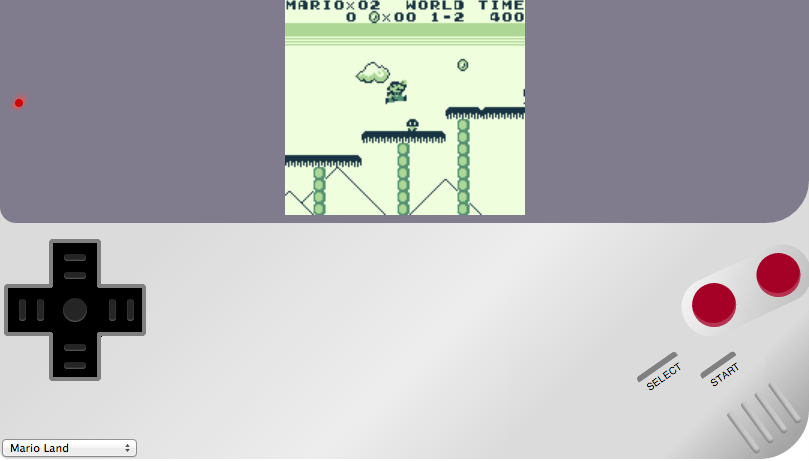
Over the past couple of weeks we have seen a bunch of emulators for iOS. Ben Midi’s Gameboy, the latest emulator for iOS which works directly from mobile Safari. Unlike some of the other options you do not have to install anything on your device to be able to play.
Here is a list of currently playable games:
To play any of the above games directly on your iOS device, visit this link using mobile Safari. The emulator works particularly well when you are playing on an iPhone in landscape mode.
On Tuesday GBA4iOS 2.0 was released, bringing the ability for iOS users to play Game Boy Advance games on their iOS device without a need to jailbreak.
Last week iOS developer Conrad Kramer released webNES, which allows users to play Nintendo NES ROMs on your iOS device without a jailbreak. If you are interested in how to set up webNES, be sure to check out our how-to article here.
[via TouchArcade]
Want to see more of our stories on Google?

P.S. Want to keep this site truly independent? Support us by buying us a beer, treating us to a coffee, or shopping through Amazon here. Links in this post are affiliate links, so we earn a tiny commission at no charge to you. Thanks for supporting independent Canadian media!


Thanks bro for this article.
Cheers