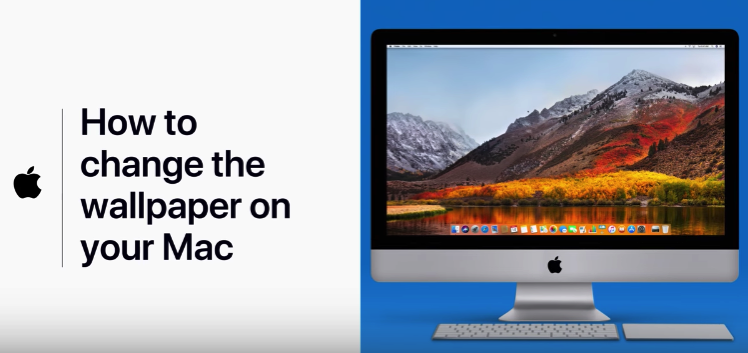

How to Change the Wallpaper on your Mac, According to Apple [VIDEO]

Apple Support has shared a new video tutorial on its YouTube channel, this time detailing steps on how to change the wallpaper on your Mac.

Screenshot 2018 01 22 10 41 59

The tutorial details three ways to change your wallpaper on your Mac, either from Photos, Finder or Desktop preferences.

YouTube video

You can also learn more about how to do this via Apple’s Support article here on the topic.

Previous tutorials shared included how-to videos on how to clear your cache in Safari on your iOS device and how to sign a document on your iPhone or iPad.

Want to see more of our stories on Google?

Add iPhone in Canada as a Preferred Source on Google

P.S. Want to keep this site truly independent? Support us by buying us a beer, treating us to a coffee, or shopping through Amazon here. Links in this post are affiliate links, so we earn a tiny commission at no charge to you. Thanks for supporting independent Canadian media!

Subscribe
Notify of
guest
2 Comments
Oldest
Newest Most Voted
Inline Feedbacks
View all comments
Jay
Jay
8 years ago

um… who cares?

jabohn
jabohn
Reply to  Jay
8 years ago

Next, in this week’s in-depth tutorials: How to empty the trash.

2
0
Would love your thoughts, please comment.x
()
x