
Watch How the Apple Watch Ejects Water in Slow Mo [VIDEO]
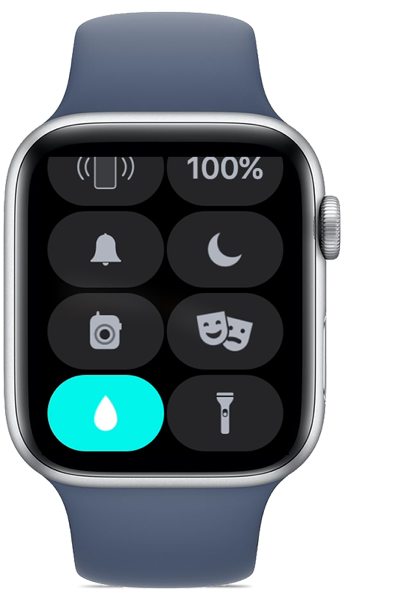
Even though the Apple Watch is water-resistant (not waterproof), its screen is still pretty sensitive, and you don’t want to accidentally tap it while swimming or showering. This is when Water Lock, the water drop icon on your Apple Watch, comes in handy.

When Water Lock is on, your Apple Watch Series 2 or later doesn’t respond to touch on its display. This prevents accidental input while you’re in the water. When you turn off Water Lock, your watch ejects any water that remains in its speaker.
In a new YouTube video uploaded by The Slow Mo Guys, you can see the process of water ejecting from the Apple Watch in slow motion. The Watch basically plays a series of tones to clear any water that remains in the speaker, and then you can use your display as usual.
Check it out below and tell us what you think.

Want to see more of our stories on Google?
P.S. Want to keep this site truly independent? Support us by buying us a beer, treating us to a coffee, or shopping through Amazon here. Links in this post are affiliate links, so we earn a tiny commission at no charge to you. Thanks for supporting independent Canadian media!