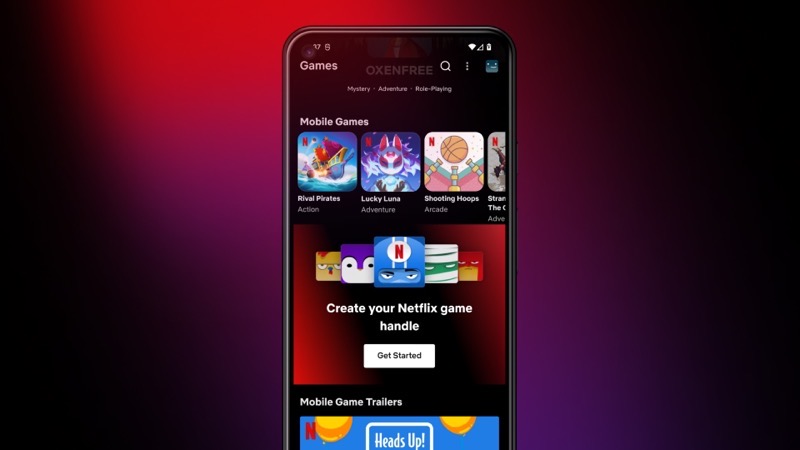
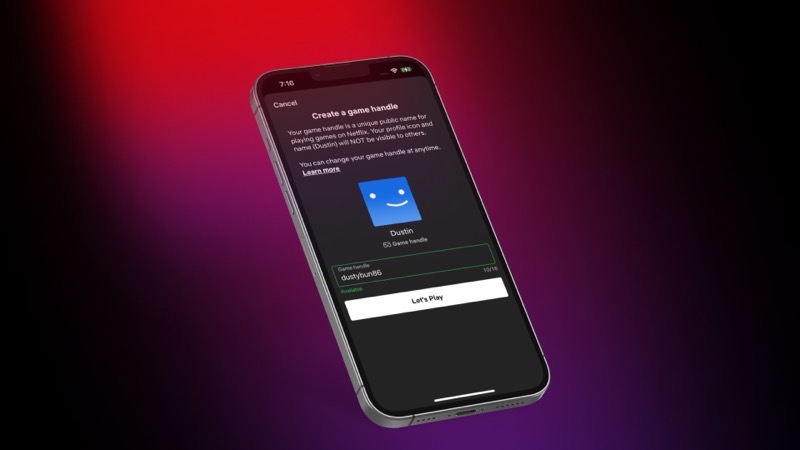
Netflix has announced today they are rolling out the ability to great game handles, which are public usernames that can be used across the company’s slate of mobile games on iOS and Android.
Supported games will have leaderboards such as Rival Pirates, Dominoes Café and Lucky Luna.
How to create your Netflix game handle? It’s easy to do so on iPhone and Android, just follow the steps below:
- iPhone: Download Rival Pirates or Lucky Luna for prompts you to select your gamer handle in-game
- Android: Select the games tab in the navigation bar and find the banner that says ‘Create your Netflix game handle’

Today, two new games are launching on Netflix: Spongebob: Get Cooking (Tilting Point) and Desta: The Memories Between (ustwo Games).
Netflix recently announced it is building its own in-house game studio in Helsinki, Finland.



Have you read this book? If not, you should🤩
l.NU0YM0I.CYOUAO2661iP