
Ted Lasso Season 4 Premieres on Apple TV, Marking a Long-Awaited Return
The Jason Sudeikis-led series is making its grand return on Apple's streaming service, starting today.
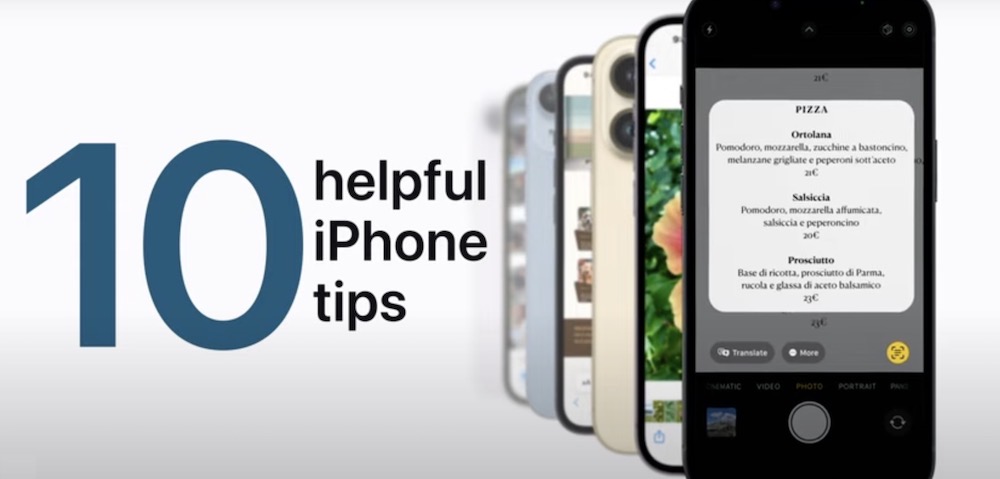
Apple has shared 10 helpful iPhone tips in a new YouTube support video, to help users get the most out of their devices, such as opening Camera from the Lock Screen, scanning documents in Notes, and more.
Your iPhone can reflect your personal style and preferences. Showcase your favorite photos on the Lock Screen, add widgets to the Home Screen, adjust text size, ringtones, and more.
iPhone also makes it easy to reach the people important to you. Add them to your contacts so you have their information everywhere you need it, then catch up with text messages, phone calls, or FaceTime.
Here are the 10 helpful iPhone tips Apple has shared in the new video:
Watch the following video to find out how to make the most of your iPhone with these useful tips.

Want to see more of our stories on Google?

P.S. Want to keep this site truly independent? Support us by buying us a beer, treating us to a coffee, or shopping through Amazon here. Links in this post are affiliate links, so we earn a tiny commission at no charge to you. Thanks for supporting independent Canadian media!


I use lifting a subject from a picture a lot on my iPad, and then send it to my PC to work on with The GIMP. It’s very convenient for getting things done quickly, though not always perfect. Along with the dictation changes and live text I’m very happy with iPadOS 16.