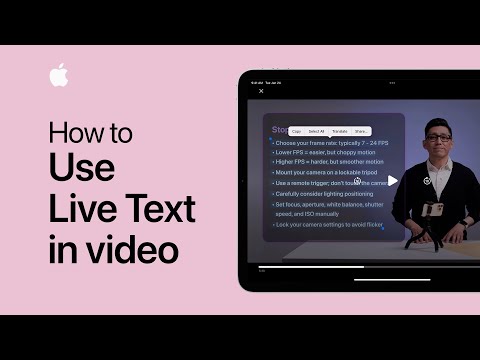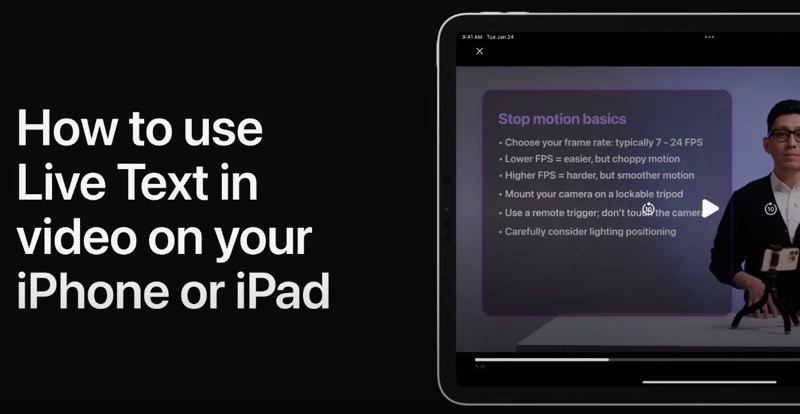
Apple’s Live Text feature recognizes text and information within pictures, but it also works when watching video on iPhone or iPad.
This means when you’re watching a video that has text, you can interact with it in various ways, such as either copying, sharing or translating what’s on the screen, for example.
Apple recently shared a video demonstrating how to use Live Text on your iPhone or iPad. All you have to do is pause a video that contains text, then touch and hold a word to highlight it. You can then drag a corner to select additional text.
It’s also possible to tap the Live Text button in the bottom right corner, which will automatically highlight text on the screen.
Check out the video below to see it in action:
Click here to learn how to use Live Text in photos on iPhone and iPad. The feature is only available for 11 languages so far, including Canadian English and French. Live Text was announced as an iOS 16 feature back at WWDC in 2022.