
Samsung Turns The Frame TVs Into A24 Movie Galleries With New Art Store Collection
A24's colleciton for Samsung's The Frame includes imagery from some of the studio's most recognizable films.
Google Photos is taking a step further in safeguarding user privacy with the expansion of its Locked Folder feature to iOS devices and the web.
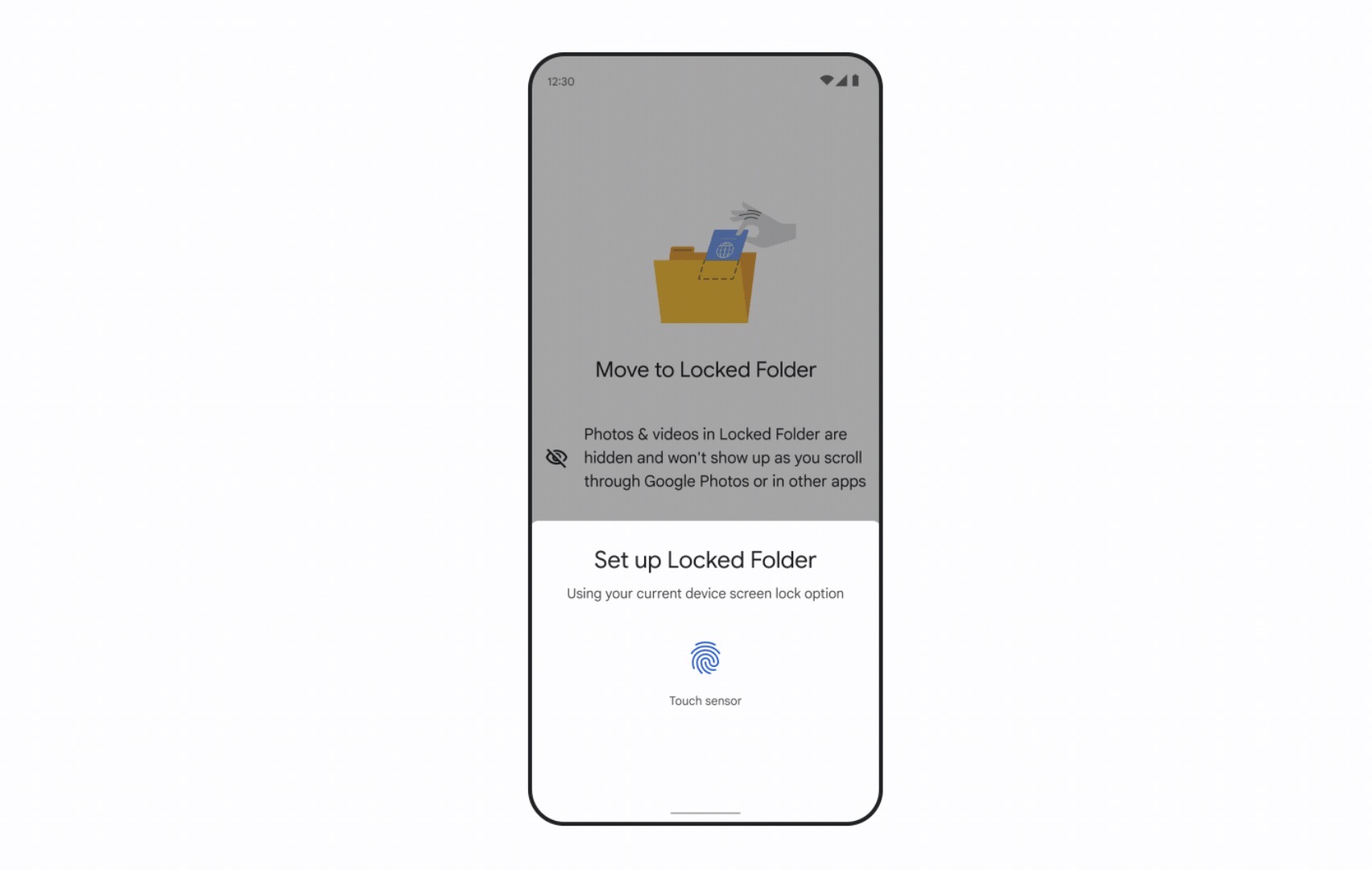
Previously introduced for Android devices, the Locked Folder provides a secure space to store sensitive photos and videos, accessible only with a passcode.
The latest enhancement allows users to not only save and access content in this protected folder, but also back it up for cross-device accessibility.
With this update, users can rest assured that photos and videos stored within the Locked Folder will remain exclusive to the folder. This means these media items won’t appear in the app’s general photo grid, Memories, albums, or search results within Google Photos.
Activating backup for the Locked Folder ensures that the content is accessible across devices, as long as users sign in to Google Photos and enter the correct passcode.
Google emphasizes the robust security of its infrastructure, ensuring that all content backed up in Google Photos, including the Locked Folder, is guarded by advanced security measures.
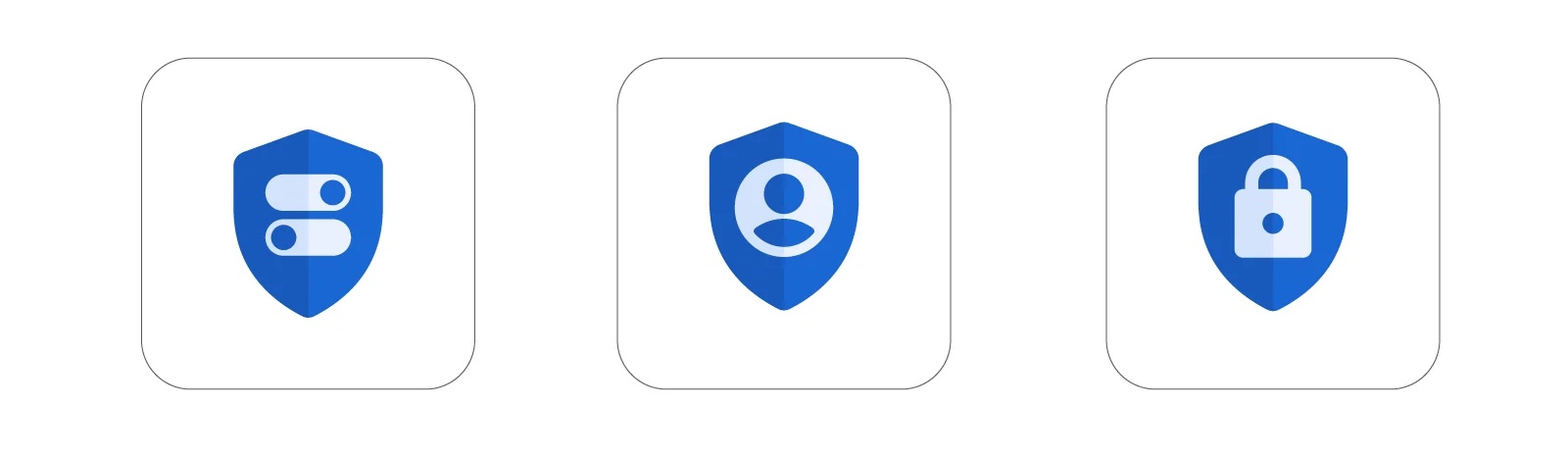
In addition to expanding the Locked Folder feature, Google Photos is streamlining its privacy controls and other settings through a revamped settings page.
This new layout offers simplified navigation, categorizing settings into sections such as privacy, backup, sharing, and notifications.
The updated settings page is already accessible in Google Photos on both Android and iOS platforms.
Want to see more of our stories on Google?

P.S. Want to keep this site truly independent? Support us by buying us a beer, treating us to a coffee, or shopping through Amazon here. Links in this post are affiliate links, so we earn a tiny commission at no charge to you. Thanks for supporting independent Canadian media!

