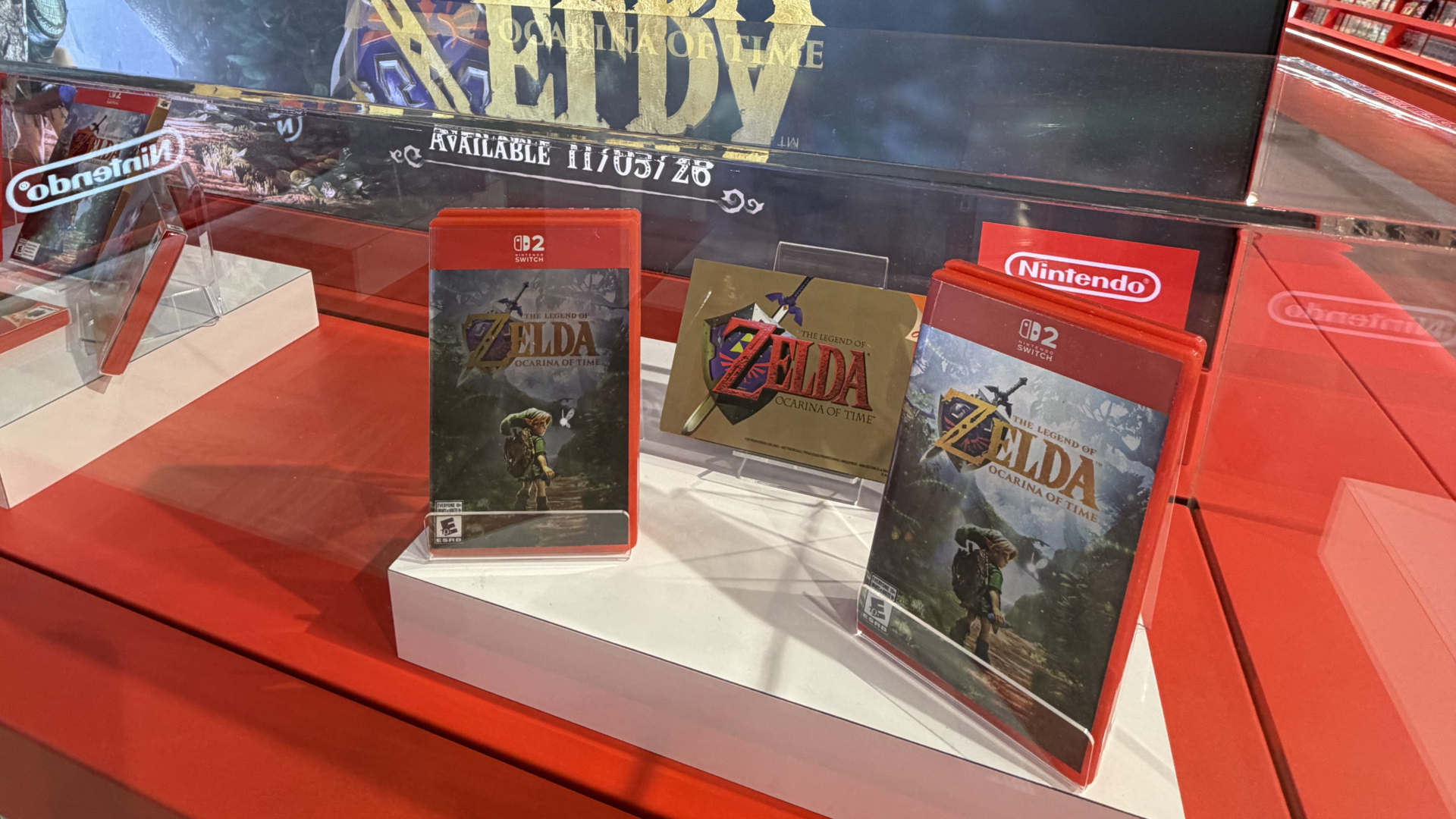
Your First Look at Inside Nintendo’s First Store-Within-a-Store at EB Games Toronto
Nintendo's first North American store-within-a-store opens at EB Games on Saturday, October 17, at 10 AM ET.

Google is updating its Gemini AI app to generate personalized images using information it already has about you, including photos of your face and family pulled directly from your Google Photos library. Yes, we’re getting even more personalized with Gemini now.
The feature is rolling out over the next few days to paid Gemini subscribers in the U.S. (Canada will have to wait). Users can request images with simple prompts like “create a claymation image of me and my family” and Gemini will automatically populate the result with actual likenesses drawn from labeled photos in their library, no manual uploads required.
Until now, getting a truly personalized AI-generated image meant writing long, detailed prompts and uploading reference photos by hand. The new system taps into Google Photos’ existing face-labeling feature, where users have already organized and tagged people and pets, and uses those labels to guide image generation automatically.
Here’s an example of a Gemini prompt where a users asks to make a claymation photo of his family doing their favourite activity, and it draws from Google Photos to add his family:

The update is part of a broader Google push called Personal Intelligence (which recently expanded to Canada) which uses data from connected Google apps like Gmail and Google Photos. Beyond pictures, the system can draw on a user’s connected Google apps to inform style and preference, so a prompt like “design my dream house” would theoretically reflect the user’s actual tastes rather than a one-size-fits-all result.
If the first result isn’t quite right, users can tell Gemini what was off and try again, or pick a different reference photo from their library. There’s also a Sources button that shows which image was auto-selected to guide the creation.
Google says it doesn’t train its Gemini models directly on users’ private photo libraries, and connecting Google apps to Gemini stays opt-in and can be turned off in settings anytime.
Want to see more of our stories on Google?

P.S. Want to keep this site truly independent? Support us by buying us a beer, treating us to a coffee, or shopping through Amazon here. Links in this post are affiliate links, so we earn a tiny commission at no charge to you. Thanks for supporting independent Canadian media!