Updating to iOS 27 does not automatically turn on Apple’s redesigned Siri AI.
While Apple Intelligence continues to expand, Canadian users still need to join Apple’s waitlist before they can use the rebuilt assistant.

Even though iOS 27 is now available to the public, Siri AI is still labelled as a beta feature. Apple is rolling out access gradually through a server-side queue, likely to manage demand and server load during the early rollout.
To try Siri AI, you also need a compatible Apple Intelligence device, including the iPhone 15 Pro, iPhone 16 lineup or newer.
For Canadian users, there’s another important step. Go to Settings > Siri > Language and select English (United States). Using English (Canada) may not show the option to join the Siri AI waitlist.
If you still don’t have access after updating, here’s how to sign up:
- Open Settings: Launch the Settings app on your iPhone running iOS 27.
- Go to Siri: Scroll down and tap Siri.
- Tap “Try Siri AI (Beta)”: Select the option at the top and follow the prompts to request access.
Once your device reaches the front of the queue, Apple will send a notification confirming that Siri AI has been activated. The standalone Siri app should then appear automatically on your Home Screen.
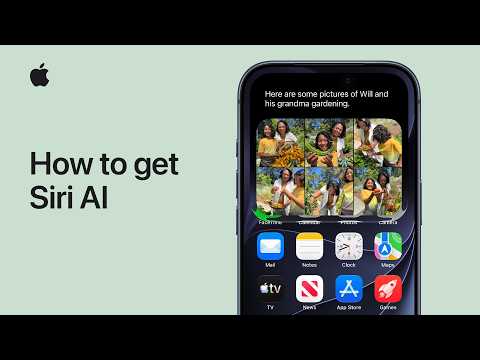
You can watch the video below for a quick walkthrough of how to set up and start using Siri AI on your iPhone or iPad.



I just joined the wait list for this on my 16 Pro. One note that the article doesn’t mention. I had to switch my Siri language to English (United States). The Join Beta button was not visible when my Siri language was set to English (Canada)
Thanks, we’ve updated the article. I started using iOS 27 since the early betas and English (Canada) will let you use Siri AI, so you can probably switch back after you get access.
Can you do a post where you show people how to completely disable all AI features on the iPhone? I think more people would prefer that type of article.
you can just not turn them on. Siri AI is totally optional…
Just updated my iPhone (15 Pro Max) to iOS27. Siri AI (Beta) didn’t show up in Siri (set to English (US) and logo was for Siri 2024. Switched to English (Canada) and ask for Siri (Beta) appeared and Siri 2020 logo shows up. I live in Surrey, BC (currently in Winnipeg MB).