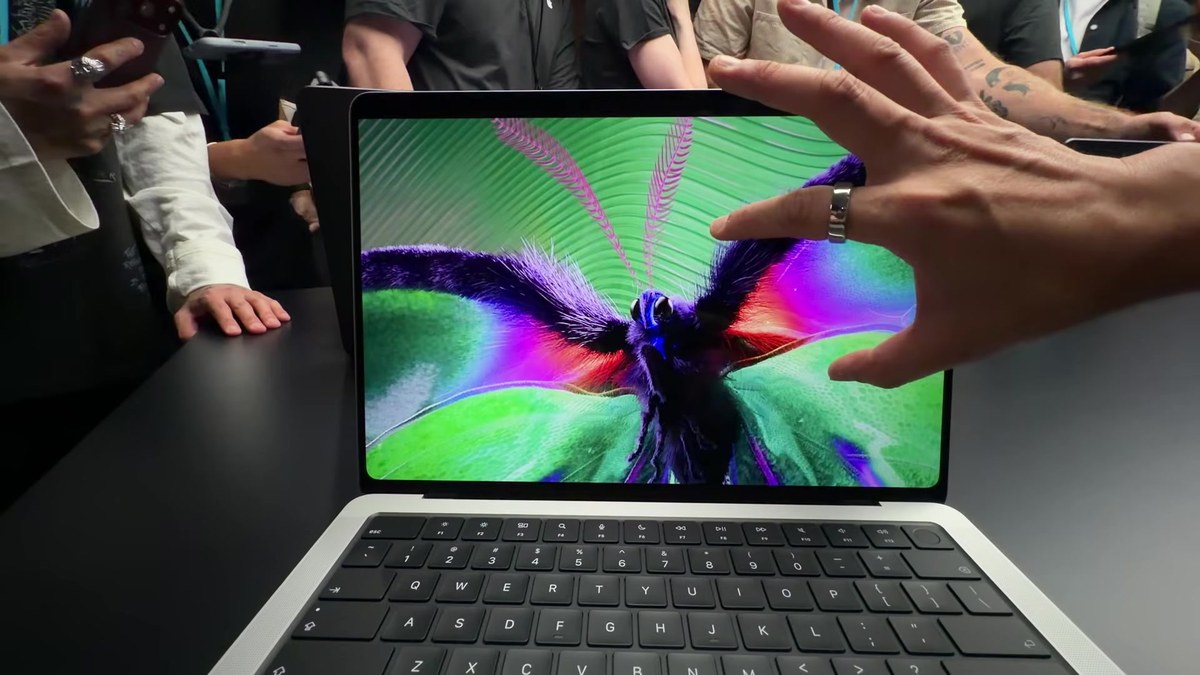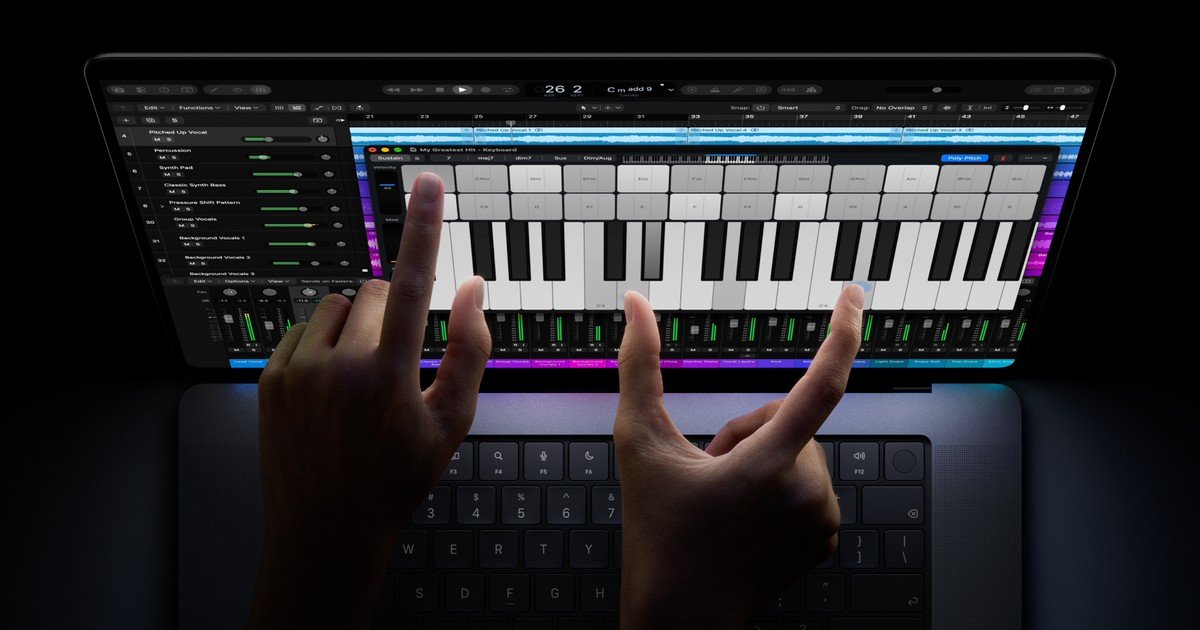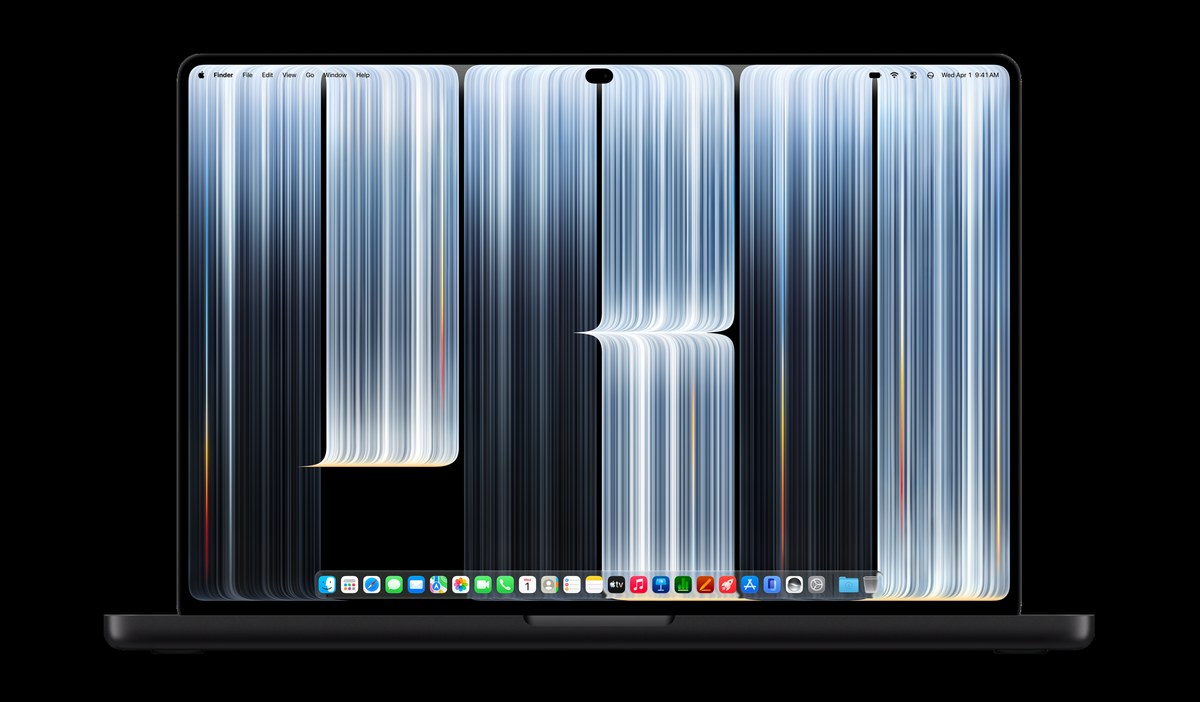
Apple has published details about Touch on Mac, giving developers their first clear look at how apps should behave on the new MacBook Pro with a PROLED XDR touchscreen.
The new website is called, ‘Get ready for Touch on Mac’, and the subtitle tells developers to learn how to optimize their apps. Deeper written docs are still marked Coming soon, but Apple already points teams to three Tech Talks, design links, sample code, group labs, and the Xcode 27.3 beta.
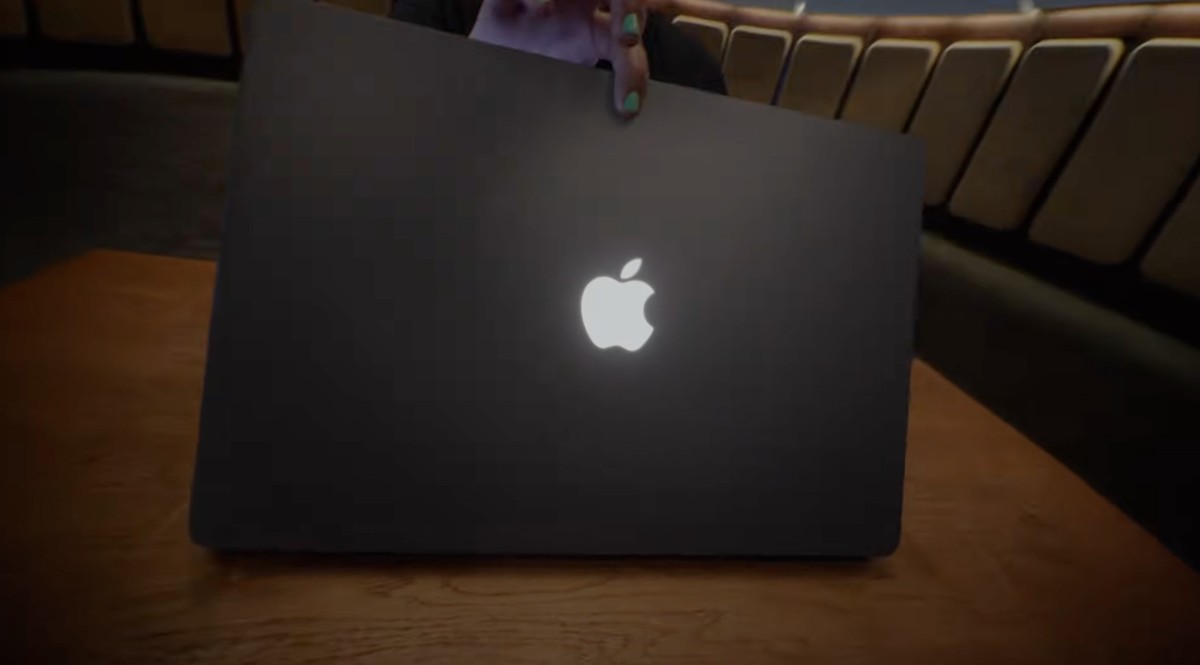
That timing comes after today’s Mac event coverage. The same reveal day also brought a glowing Apple logo teaser from CEO John Ternus, making the developer page the software side of a bigger MacBook Pro update.
In Design for Touch on Mac, Apple walks through the touch gestures now available on Mac and how system gestures work. The session also covers sizing controls and touch targets without breaking the pointer and keyboard experience, plus how to adapt hover interactions. Native controls such as steppers, dials, and sliders get their own expansion behaviour discussion, which matters once fingers replace a precise cursor.

Apple’s Design for Touch on Mac Tech Talk. Image credit: Apple
Bring Touch to your Mac app is the more practical follow-up. Apple says developers should move from classic mouse tracking APIs to modern gesture recognizers and touch-native controls. The talk covers optimizing hit targets, multi-touch interactions, and managing system gestures. Sample code shows touch-only pan recognizers with direct touch types, expanded hit testing for fingers, two-finger scrolling thresholds, and ways to allow more than one gesture at once.
A third Tech Talk, Bring Live Activities to Mac, sits on the same hub. It covers Live Activities in the menu bar and Dynamic Island, compact and expanded SwiftUI views, and interactive updates through App Intents. The material sits beside the touch guides as part of the same readiness package.
For tooling, the hub highlights the Xcode 27.3 beta and asks developers to download the latest SDKs to build, run, and test. Documentation resources and design resources are both listed as Coming soon, though Apple already links out to adopting gesture recognizers, a drag and drop sample, Designing for macOS, Gestures, Pointing devices, Live Activities, and Apple Design Resources.
Anyone who wants live help can join Touch on Mac Group Labs with Apple engineers and designers online on November 18 from 9 to 10 a.m. PT, or November 19 from 6 to 7 p.m. PT. That lands after earlier chatter that a touch MacBook Pro could hit steep Canadian prices, and it gives developers a concrete checklist while buyers wait on shipping dates.
Will the first wave of Mac updates feel built for fingers, or will too many apps still act like mouse-only software on a touchscreen?