Apple Gift Card Scam Victims in Canada Can Now Claim from $1.25M Settlement
Canadians who lost money to iTunes, App Store or Apple Music gift card scams have until February 20, 2027 to claim from a $1,250,000 CAD settlement.
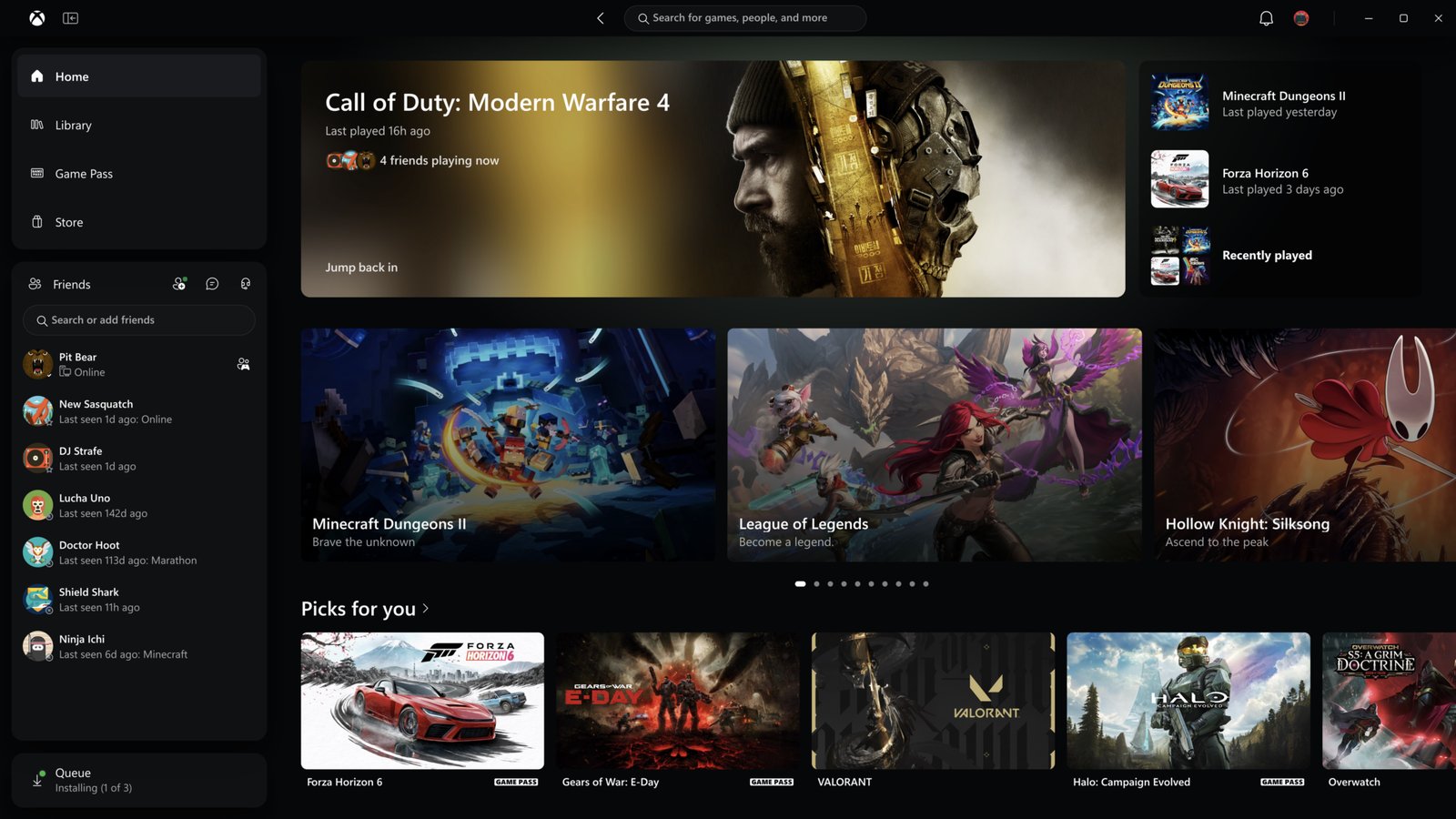
Microsoft is rolling out a redesigned Xbox Cloud Gaming experience, making it easier for iPhone, iPad and other device users to find and stream games through their web browsers.
The company announced Thursday that its refreshed cloud gaming website will reach more players automatically over the coming weeks. Microsoft is also introducing a faster Xbox PC app and updating its cloud gaming experience on supported TVs and VR headsets.
The new web interface was first tested with Xbox Insiders in January and is now expanding to a wider audience.
For iPhone and iPad users playing through Safari, the biggest change is a redesigned Library that brings together owned games and titles available through Xbox Game Pass. Players can sort and filter games by genre, recently played titles and supported controls.
Microsoft has also improved the layout for larger displays and added dark and light modes, along with five high-contrast themes for accessibility.
The changes come as Xbox Cloud Gaming continues to expand. Last month, Microsoft introduced standalone cloud gaming subscriptions, allowing players to access the service without Game Pass.
Meanwhile, Microsoft’s updated Xbox PC app now launches up to 60% faster, according to internal testing. Home, Store and Game Pass pages load up to 50% faster, while in-app windows open up to 65% faster.
The PC update also brings improved game organization, easier access to friends, better search and a refreshed design. Xbox Insiders can try these changes now.
Microsoft is also bringing the new interface to supported smart TVs and VR headsets, aiming for a more consistent experience across devices. Players can try the redesigned cloud gaming website now at play.xbox.com, ahead of its wider rollout.
Do you stream Xbox games on your iPhone or iPad? Let us know in the comments.
Want to see more of our stories on Google?

P.S. Want to keep this site truly independent? Support us by buying us a beer, treating us to a coffee, or shopping through Amazon here. Links in this post are affiliate links, so we earn a tiny commission at no charge to you. Thanks for supporting independent Canadian media!