How To…

How to Jailbreak iOS 8.3 Untethered with TaiG 2.0 for Windows [VIDEO]
The TaiG team has released an untethered jailbreak for iOS 8.3.

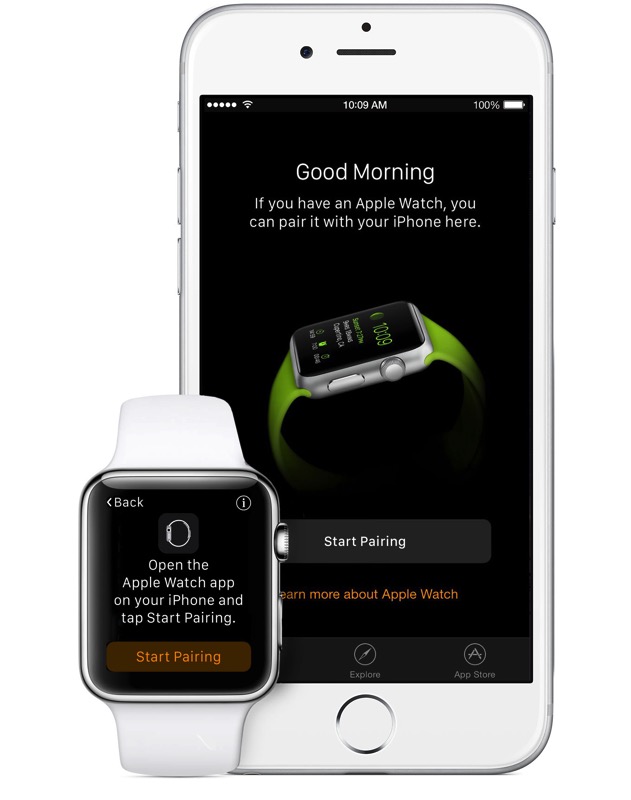
Quick Fix: Can’t Restore/Pair Apple Watch in iOS 9 Beta
Some users have been unable to restore their Apple Watches from backup after install iOS 9 beta.

Apple: How to Fix the iMessage Unicode Bug and Re-open Messages App
Apple has published a support document indicating how to re-open your Messages app if you are hit by the Unicode bug.

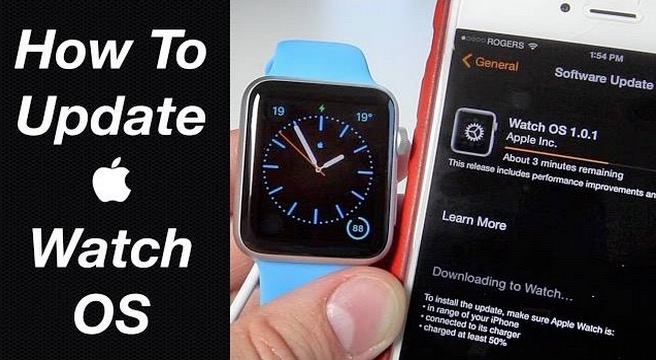
How to Update Your Apple Watch OS to 1.0.1 [VIDEO]
Here's a tutorial on how to update Apple Watch OS to 1.0.1.

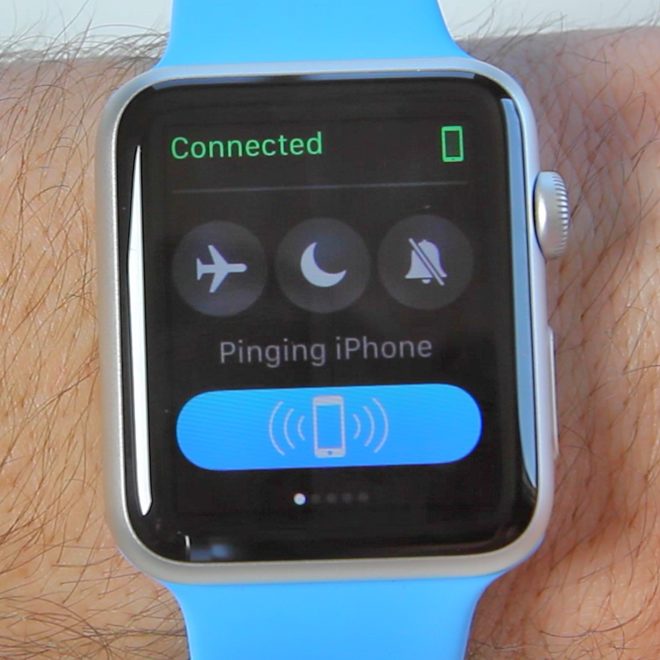
Apple Watch Guide: Finding Your Lost iPhone
Misplacing your iPhone can be very frustrating. One way to find it was to call it and hope you had the ringer on or at least it was quiet enough to hear it buzzing. Well, with the Apple Watch, you can easily find your lost iPhone. All you have to do is go into your...
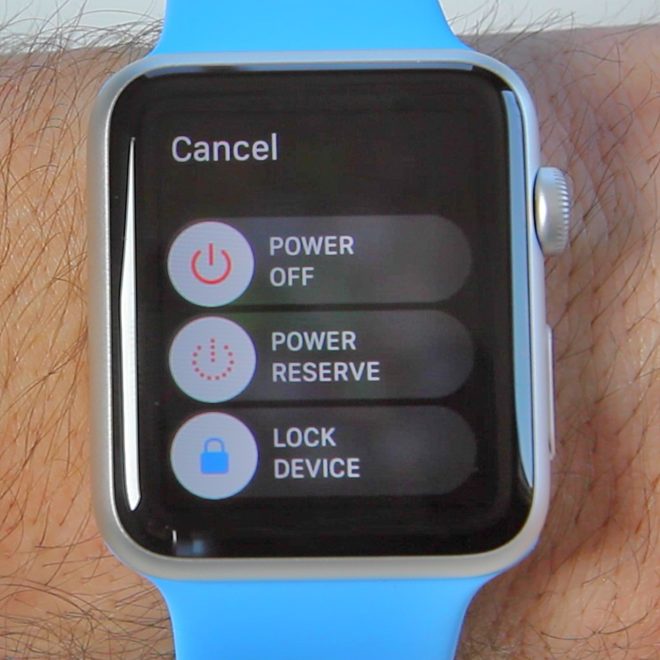
Apple Watch Guide: Turning Off Your Apple Watch
If you're an iOS user you know sometimes your devices can get a little buggy, and usually a great way to fix the problems is to power the device off and turn it back on. You can do the same thing on your Apple Watch. To access to the Power off option, simply press and...
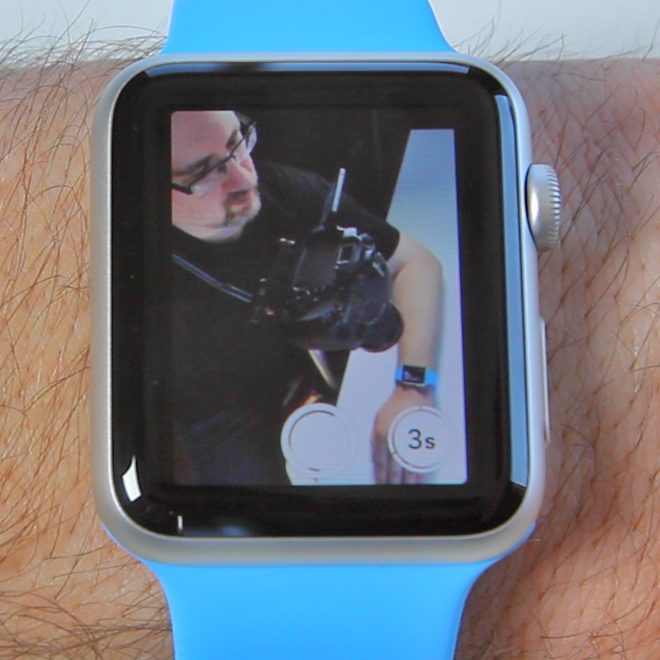
Apple Watch Guide: Using Your Watch As A Camera Remote
One of my favourite features of the Apple Watch, is being able to use it as a camera remote for my iPhone. This allows me to take more pictures with me in them, and not just selfie style pictures. All you have to do is tap on the Camera Remote app on your Apple Watch. This...
Apple Watch Guide: Taking A Screenshot
There are many reasons you might want to take a screenshot of your Apple Watch. Doing so is just as simple as doing it on any other iOS device. To take the screenshot all you have to do is hold down the side button and the digital crown at the same time and then release...
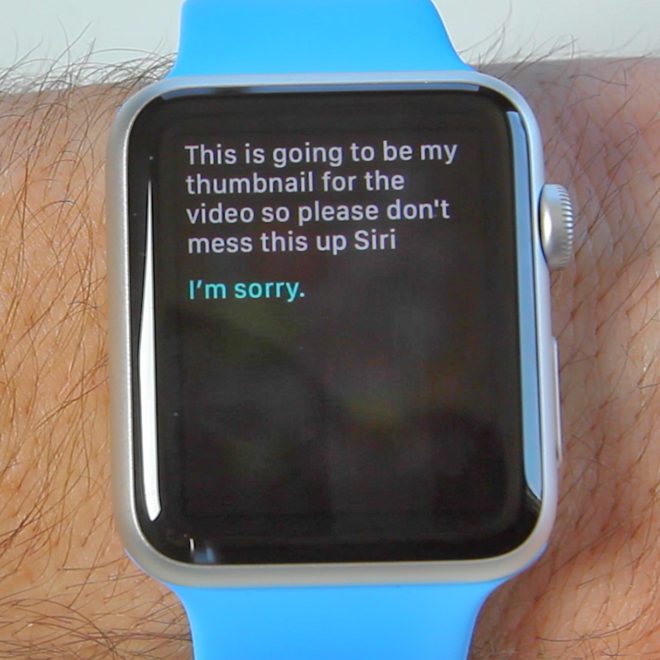
Apple Watch Guide: Using Siri
With the Apple Watch, you can do a lot with your voice. Siri is an integral part. It makes interaction with the watch faster and is easy to use. There are a couple of ways to start using Siri. You can either press and hold the digital crown or you can raise your wrist, and when...
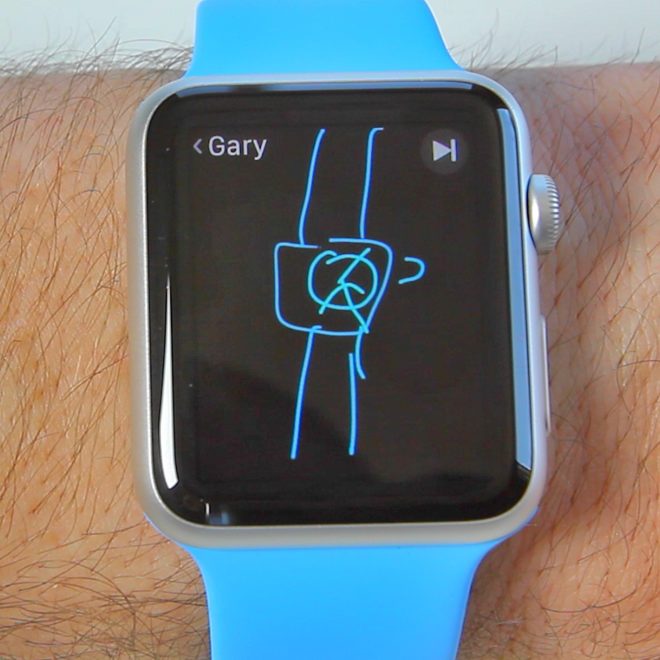
Apple Watch Guide: How To Use Messages
While sending your heartbeat to someone may seem a little to personal, sending them a cute little sketch or a fun emoji can be a lot of fun. It's all part of the Messages app with the Apple Watch. Apple touts it as a new kind of conversation. Of course to use some of these...

How to Fix a Slow ‘Spinning Beach Ball’ in Finder on Mac OS X
Here's one way to fix a slow, unresponsive Finder windows on Mac OS X.
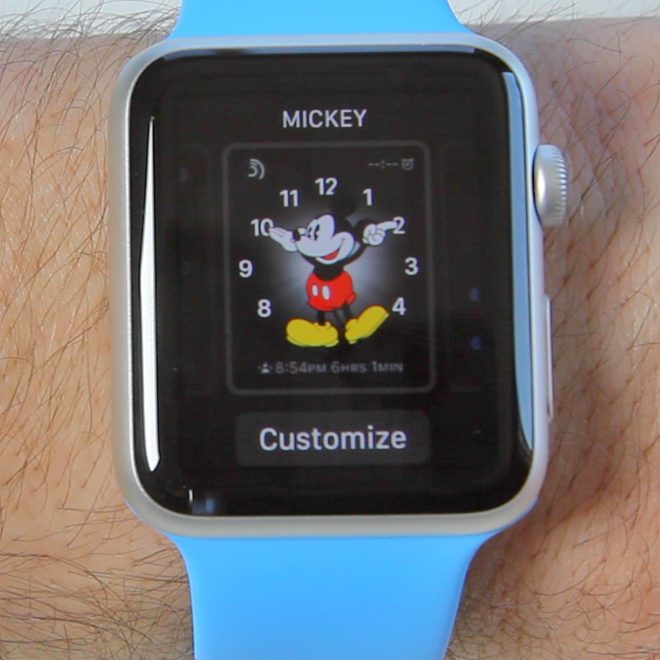
Apple Watch Guide: How To Customize the Watch Face
Customizing the watch face of your Apple Watch is one of the easiest ways to make it feel a lot more personal. From Mickey Mouse to Astronomy, Apple gives you 10 watch faces to chose from. But within those 10 you can add even more customization by including various information such as battery life, the...