Just under an hour ago iOS 7 was released to the masses, which meant everybody started to download the over-the-air update right from the iPhones, iPads or iPod touch units. That crushing demand seems to overwhelm Apple’s servers year after year.
Thus, many users have started to experience “Software Update Failed” messages which say “An error occurred download iOS 7.0”, as seen below:
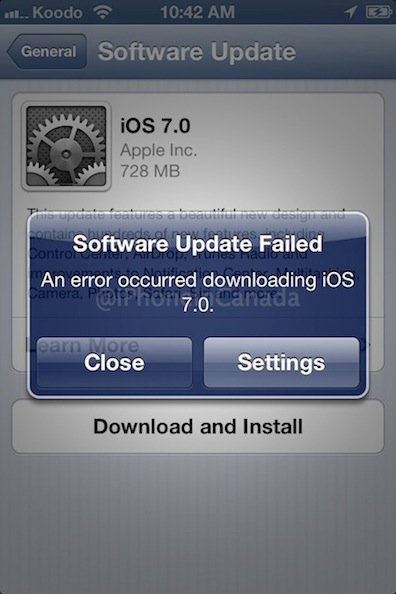
How to fix this? The answer is patience and persistence. Keep trying to download the update again, or if you can, wait until later on in the day when initial demand dies down. You’ll eventually get through and the update will finished downloading and install. Of course, you could also try installing the update via iTunes as well, but that’s no fun!
Update: Direct download links for iOS 7 are right here.
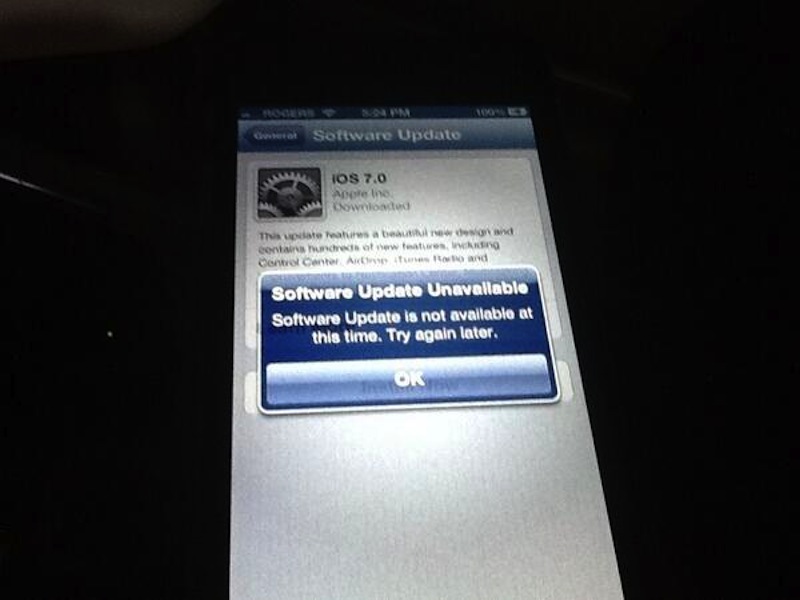
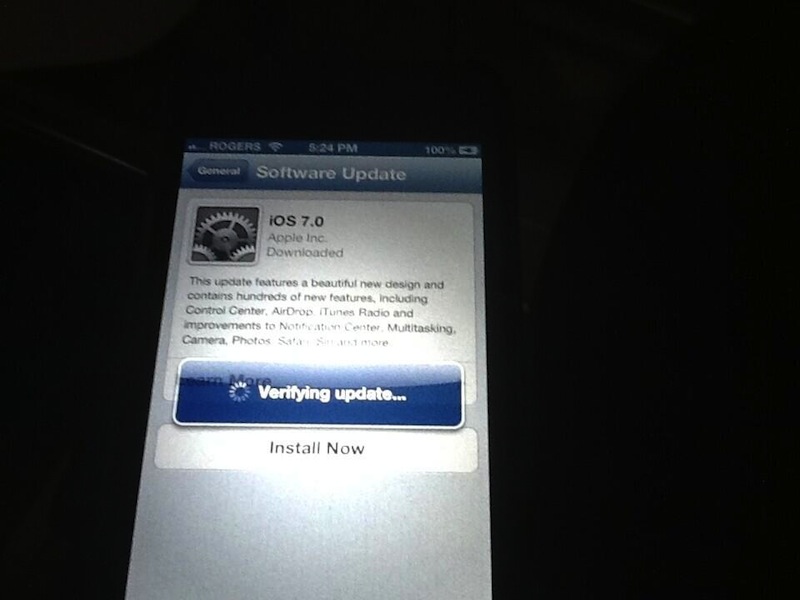
Update 2: Many are also experiencing a “Software Update Unavailable” error after trying to verify their update. This is also related to Apple’s servers being slammed due to high traffic and demand. Keep trying or hold off and come back after a couple hours (images below via @paulast0lf0):




its actually better for iTunes to download it first, especially if there are server issues, that way its fully downloaded over time and ready to go.
Maybe I’ll try the iTunes download overnight.
I got it to work finally, after multiple tries. I even had issues installing it, as it would give me errors as well, even though it was downloaded. But finally got it and its amazing.
I tried downloading with iTunes overnight. It failed as well. 🙁
Yepp i’ve downloaded it from itunes and i need to update soon
https://www.iphoneincanada.ca/news/download-ios-7-ios-7-0-1-for-iphone-ipod-touch-ipad-direct-ipsw-links/
My favorite feature so far is the “Software Update Failed” feature.
LOL
Yeah, it rocks!!????
got mine!
fucker…
The updated downloaded, it just won’t INSTALL! What’s THAT about?!?!:(
Same here, DLed, prepped then said update not available(iPhone 4)
same here, but after trying again it did go through (4S)
rebooted phone and it started install after a few seconds, just finished and is welcoming me with words that I will assume are hello in various languages;)
didn’t take long 6th try it worked
Was able to download but now I’m getting a brand new “feature” :
“Software Update Unavailable: Software Update is not available at this time. Please try again later”
iOS 7 is living up to the expectations of bringing a new whole user experience, that starts immediately BEFORE you install it.
Have patience, I got that 7 times, and now I’m at the Apple logo screen updating. It will go through eventually. And I started everything at 10:02 this morning. Keep in mind millions of people around the world are doing this at the same time.
I think that Apple, not me, should have kept that in mind and act accordingly before releasing the update 😉
And they’re doing a pretty good job considering the amount of people clicking at the same time.
I’m done updating btw. Good luck and enjoy!
You figure they would be smart enough to expand their servers because of this. Year after year this occurs and it is stupid.
Wow, awesome. What a totally useful and informative article.
Mine worked first try, starter at 10am was installed about 10:30am no errors and went through flawless as per usual. Great job apple!
watch?v=pNMAmqYq6ik
I tried like 20 times, once I turned off wifi and used 3G, it worked!!
The best thing is to always wait until the next day, as the Day 1 server crashing is just too frustrating. Or install the GM release a week before. 🙂
That’s cheating lol
I prefer to think of it as getting a head start so I can hand-hold the rest of my family through all the changes. 🙂
this should be fixed soon! getting very angrry over here!!!!!!!
When I tried to download the new iOS it factory reset my phone deleting all my apps and it didn’t even have the new iOS adterwards
Toggle between wifi/3G to try ur luck!!
At least worked for meo/
How do you open itunes?