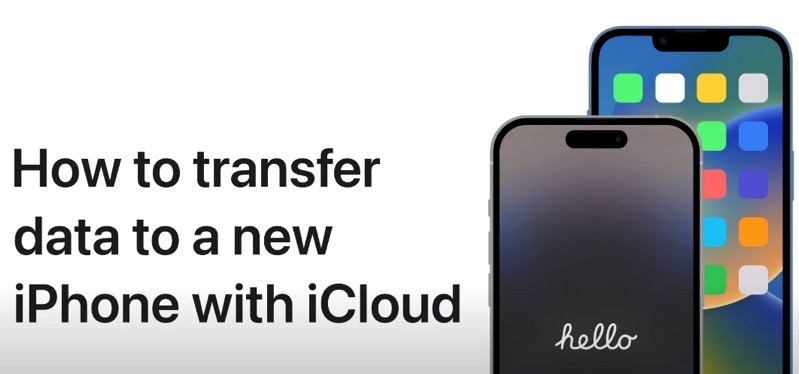
If you’ve just created a new iPhone backup using Apple’s iCloud, here’s how to transfer data to your new iPhone 14 or iPhone 14 Pro using iCloud.
iCloud backups are easy to use as they allow iPhone customers to restore from a backup without the need for a Mac or PC. All you need is an internet or cellular connection.
“You can use iCloud to transfer your apps and data from your previous iPhone to a new iPhone, even if you don’t have enough storage space. You’ll be given as much temporary iCloud storage as you need to back up your apps and data and transfer them to your new iPhone. To keep backing up your new iPhone to iCloud, you can subscribe to iCloud+,” explains Apple.
If you’re choosing to transfer data to your new iPhone with iCloud, here’s how to do it, according to Apple.
Have both your new iPhone and old iPhone side-by-side. Follow the setup instructions on the new iPhone; when it gets to the Quick Start screen, and then the ‘Transfer Your Data’ option, pick download from iCloud. This option allows you to use your new iPhone right away; however the other Transfer from iPhone method takes longer and doesn’t let you use your device, but it will also move over logins.
Check out the video below to learn how to transfer data to a new iPhone with iCloud:




Or you could do what I did, place the new phone beside your still working old phone, power them both on, and the new phone will automatically detect it is ready to set up and transfer all the information from your old phone. Absolutely mind boggling how well this works, and how fast it transfers information.
Or you could do what I did, place the new phone beside your still working old phone, power them both on, and the new phone will automatically detect it is ready to set up and transfer all the information from your old phone. Absolutely mind boggling how well this works, and how fast it transfers information.