Update 1: Release notes:
- iOS 5 beta 7 can be installed using over the air software update from devices that have iOS 5 beta 5 or later installed. Over the air software update can be initiated by choosing General > Software Update in Settings.
- Be sure to backup your devices using iTunes 10.5 beta 7 or through iCloud backup prior to installing iOS 5 beta 7. After installing iOS 5 beta 7, you can restore your device using either iTunes 10.5 beta 7 or through your iCloud backup.
- When updating iPhone 3GS or iPod touch (3rd generation) from Beta 6 to Beta 7 using iTunes, you must first follow the instructions in the Release Notes.
- This version of iOS is intended only for installation on development devices registered with Apple’s Developer Program. Attempting to install this version of iOS in an unauthorized manner could put your device in an unusable state, which could necessitate an out of warranty repair.
- Devices updated to iOS 5 beta can not be restored to earlier versions of iOS. Devices will be able to upgrade to future beta releases and the final iOS 5 software.
- Xcode 4.2 Developer Preview cannot be used to submit apps to the iOS or Mac App Store. Continue to use the publicly released version of Xcode to compile and submit apps to the App Stores.
- A pre-release version of Apple TV Software is being provided in order to test AirPlay functionality with your iOS 5 apps.
This evening Apple released the seventh beta, build 9a5313e, of iOS 5 to developers. Alongside the iOS beta release, Apple also released Beta 7 of iTunes 10.5.
The last iOS 5 release, Beta 6, was pushed out on August 19 2011, putting 12 days between Beta 6 and Beta 7.
iOS 5 Beta 5 however was released on August 6 2011, putting 13 days between Beta 5 and Beta 6 and iOS 5 Beta 4 was released July 22 2011, putting 15 days between Beta 4 and Beta 5.
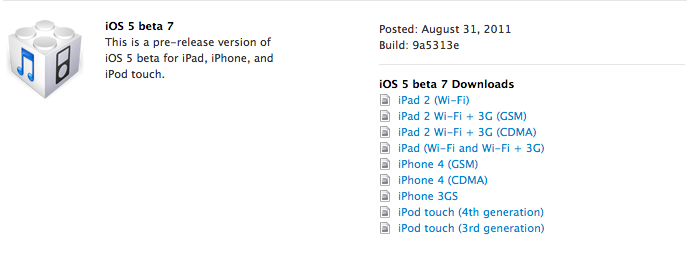
The Beta update is available now in the iOS Dev Center or via Over The Air update on an iOS device with a previously installed iOS 5 beta.



Has anyone had their phone stuck in recovery mode after updating OTA to Beta 7?
Don’t get it. There is an annoying LAG!!!
Music doesn’t work why
Mine works.
I had this problem after the OTA update. Remove your songs, then re-sync them in iTunes.
Can u Plz tell me how to remove the songs ? Thank u
Just untick your playlist in iTunes, then sync. Re-add them, then sync again.
Alright, well I’m not updating then lol. Also, need a changelog 🙂
Has anyone had any issues with “reminders?” The ‘+’ sign has disappeared since Beta 6 release and I cannot add a new reminder. I actually have to “save” my old ones in order to use them again. Just curious if anyone has had this problem and if there is a fix?
Has anyone had any issues with “reminders?” The ‘+’ sign has disappeared since Beta 6 release and I cannot add a new reminder. I actually have to “save” my old ones in order to use them again. Just curious if anyone has had this problem and if there is a fix?
No I’ve had no issues. I’m at beta 7 now, working fine