
Apple’s AirPort Utility App is Being Removed From the App Store
Apple warns that "functionality is not guaranteed" when using AirPort Utility on iOS 27 or later.
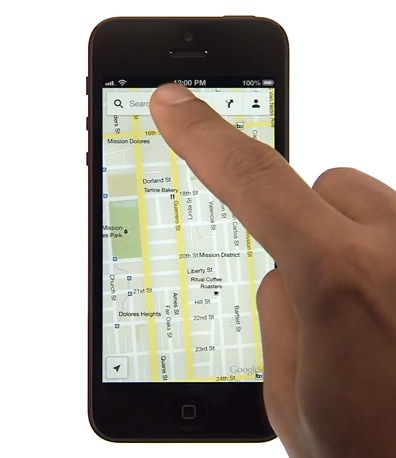
Google Maps for iOS launched in the App Store last December to much fanfare (10 million downloads in under 48 hours)given the current inconsistencies with Apple Maps. For all the Google Maps newbies out there, Google released a video yesterday to help you quickly learn what the app can do.
Learn how to get the most out of Google Maps on your iPhone by searching, swiping and tapping to navigate your way to new and familiar places
Google Maps for iOS utilizes numerous gestures to navigate to its various features. Check out the video below:
Previously, Google released 10 tips on how to maximize your Google Maps for iOS experience. Currently, Google Maps has replaced Apple Maps on my home screen–I can’t remember the last time I opened Apple Maps.
Want to see more of our stories on Google?

P.S. Want to keep this site truly independent? Support us by buying us a beer, treating us to a coffee, or shopping through Amazon here. Links in this post are affiliate links, so we earn a tiny commission at no charge to you. Thanks for supporting independent Canadian media!


Google maps is fantastic but I’m having problems with it not saving my searches which is a major pain. Does anyone else have that problem? Otherwise it’s far superior to the iOS maps
Have you signed in with google? That’s required and it will save the searches over all platforms.
Yah I am actually signed in on my phone. I tried signing out and deleteing the app and doing it all again to see if maybe that works.
Is it possible you have slow connection and that you move on to another task/ screen before it has a chance to save on the G server?