Apple’s Smart Home Hub With Siri AI and Face Recognition Could Launch Next Month
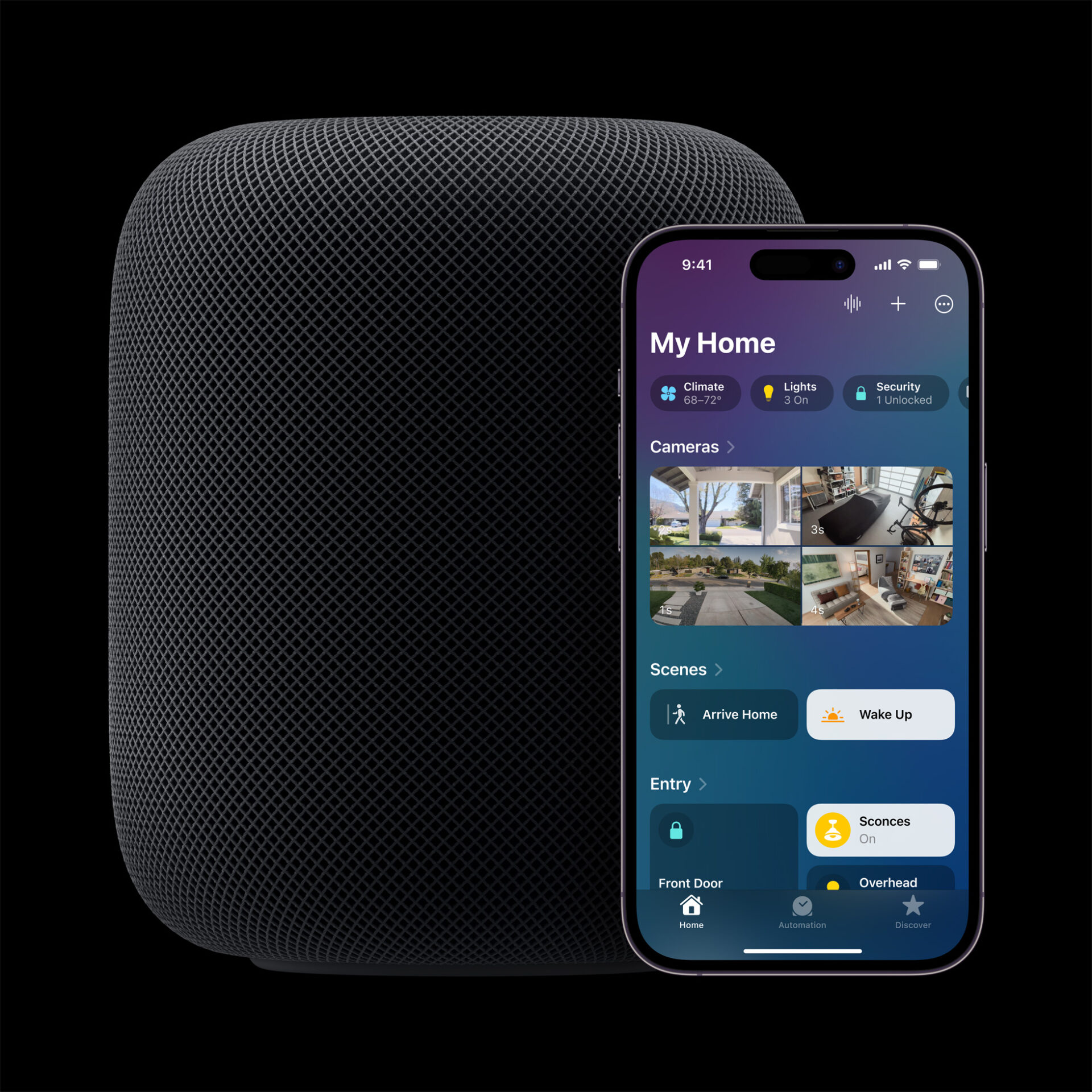
Apple's long-awaited smart home hub could launch as early as next month with facial recognition and Siri AI, according to Mark Gurman.
Secure messaging app Confide is adding an important new feature that stops users from taking any type of screenshot or covertly recording the screen using other known options.
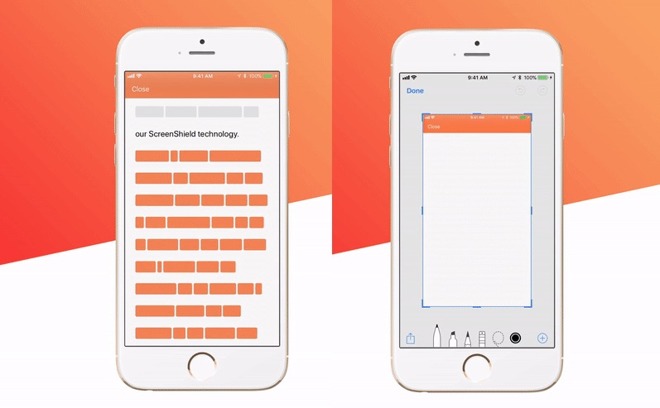
A new report from International Business Times explains that the app can stop users from taking a screenshot, recording a screen video in iOS 11, or even mirroring a device’s screen from within the app with its newest feature, ScreenShield. It also blurs an app’s contents in the App Switcher.
Confide is a secure and private messaging app that uses end-to-end encryption and expiring messages to protect user privacy. The application bars users from taking screenshots in its Mac, PC, and Android apps, but until now, hasn’t been able to do the same for its iOS version due to “technical” infeasibility.
“ScreenShield is a patent-pending technology that allows you to view an app’s content on your screen but prevents you from taking a screenshot of it,” explains Confide in a blog post. “If you try to take a screenshot on Confide, you will now simply capture a blank screen. ScreenShield also protects against other forms of screen capture, including iOS 11 screen recording, AirPlay screen mirroring, QuickTime screen recording as well as taking screenshots from the app switcher or by using Xcode.”
The app was first introduced as a type of Snapchat aimed for the corporate world, though it never quite took off. It has, however, seen somewhat of a resurgence lately following the election of US President Donald Trump when it was embraced by political staffers looking to communicate privately.
The Confide app is available to download from the App Store with the ScreenShield feature today. The app is free and is compatible with all iPhone, iPad, and iPod touch models running iOS 10.0 or later.
Check out a video of the app in action below.

Want to see more of our stories on Google?

P.S. Want to keep this site truly independent? Support us by buying us a beer, treating us to a coffee, or shopping through Amazon here. Links in this post are affiliate links, so we earn a tiny commission at no charge to you. Thanks for supporting independent Canadian media!


So I’ll take a picture from another device. Quality won’t be as good, but this is a chat app, not a video player.
Wonder if you start a “record screen video” then open the app, then just snip the video to an image. Might have to toy with it for fun.
it doesn’t work. “Stop screen recording to read the message.”
Awe boo hah. I don’t use the app, just sparked my curiosity. Thanks for the info.