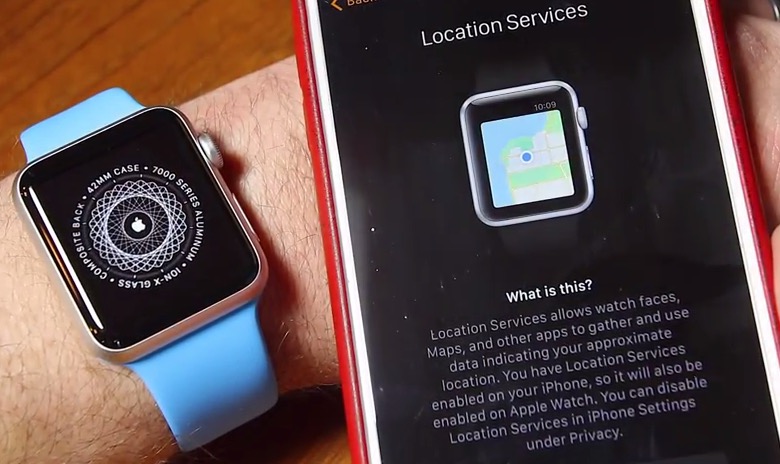

How to Setup Apple Watch and Pair with iPhone, Step-by-Step [VIDEO]

Screenshot 2015 04 25 08 58 44

After finally unboxing my 42mm Apple Watch Sport with Blue Sport Band, I couldn’t wait to get the device setup and paired with my iPhone 6 Plus. Here’s my full video walkthrough of the process which might help you out with the process (note: I was filming late after putting my kids to bed…Zzz…)

YouTube video

How did your Apple Watch setup go?

Click here to subscribe to my YouTube channel so you don’t miss my next Apple Watch videos!

Want to see more of our stories on Google?

Add iPhone in Canada as a Preferred Source on Google

P.S. Want to keep this site truly independent? Support us by buying us a beer, treating us to a coffee, or shopping through Amazon here. Links in this post are affiliate links, so we earn a tiny commission at no charge to you. Thanks for supporting independent Canadian media!

Subscribe
Notify of
guest
1 Comment
Oldest
Newest Most Voted
Inline Feedbacks
View all comments
Nick
Nick
10 years ago

I think it went back to the ‘do you want to restart setup’ screen because you pressed firmly, which is used like right-click/secondary click type function to show menus/options.

1
0
Would love your thoughts, please comment.x
()
x