
Ming-Chi Kuo Refutes Claims of Massive Apple Chip Bottleneck
Supply chain analyst Ming-Chi Kuo has refuted claims that TSMC is sitting on $1 billion worth of unfinished Apple 2nm chips due to memory shortages.
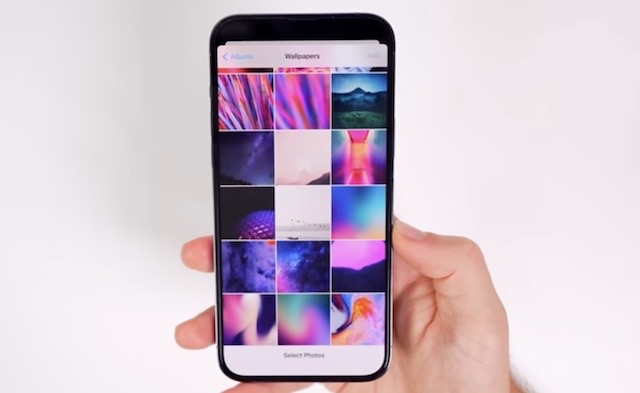
A brand new iOS 16 feature gives users the ability to change their Lock Screen and Home Screen wallpaper automatically without the need for a Shortcut.
Apple has just released a new round of beta software for developers, including iOS 16 and iPadOS 16 beta 5. The company is expected to release equivalent public beta versions soon as well.
A recent report from Bloomberg claimed that Apple will be delaying the release of iPadOS 16 to October, allowing the company more time to tweak the release and possibly time it better with new iPads that are said to debut this fall.
In the meantime, a new video published by YouTuber Brandon Butch has detailed a new iOS 16 feature called “Photo Shuffle,” which allows you to change your wallpaper daily, hourly, every time you wake your device, or by simply tapping the Lock Screen.
Check out the video embedded below to see how the new Photo Shuffle feature works in iOS 16.

Want to see more of our stories on Google?

P.S. Want to keep this site truly independent? Support us by buying us a beer, treating us to a coffee, or shopping through Amazon here. Links in this post are affiliate links, so we earn a tiny commission at no charge to you. Thanks for supporting independent Canadian media!

