Latest news
iPhone Firmware 4.0 Beta 3 Now Available To Developers
This morning, Apple pushed out the iPhone SDK 4.0 Beta 3 and the iPhone 4.0 Firmware Beta 3 (8A260B). This comes exactly two weeks since the last release of iPhone 4.0 Beta 2 on April 20, 2010. Apple typically follows a 2-week release schedule for beta releases of iPhone firmware. The firmware 4.0 update is to deliver...
FUP Puzzles For iPhone & iPod Touch
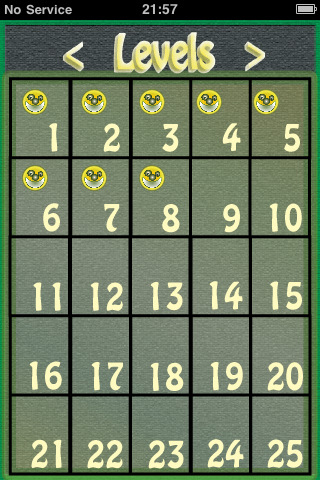
From the makers of World Reaction and Memory Bounce comes their latest creation, FUP, another entertaining and challenging puzzle game for the iPhone and iPod touch. FUP by GudeBalls FUP is a challenging puzzle game where the goal is to fill all of the shapes in the play area. The various shapes together produce an...

How to Jailbreak iPhone 2G/3G/3GS & iPod Touch on 3.1.3 Spirit Guide
Looking to jailbreak iPhone 2G, iPhone 3G, iPhone 3GS, or iPod Touch? You have come to the right place! NOTE: THIS GUIDE WILL NOT UNLOCK YOUR iPHONE What is ‘Jailbreaking’? Jailbreaking is a term used that refers to modifying the software on your iPhone/iPod Touch. These modifications essentially “free†your device from the device constraints...

Spirit Jailbreak Released!
It's finally here! Untethered jailbreak for all Apple touch devices! Now your iPhone 3GS and iPod Touch 3rd gen can be jailbroken, without worrying about a reboot, while you're away from your computer.That's right. Untethered. All devices. MC serial number. New bootrom. Everything. Spirit will jailbreak all iDevices at iPhone OS 3.1.3, and 3.2 (iPad)....

iBall Challenge For iPhone & iPod touch
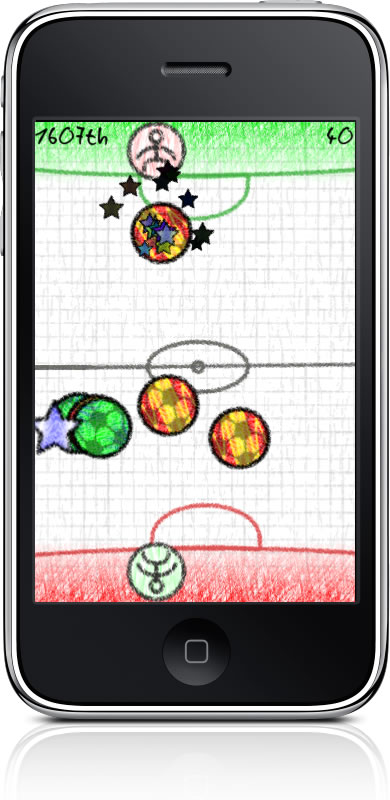
Challenge your friends and the world in real time with iBall Challenge for iPhone and iPod touch! iBall Challenge by Riccardo Pietrucci iBall Challenge is a simple game of moving the correctly colored ball into the matching color goal by flicking or dragging with a finger. The game is a non-stop challenge that becomes progressively...
New Google Image Search for iPhone
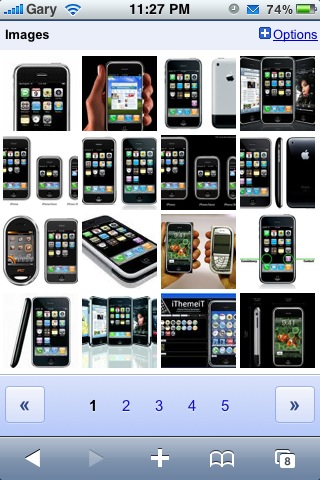
Google is always hard at work optimizing their services for mobile devices, especially the iPhone. This now includes Google's Android platform along with their own Nexus One smartphone. The latest update is to Google Image Search. Taking a page out of the iPhone playbook, there are new features which make searching for images a whole...

Revealed: The Guys Involved With the Lost iPhone Prototype
Can this lost/stolen next iPhone prototype story get any juicier? I wonder if Jason Chen from Gizmodo ever imagined his revealing posts would result in his home being raided. The Apple Engineer that lost the iPhone was identified to the world by Gizmodo. Revealed: The Guy Who Sold the iPhone to Gizmodo Wired has interviewed...

iPhone Dev Team Says, Get Ready! [Update: Spirit Delayed]
Update: Spirit has been delayed! As you may, or may not know there is a new jailbreak tool being released soon, by iPhone Dev Team member comex. The new jailbreak is called Spirit, and will provide an untethered jailbreak for all iDevices, on the newest firmwares (3.1.3 and 3.2). Yesterday we reported that it might...
Steve Jobs Declares His “Thoughts on Flash” [Update: Adobe Responds]
Many people have longed for Flash on the iPhone. Apple's position on this matter is that Flash is a resource-heavy third party plugin that is not an "open" web standard. Without Flash on the iPhone, users cannot view certain web pages, videos, and play Flash games. Apple has advocated HTML5 publicly as an alternative to...

SplashID Password Manager For iPhone & iPod Touch
If you keep sensitive data on your iPhone such as passwords and account numbers, SplashID may be your next iPhone app. SplashID by SplashData The app developer puts it best to think of SplashID as your personal safe on your iPhone. The app specializes in storing many types of personal and sensitive data such as...

Spirit Jailbreak Coming this Friday? [UPDATE: Delayed]
Update: Spirit has been delayed. We've been hearing about the "Spirit" jailbreak for a while now. Apparently, it is able to jailbreak all Apple touch devices (yes, even the iPad) on their current firmware. It is what's called a "userland" jailbreak, and is different then the jailbreak we've been used to through 2.X and 3.X....

Apple To Host WWDC From June 7th – 11th
This morning Apple announced the official dates of the annual Worldwide Developer Conference (WWDC). This year the event will be hosted from June 7, 2010 through June 11, 2010 at the Moscone West Convention center in San Francisco. WWDC typically focuses on the software side of Apple regarding Mac OS X and iPhone OS, the...