
Downloaded the iOS 27 Beta? Here is Why Your Siri is Still Dumb
Apple unveiled its highly anticipated Siri AI overhaul at WWDC 2026, but eager developers downloading the iOS 27 beta are hitting an unexpected waitlist.
Earlier this afternoon, Apple released the final version of iOS 7 which comes with an all new design and feature set.
Apple has yet to release a weather app for the iPad, an app they have had on the iPhone from the start. We may have some evidence that Apple is working on a weather app for the iPad, looking under the location settings in iOS 7. The screenshot below shows the option to toggle location for a weather app on the iPad.
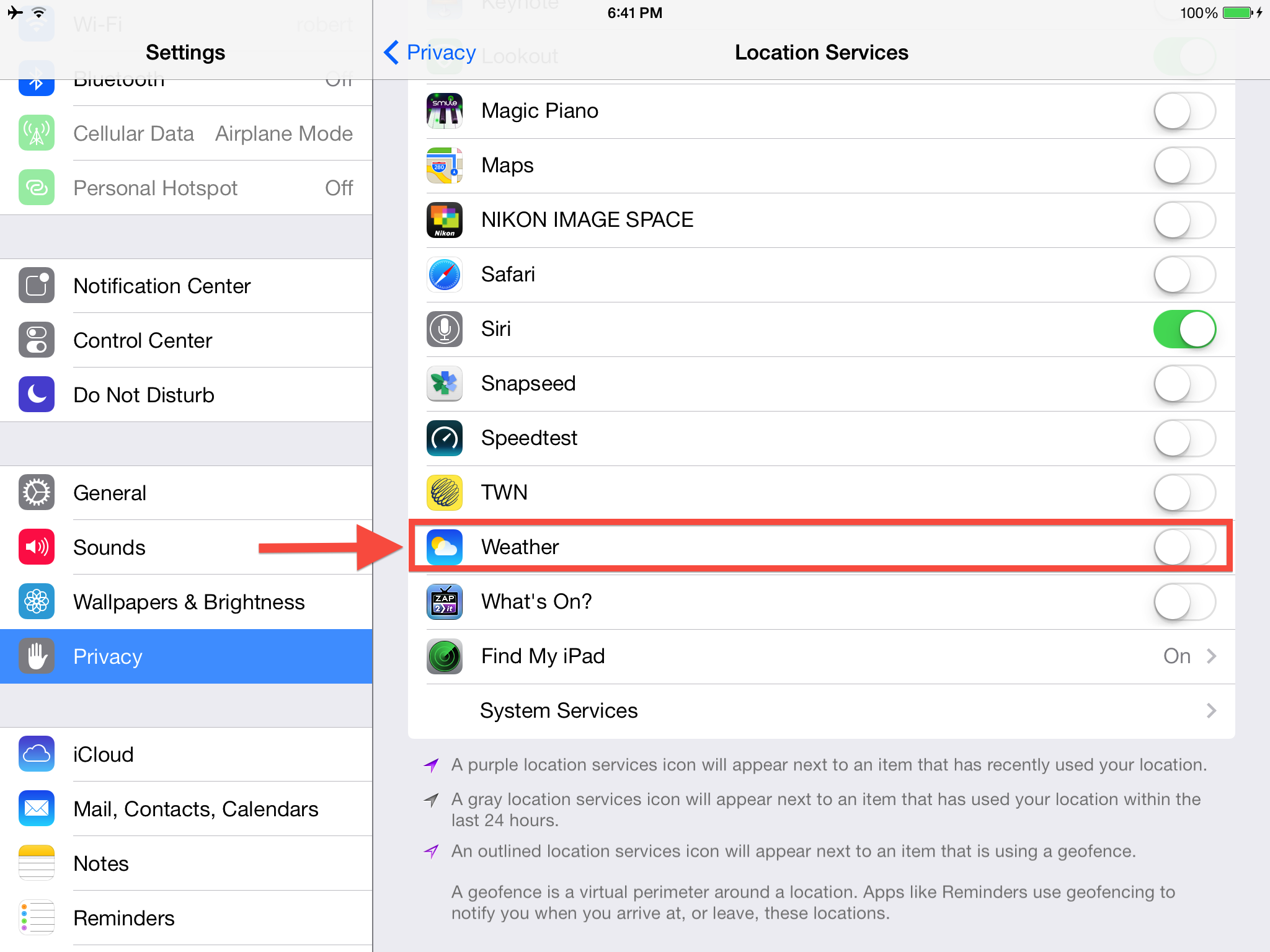
Could this be a hint that a weather app for the iPad is coming in the near future or is this just a minor bug in iOS 7?
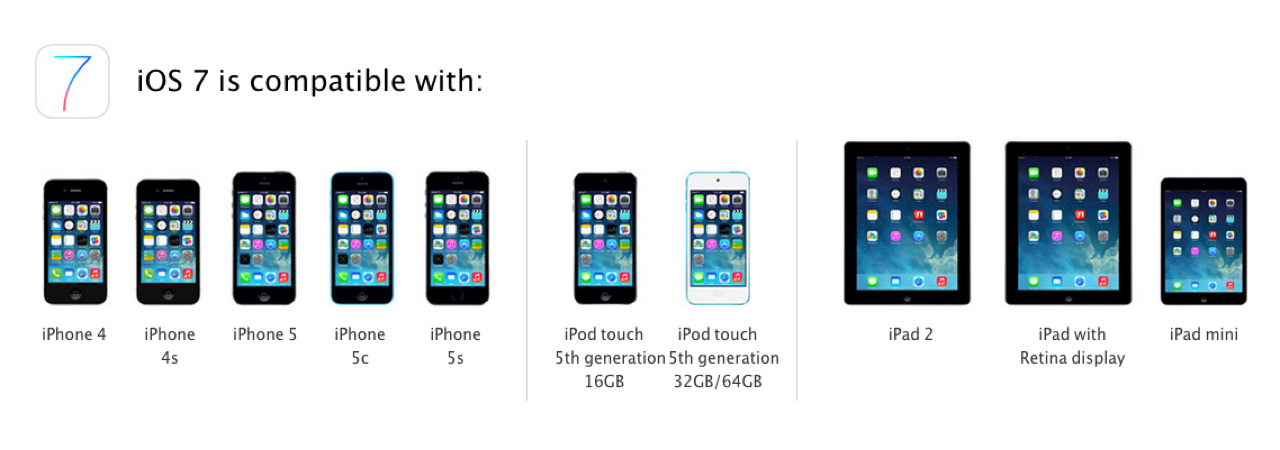
iOS 7 is available now as an over-the-air update. The direct download links for all compatible devices can be found here.
Would you like to see a stock weather app on the iPad?
Update: Currently this setting in location services is being used for weather updates in notification center.
Want to see more of our stories on Google?

P.S. Want to keep this site truly independent? Support us by buying us a beer, treating us to a coffee, or shopping through Amazon here. Links in this post are affiliate links, so we earn a tiny commission at no charge to you. Thanks for supporting independent Canadian media!


No. This is for the weather widget in the control centre.
To the OP: you couldn’t be farther from the truth here. The privacy option is simply for the notification center weather widget and for Siri to do the same. With those two options, you don’t need a built-in weather app.
After the update to 7.0 I do see the weather information on the today notification screen although it shows in fairenheit and I can’t seem to change it anywhere.
Launch the Weather app on iPhone. Tap the bottom right hand corner menu ‘icon’. Tap Celsius on the left bottom corner. that should do it.
Or try going to Settings > General > International > Region Format > Canada.
Let us know what worked!
This is on the ipad which still doesn’t have a built in weather app. Changing the region format changed it back to Celsius. Thanks for the help.
Nice! You’re welcome.