With iOS 10 beta available for developers, people have been pouring through the release to find out features and other hidden gems Apple didn’t have time to showcase on-stage at WWDC (like how it will remember your parking spot automatically).
While we touched on some of these top features, that was only the tip of the iceberg. Users will be able to do more such as ‘delete’ stock apps (they are actually just removed, not permanently deleted) and more.
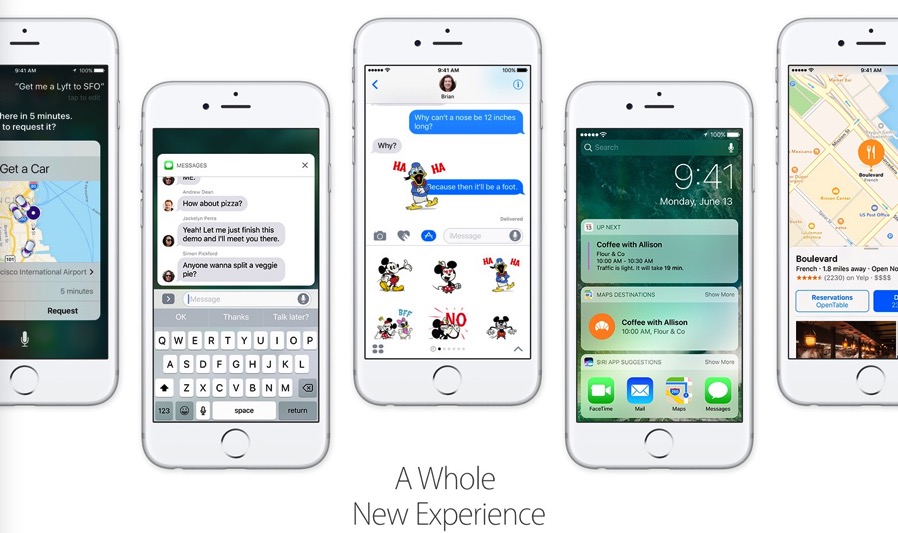
YouTube channel EverythingApplePro has made a new video detailing 50 iOS 10 features Apple didn’t mention, showing them on video. Some of these include how iOS 10 installed on a fresh device saves you 1.2GB of space compared to iOS 9; the back ‘button’ no longer covers the carrier signal bars; plus also a plethora of new 3D Touch toggles for Settings and Control Center.
Check out the excellent video below, and tell us which feature you’re looking forward to the most in the comments:
iOS 10 is set to launch publicly this fall—click here to see if your device made the cut for the upgrade.




I don’t know if it’s mentionned in the video (don’t really have the time to watch it just now), but I just noticed on the iOS 10 preview page on Apple’s website:
This is great news 😀 (especially for us Frenglish Canadians out there :P)
This was one of the main reasons I’m using SwiftKey. Looks like I’m going to give Apple’s keyboard a chance again in iOS 10.
It was mentioned at WWDC.
Et oui, now we can type en franglais like we do with our macs, une bonne idée, no ?